Ecommerce Integration: What to Connect and How
The systems most online stores connect, how to scope each integration, and what to test before launch.
Key takeaways
- 01Most store projects fail on integrations, not on the storefront, so scope them first.
- 02Typical connections are payments, shipping, tax, ERP or accounting, stock and marketing tools.
- 03For each integration, agree who builds it, who maintains it and what happens when the other system changes.
- 04Test orders end to end, including refunds, cancellations and stock changes, before going live.
Why integrations decide the project
A storefront is only part of an online store. Orders, stock, payments, shipping and accounts have to move between systems, and each connection can fail in ways that customers see at checkout. Scope the integrations before you choose a platform or a developer, because they set the time and the cost.
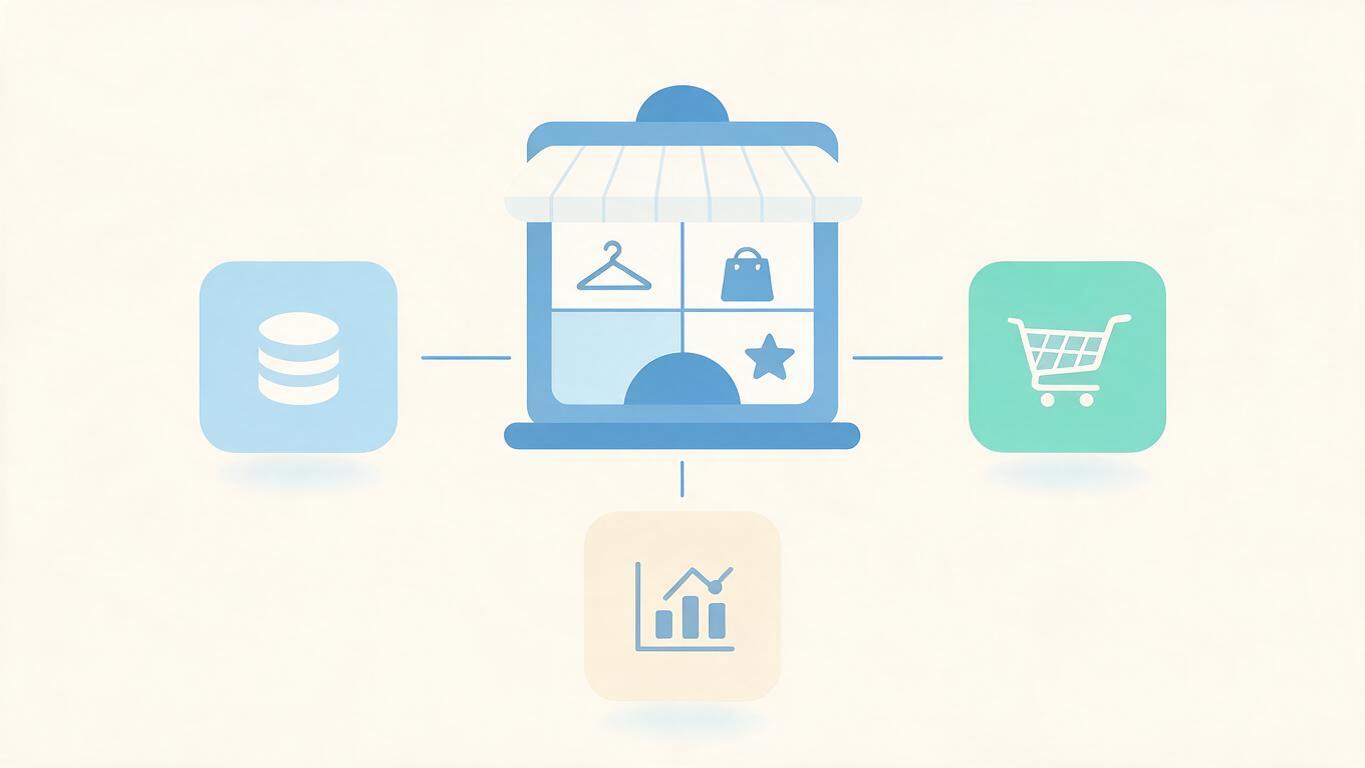
The systems most stores connect
- Payments: card processing, wallets and any local methods your customers use.
- Shipping: carrier rates, labels and tracking updates.
- Tax: rules for each country, state or region you sell into.
- ERP or accounting: orders, invoices, stock and financial records.
- Stock and warehouse: availability, reservations and stock adjustments.
- Marketing and customer data: email, reviews and a customer record.
Not every store needs all of them. List only the systems that the business uses today, and the ones it plans to use within the next year.
How to scope each integration
For every connection, write down:
- The data that moves: which fields, in which direction, and how often.
- The trigger: what starts the sync, such as an order placed or a stock change.
- The failure case: what happens if the other system is down or returns an error.
- The owner: who maintains the connection after launch, and who you call when it breaks.
A short scope like this prevents most disputes later.
Build and test in order
Build the core flow first: product, cart, checkout and a test order. Then add one integration at a time, and test each one before the next. Test with real-looking data, including discounts, partial refunds, cancelled orders, failed payments and out-of-stock items.
Common problems
- Duplicate orders when a sync retries after a timeout.
- Stock mismatches when two systems update the same item.
- Tax errors for customers in places the rules did not cover.
- Silent failures where an order is placed but never reaches the ERP. Set up alerts for failed syncs.
What to ask a development partner
Ask how they test each integration, whether they use a sandbox for each system, how they handle retries, and who owns the code and the credentials. Ask for the integration scope in writing.
About Elgrith
We build and connect ecommerce stores, and we agree the integration scope and the handover in writing before the work starts. For Magento projects in particular, see our Magento agency guide, and for the platform choice see Magento vs Shopify.
Frequently asked questions
Which integration should we build first? Usually payments and shipping, because checkout depends on them. Build ERP or accounting sync next, once orders flow reliably.
Can an integration be changed later? Yes, but changes cost time, especially when both systems change at once. Keep the scope document up to date.
