01
Agent strategy and use-case scoping
We rank your workflows by value and risk, pick the one to automate first and agree what success looks like before any code is written.
FIG 01 · AI Agent Development
Agents that plan, use your tools and finish the task, with guardrails, approval steps and evals built in. From the team that built the agent and MCP access inside Kenerate AI.
See how it works
FIG 02 · Quick answer
An AI agent development company designs, builds and runs software agents that plan steps and use your tools, data and APIs to finish tasks, not just answer questions. Elgrith builds custom AI agents with guardrails, human approval steps, evaluation tests and MCP integrations. We built the agent and MCP access inside Kenerate AI, our flagship product.
FIG 03 · Why it matters
From Stanford HAI’s AI Index 2025 and an IBM and Morning Consult survey of 1,000 enterprise AI developers.
01
78%
78% of organizations reported using AI in 2024, up from 55% the year before.
Source: Stanford HAI, AI Index 2025(opens in a new tab)02
99%
99% of developers building enterprise AI applications said they are exploring or developing AI agents.
Source: IBM Think, AI agents in 2025(opens in a new tab)03
Pilot first
We prove one agent on one real workflow, scored against an eval set, before anything scales.
FIG 04 · Definition
An AI agent is software that uses a language model to decide its next step, calls tools and APIs to act, checks the result and keeps going until the task is done. A chatbot answers; an agent acts. Here is when each option fits.
| Chatbot | AI agent | Workflow automation (n8n, Zapier) | RPA | |
|---|---|---|---|---|
| Best for | Answering questions from your content | Multi-step tasks that need judgment and tools | Fixed, repeatable steps between apps | Legacy screens with no API |
| Autonomy | Low: it replies, a person acts | Medium to high, inside the limits you set | None: it follows the rules you wrote | None: it replays recorded clicks |
| Example | “What is your refund policy?” | Research a lead, update the CRM, draft the email for approval | New form entry → CRM record → Slack alert | Copy invoice data out of an old desktop system |
| When not to use | When the user needs something done, not explained | When the steps never change: automation is cheaper | When inputs are messy and need reading and judgment | When an API exists: integrate instead |
The best systems often combine them: automation for the fixed steps, an agent for the judgment calls.
Only need answers? See AI chatbot developmentFIG 05 · What you get
Six services, one goal: an agent that finishes real tasks safely, measured against the work your team does today.

01
02
03
04
05
06
Deliverables
12
FIG 06 · Use cases
Each one starts with a trigger, uses the tools you already have and ends with an output a person can check.
FIG 07 · Flagship build
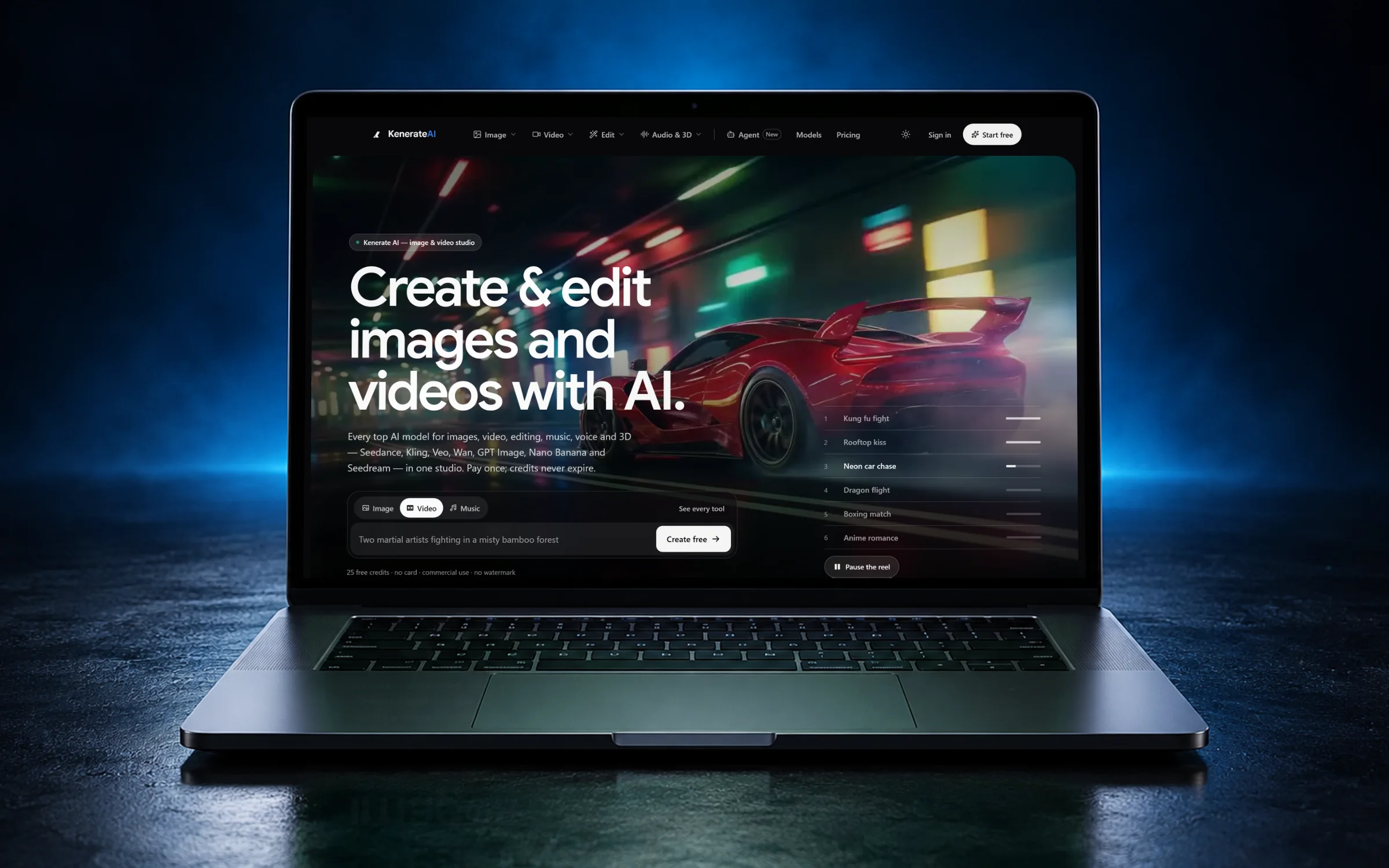
We designed and engineered Kenerate AI, an all-in-one AI image and video studio. Its agent and its MCP and CLI access are the same patterns we build for clients.
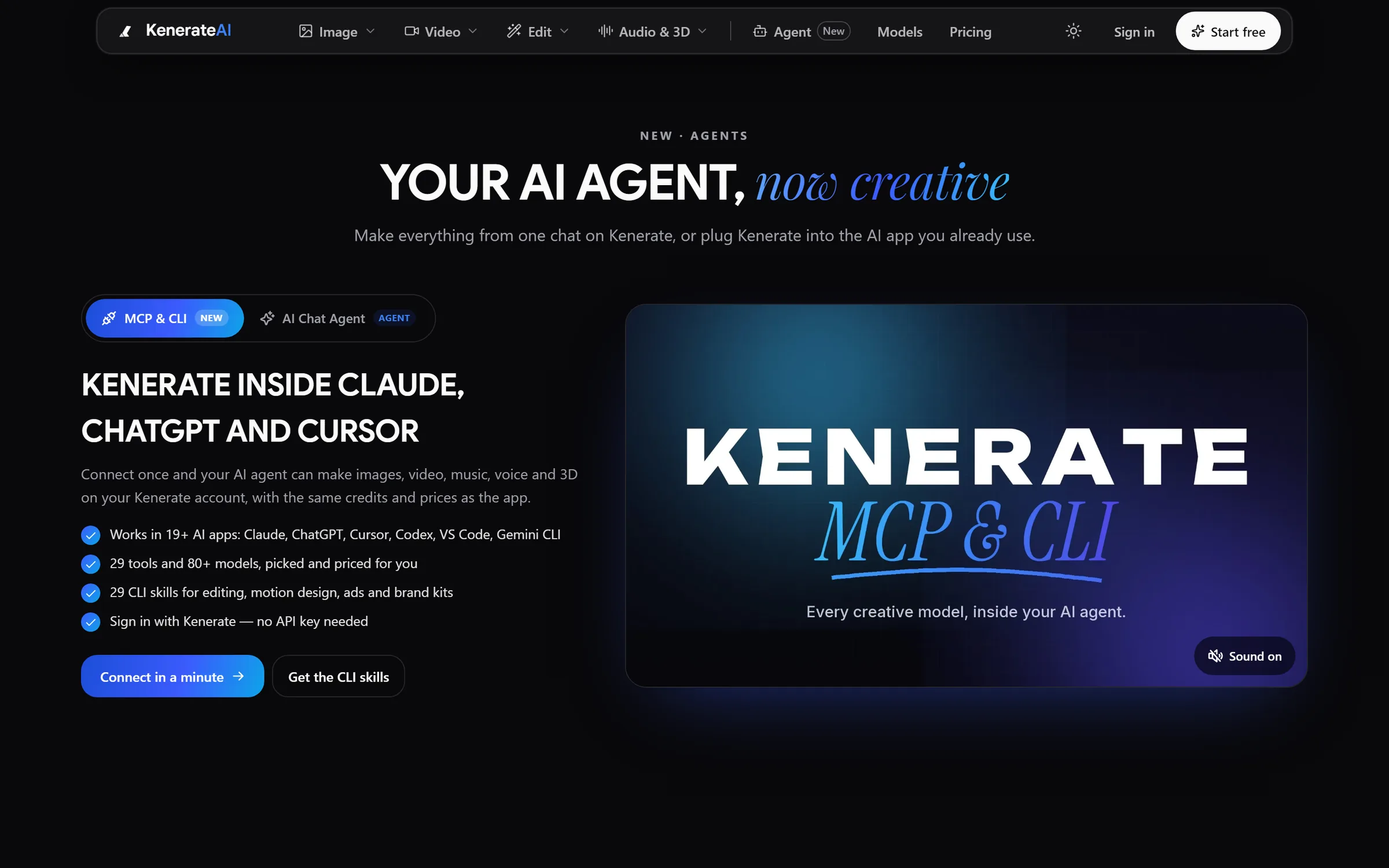
Agent: Kenerate inside Claude, ChatGPT and CursorDesigned and engineered by Elgrith
FIG 08 · Safety
An agent that can act can also act wrongly. These controls are part of every build, not an add-on.
07principles
Each tool gets only the scopes it needs, with read and write access kept separate.
Content from emails, web pages and files is treated as data, never as instructions, and risky outputs are filtered.
Refunds, payments, deletions and outbound messages wait for a person to approve them.
Every step, tool call and decision is logged, so you can see what the agent did and why.
Caps on actions, tokens and cost, per run and per day.
One switch pauses the agent and hands the work back to your team.
US, UK or EU cloud regions, with data handling designed around UK GDPR and US privacy laws.
FIG 09 · Measurement
Before launch we build an eval set from real tasks your team has already done. Every release is scored against it.
| Metric | What it tells you | How we measure it |
|---|---|---|
| Task success rate | Share of tasks finished correctly, end to end | Scored against the eval set by rules and LLM-as-judge, with human spot checks |
| Escalation rate | How often the agent hands work to a person | Logged on every run and reviewed with you |
| Tool-call accuracy | Whether it picked the right tool with the right inputs | Traced step by step in Langfuse or LangSmith |
| Latency | How long one task takes | Median and slowest runs, per task type |
| Cost per task | Model and API spend for one finished task | Tokens and API calls counted per run |
| Regressions | Whether a change made anything worse | The full eval suite runs before each release |
This is the scorecard we set up for every agent. Targets are agreed with you during the pilot; we don’t quote benchmark numbers before we have seen your data.
FIG 10 · Process · 5 steps
One workflow, proven on real data, with a fixed written quote for each phase. Production comes only after the evals pass.
We map one workflow end to end: the trigger, the tools, the data, the risks and what “done” means. You get a written scope and a fixed quote.
A working agent on your real tools and data, plus the eval set that scores it. You see quality in numbers, not demos.
Your team uses the agent with approval gates on. We tune prompts, tools and models until the scorecard holds.
Permissions, limits, logging and monitoring go live in cloud accounts registered to your business, rolled out in stages.
We watch real runs, add new cases to the eval set and swap in better or cheaper models as they arrive.
FIG 11 · What you get
Written into your fixed quote, so you know exactly what you are paying for before work starts.
12items
FIG 12 · Tech & tools
Proven, well-supported tools, chosen for your project and set up in accounts your business owns.
FIG 13 · Who it’s for
Model-agnostic, built in your stack, and run on your hours in the USA and UK.
3 audiences
SaaS & startups
Add an agent to your product, or ship an MCP server so your customers can use you from Claude, ChatGPT and Cursor.
Operations
Agents for data entry, reporting, triage and research, with a person approving anything that matters.
Enterprise
Least-privilege access, audit trails and regional hosting, documented for your security and risk teams.
FIG 14 · Working with us from the USA and UK
Every project gets a point of contact in New York or London and an engineering team in New Delhi. Here is how today’s working days line up, live.
New York
North America
--:--ET
London
UK & Europe
--:--UK
Fixed-scope project
A written scope, one fixed price and a dated plan. Suits websites, apps and MVPs.
Dedicated team
Designers and engineers on your roadmap every month, billed monthly.
White label
For US and UK agencies: our work, your brand, unbranded deliverables.
Calls on ET or UK hours
FIG 15 · Compare
| Custom agent (Elgrith) | Off-the-shelf agent platform | In-house team | |
|---|---|---|---|
| Best for | Workflows across your own tools and data | Common tasks inside one vendor’s apps | AI as a long-term core competency |
| Fit to your tools | Any API, database or MCP server | The platform’s connectors | Full control |
| Safety and evals | Approval gates, logs and evals built in | The vendor’s settings | Depends on the hire |
| Data control | Your cloud, your model choice | Vendor-hosted | Yours |
| Time to start | After a free call and a written scope | Same day, for supported tasks | Months of recruiting |
| Ownership | Code, prompts and IP assigned to you | Licensed | Yours |
FAQ
Straight answers about AI Agent Development with Elgrith.
A chatbot answers questions. An AI agent plans and takes actions: it calls your tools and APIs, checks the result and keeps going across several steps until the task is done. Many projects start as a chatbot on your own content and grow into an agent once it is clear which actions it should take, and with what approvals.
FIG 16 · Related
Free 30-minute call
Tell us the task that eats your team’s week. After a free call you get a written scope and a fixed quote for the pilot.
Pick a day. You'll choose a time in your own time zone on the next step.