FIG 01 · Dental Practices
Dental Marketing That Fills Your Appointment Book
A website patients trust, a Google Maps listing that ranks, and booking in a few taps. For single-chair practices and multi-location groups.
See the playbook
FIG 02 · Quick answer
How do dental practices get more patients online?
Rank in the Google Maps results for ‘dentist near me’, then convert that visit with a fast website and easy booking. That means a complete Google Business Profile with steady reviews, a page for every treatment you offer, clear fee and insurance guidance, and online booking on every page. A simple recall system then brings patients back.
FIG 03 · Industry snapshot
Reviews choose the dentist.
From a 2023 survey of 1,099 Americans by Dentaly, plus BrightLocal’s 2026 review survey.
01
83%
Use reviews to judge a dentist
And eight in ten use reviews as the first step in choosing a new dentist.
Source: Dentaly, 2023(opens in a new tab)02
52%
Want at least 10 reviews
52% would only consider a dentist with at least ten reviews. Google is the platform most use.
Source: Dentaly, 2023(opens in a new tab)03
97%
Read local reviews
Across all local businesses, 97% of consumers read reviews.
Source: BrightLocal, 2026(opens in a new tab)
FIG 04 · The problem, then the fix
What holds dental practices back, and how we fix it
4 problems we see again and again, each matched to the service that solves it.
01 · Problem
Every practice looks the same
Stock photos of smiles and a list of services give patients no reason to choose you over the practice down the road.
02 · Problem
Maps decides most visits
‘Dentist near me’ searches are won in the Google Maps results. Few reviews or a half-filled profile keeps you out of the top 3.
03 · Problem
High-value treatments go unseen
Implants, aligners and veneers need detailed pages. A single ‘Treatments’ list can’t rank for any of them.
04 · Problem
Recalls slip through the cracks
Without reminders and follow-ups, patients miss check-ups and accepted treatment plans never get booked.

FIG 05 · The customer journey
From toothache to booked chair.
Step 01
01 · Search
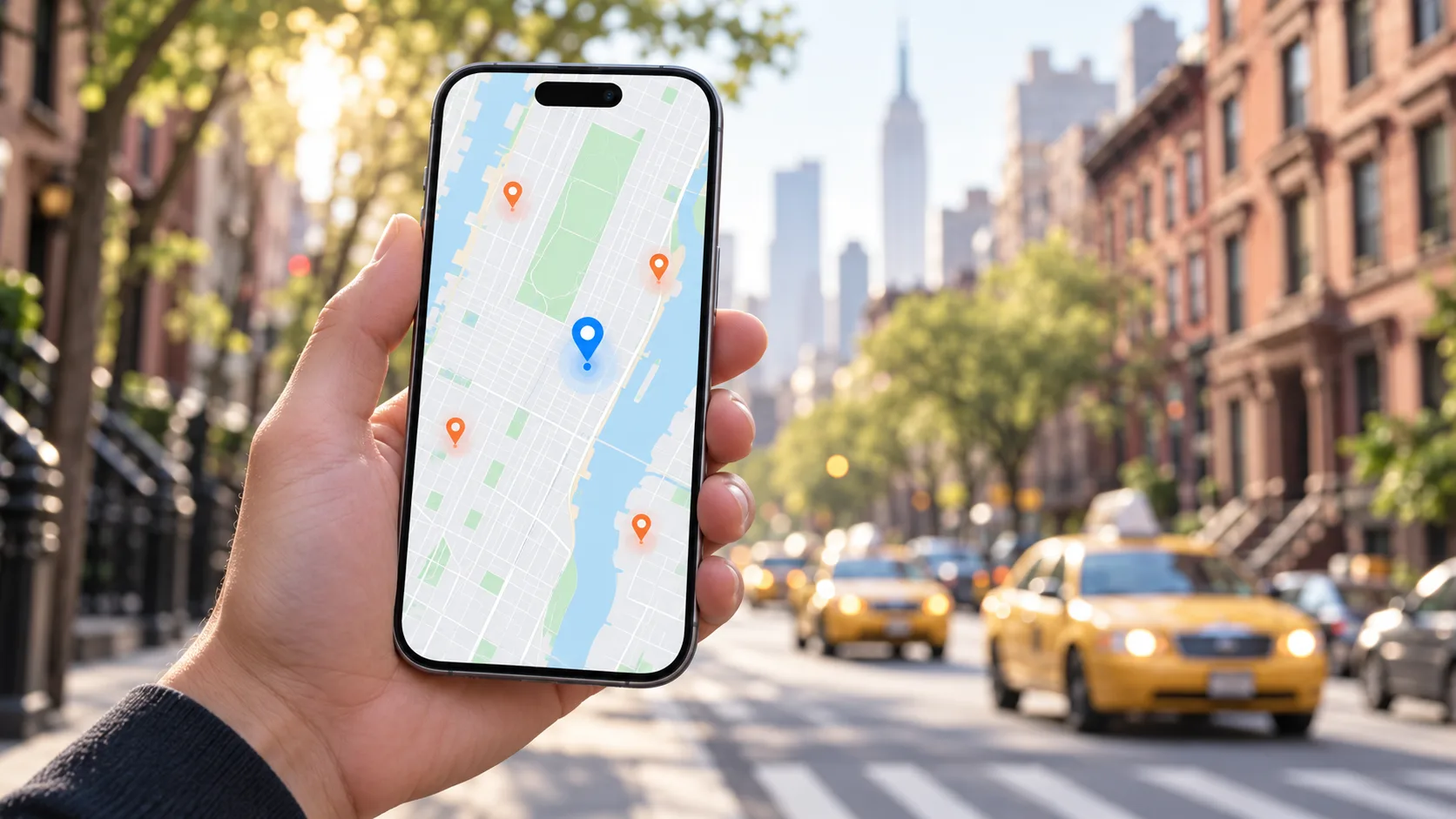
‘Dentist near me’ on a phone.
Most new patients start on Google Maps. A complete profile, real photos and fresh reviews win the top three.
Google Maps SEOStep 02
02 · Compare
They look inside the practice.
Real team photos, treatment pages and clear answers about comfort and cost questions set you apart.
Step 03

03 · Learn
Short videos answer fears.
Reels that explain implants, aligners or whitening build trust long before the consultation.
Reels for practicesStep 04

04 · Return
Recalls bring them back.
Automated recall reminders and follow-ups keep patients on schedule and your chairs full.
Recall CRM
FIG 06 · Services for dental practices
Built for how your customers decide
Every service below is shaped for dental practices: the searches, the rules and the way people choose.

FIG 07 · Process · 5 steps
Our dental practices playbook
The same steps every time, adapted to your sector’s rules and buyers.
- Step 01
Local audit
We check your Google Business Profile, reviews, listings and website against the practices ranking above you.
- Step 02
Treatment and area plan
We map the treatments that matter most to your practice and the neighborhoods your patients come from.
- Step 03
Build the site
Treatment pages, dentist profiles, real photography and booking, with Dentist schema on every location.
- Step 04
Grow reviews and Maps visibility
A simple after-visit review request, weekly profile posts and photo updates that keep your listing active.
- Step 05
Measure bookings
Monthly reports on calls, bookings, recalls and direction requests, not just traffic.
FIG 08 · Non-negotiables
What every dental practices website needs
10items
- Google Business Profile for every location
- One page per treatment: implants, aligners, root canal and more
- Online booking on every page
- Dentist profiles with qualifications and registration number
- Dentist and LocalBusiness schema
- Real photos of the practice, team and equipment
- Clear guidance on fees, insurance and payment plans
- Before-and-after images only with written patient consent
- Click-to-call and directions on mobile
- Automated recall and review reminders
FAQ
Frequently asked questions
Start local. Most new patients find a dentist through Google Maps, so a complete Google Business Profile with regular reviews comes first. Pair it with a fast website that has a page for each treatment and easy online booking. Then add short educational videos to build trust, and a recall system so existing patients keep coming back.
FIG 09 · Related
Keep exploring

Free 30-minute call
Let’s build something people remember.
Tell us where you want to be in 12 months. We’ll reply within one business day with a plan, a timeline and a fixed quote.
Pick a day for your call
OpenPick a day. You'll choose a time in your own time zone on the next step.