How Kenerate AI Credits Work
One credit balance across 200+ AI models, how an estimate works before each run, and what to check before you buy.
Key takeaways
- 01Kenerate AI uses one credit balance for 200+ image, video, music, voice and 3D models.
- 02The studio shows an estimated credit cost before each run.
- 03Credits do not expire.
- 04Check the current commercial terms on kenerateai.com before using outputs in a paid campaign.
One balance for many models
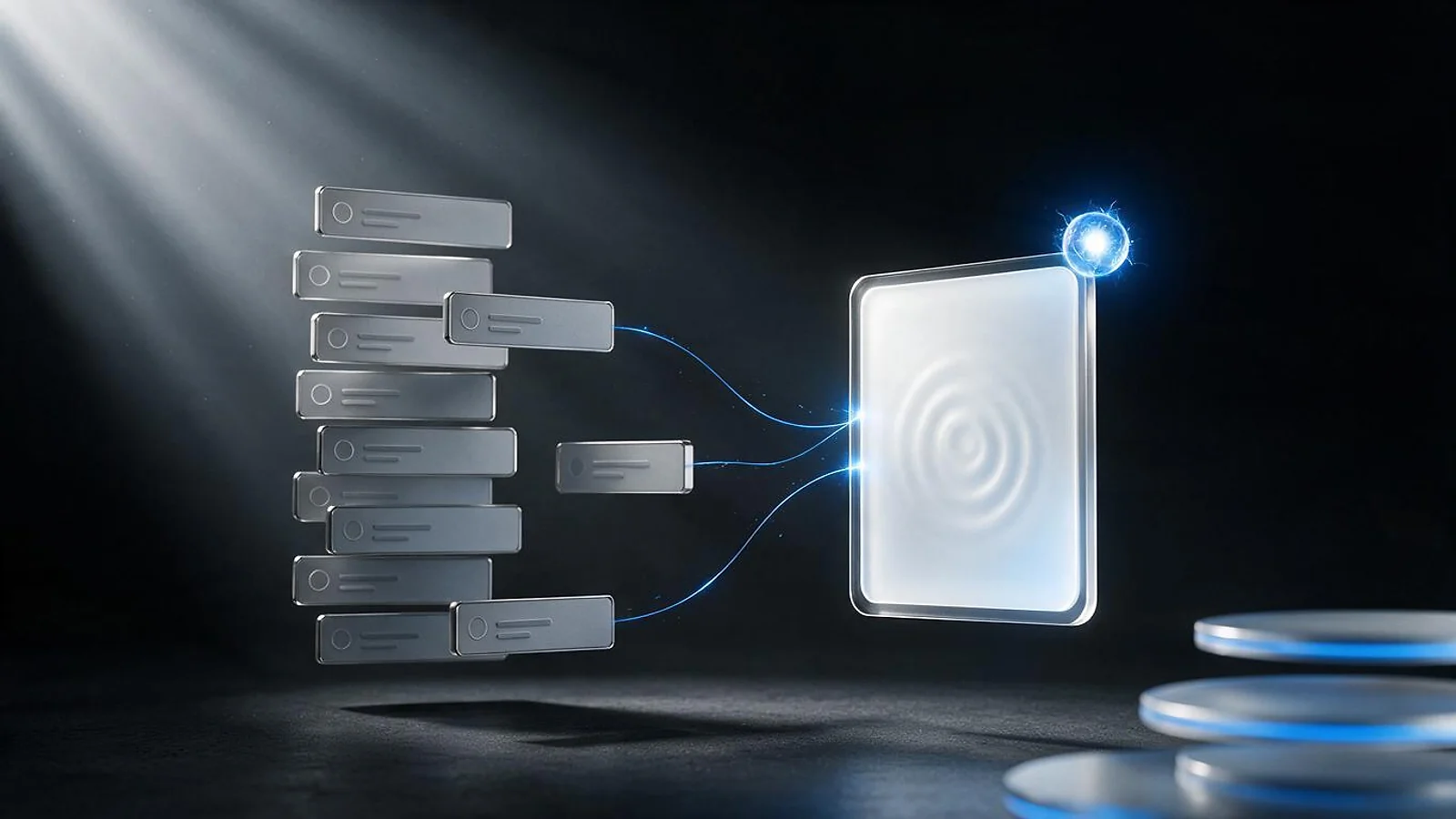
Kenerate AI is a studio for AI images, video, music, voice and 3D. Instead of separate subscriptions for each model, you use one credit balance across more than 200 models. You choose the tool and the model for each job, and the credits are spent when a job runs.
How the estimate works
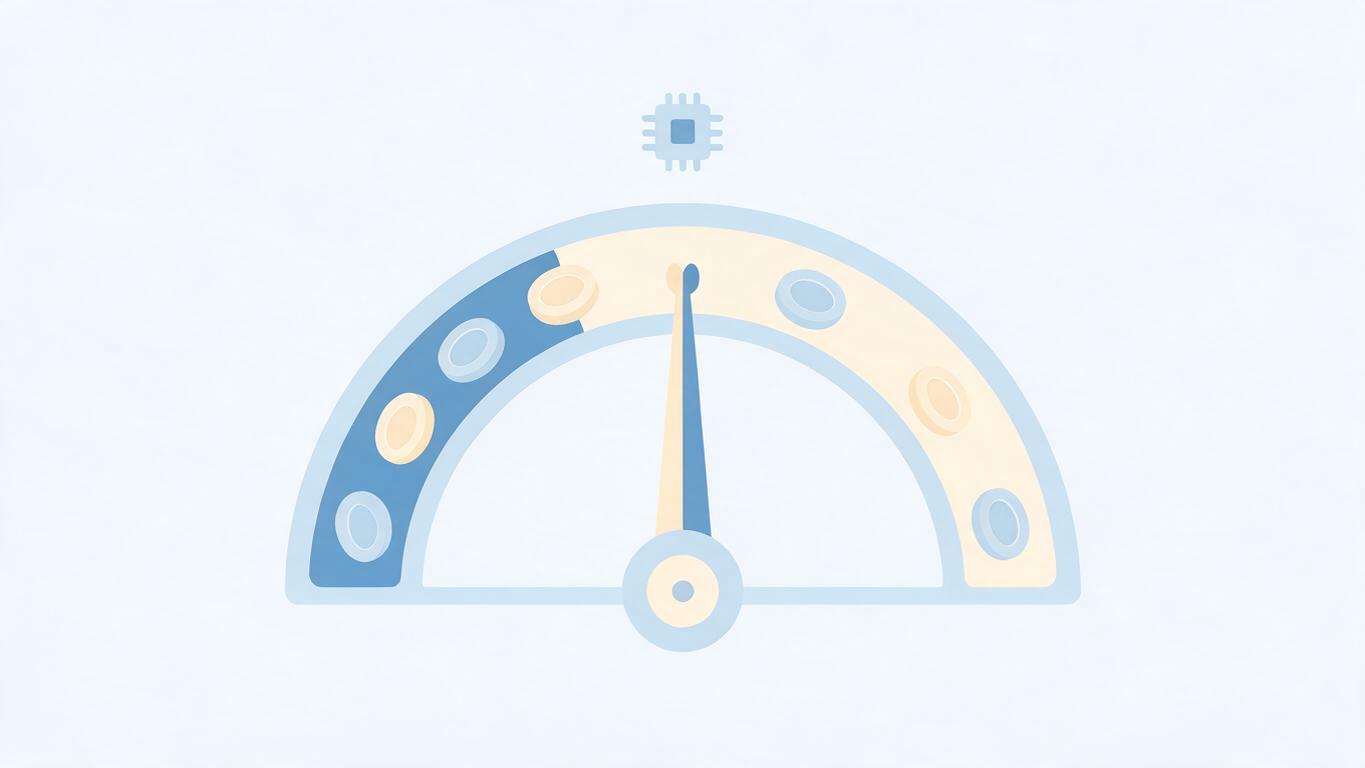
Before a run, the studio shows the estimated credit cost, based on the model, resolution, duration or other settings you choose. Change a setting and the estimate changes too. This lets you draft cheaply, check the result, and then spend more on the final version.
Credits do not expire
Kenerate AI credits never expire. A balance you buy today is still there when you need it, so you do not lose unused credits at the end of a billing period.
Commercial use
Kenerate AI states that outputs are cleared for commercial use with no watermark. Check the current terms on the site before you rely on this for a specific campaign, because terms can change and each model may carry its own conditions.
Picking the right model
Each model has strengths. Some suit photorealistic people, others suit illustration or product shots, and video models differ in length and resolution. The studio can suggest a model for a task, and you can compare results before you spend more.
Tips for saving credits
- Draft at a lower resolution, then upscale the version you like.
- Check the estimate before every run, especially for video.
- Keep a short prompt log so you can repeat a good result.
Frequently asked questions
Do credits work across every model? Credits are one balance, so you can use them across the models in the studio. The cost per run depends on the model and settings.
Where do I start? Visit kenerateai.com, check the estimate for a small draft, and see what the balance covers before you buy more.