XML Sitemaps: What They Are and How to Use Them in 2026
What belongs in an XML sitemap, what to leave out, and how to check that every URL in it is indexable.
Key takeaways
- 01An XML sitemap lists the URLs you want search engines to find; it does not force indexing.
- 02Include only canonical, indexable URLs that return 200.
- 03Keep lastmod accurate: set it from the content's real update date, not the build time.
- 04Check the sitemap against Search Console indexing reports, not only against the file itself.
What an XML sitemap is
An XML sitemap is a file that lists the URLs on a site you want search engines to discover. It helps with discovery, especially on large or new sites. It does not force a page into the index, and it does not replace good internal links.
What belongs in it
- Canonical URLs only. A URL that canonicalises elsewhere should not appear.
- Indexable URLs that return 200. Redirects, errors and noindex pages should be removed.
- Pages you actually want to rank. Thin or duplicate pages dilute the signal.
lastmod: use real dates
The lastmod field tells search engines when a page last changed. If it is set to the build time, it changes on every deploy and carries no information. Use the date the content last changed, and update it only when the content does.
Submit and monitor
Submit the sitemap in Search Console and watch the coverage reports. Look at the pages that are submitted but not indexed. A large gap usually means thin content, duplicate pages or a crawl problem, not a sitemap problem.
Check it regularly
- Fetch the sitemap and confirm it loads with a 200 status.
- Sample URLs and check each status code and canonical.
- Remove URLs that have been redirected or deleted.
- Re-check after a site migration, platform upgrade or big content change.
Large sites
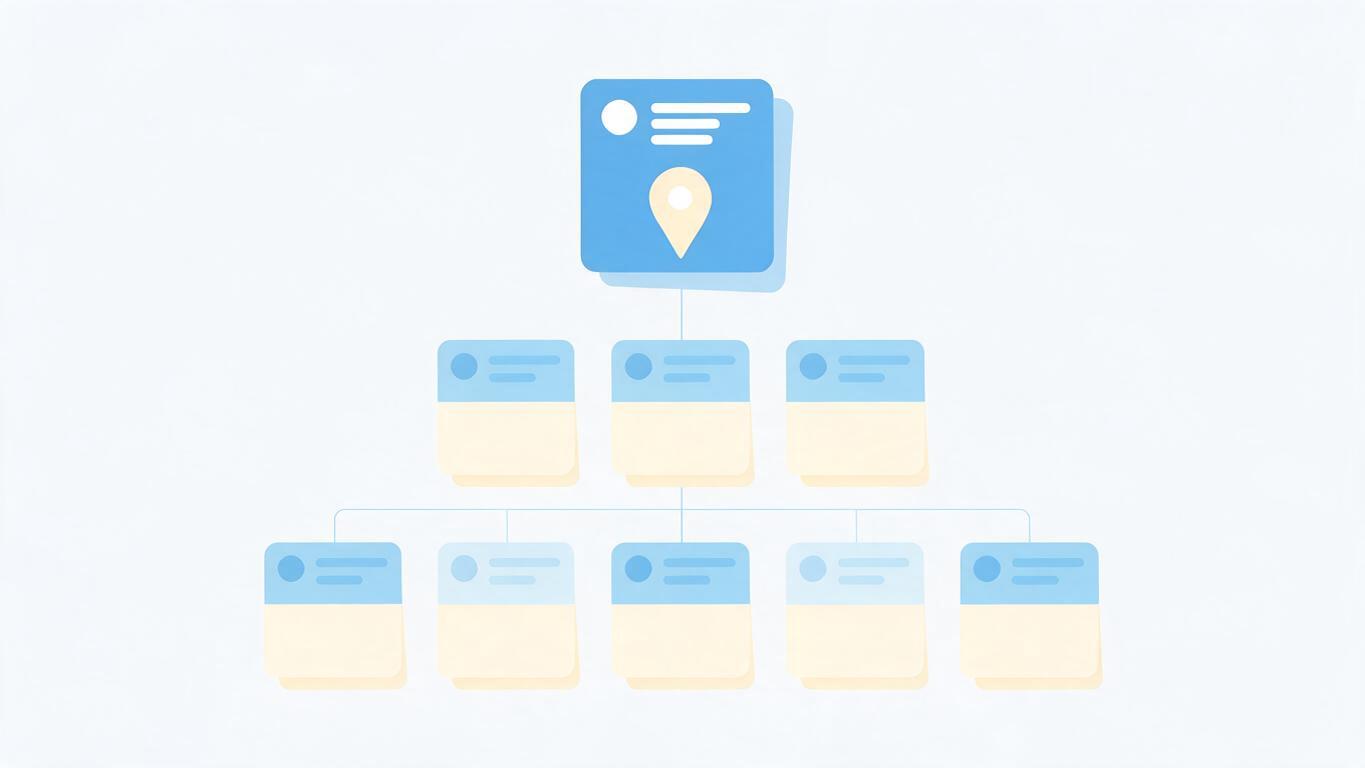
A single sitemap file has a size and URL limit. Larger sites split the list into several sitemaps and use a sitemap index. Keep each file focused on one page type where you can, so problems are easy to find.
Frequently asked questions
Do I need a sitemap if my internal links are good? It is still useful for discovery and for monitoring indexing, but good internal links matter more.
Should I list every page? No. List the pages you want indexed and leave out the rest.