01
Flutter MVPs
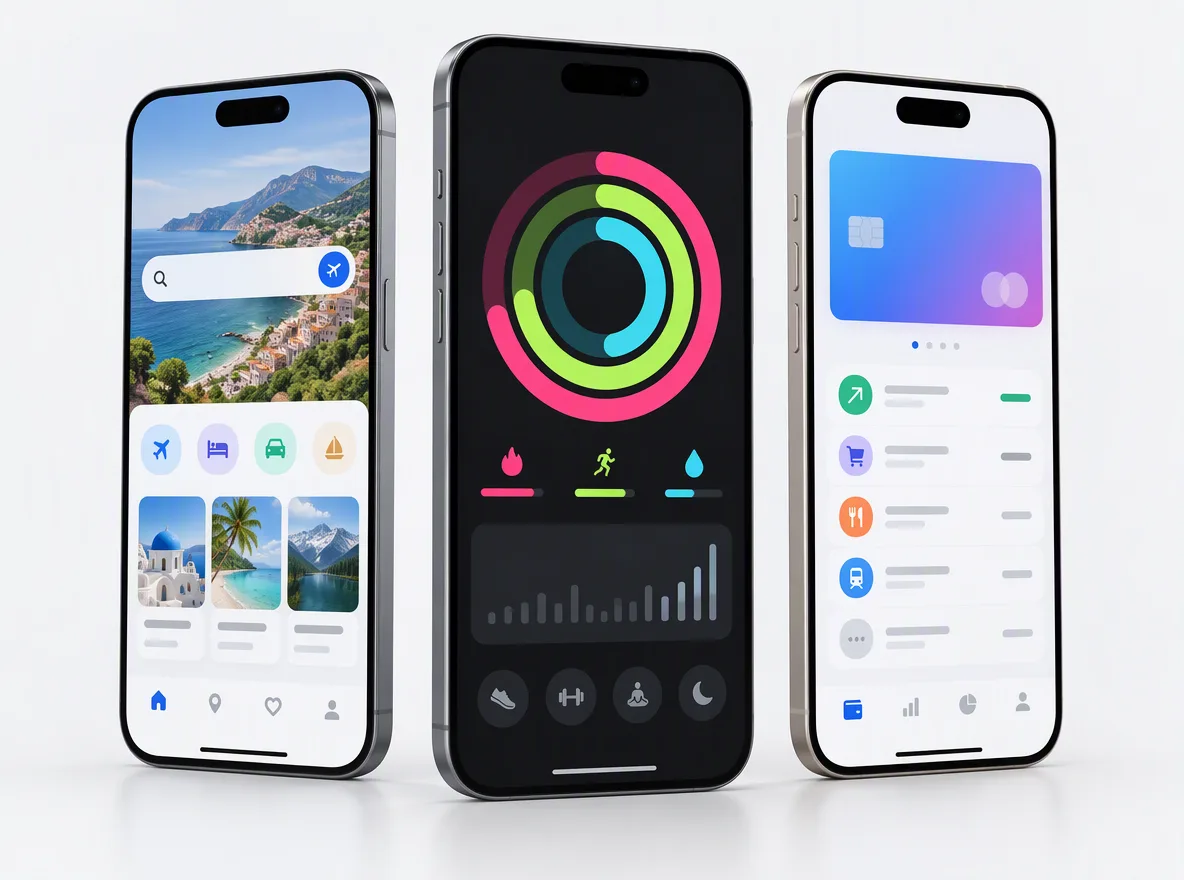
Launch on iOS and Android at the same time from one codebase, test with real users, then grow the app without a rewrite.
FIG 01 · Flutter App Development
iOS, Android and web apps built once in Flutter, with Firebase or custom back ends, payments, AI features and a store launch handled for you.
See how it works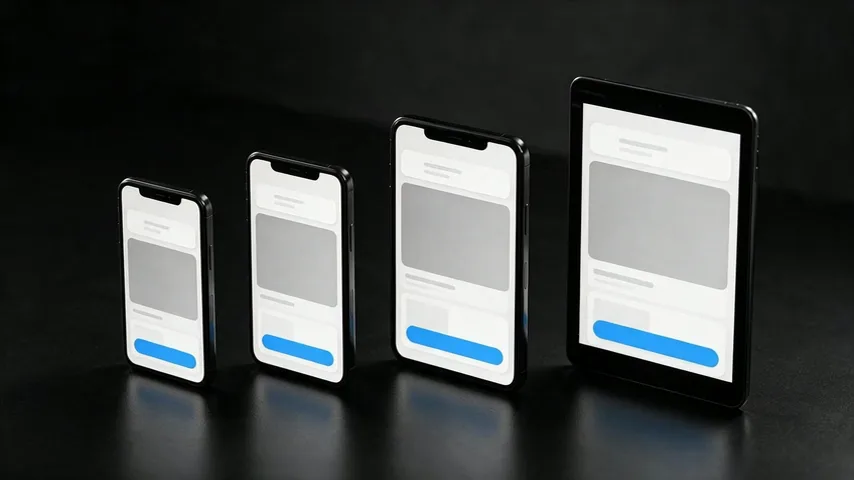
FIG 02 · Quick answer
Flutter is Google’s open-source UI toolkit for building iOS, Android, web and desktop apps from one Dart codebase. As a Flutter app development company, Elgrith designs, builds and launches Flutter apps with Firebase or custom back ends, payments, push notifications, offline mode and AI features, then publishes them to the App Store and Google Play and maintains them.
FIG 03 · Why it matters
From Flutter’s own showcase and the Stack Overflow Developer Survey 2025, including the number that argues for hiring specialists.
01
Google uses Flutter for apps including Google Pay, Google Earth, NotebookLM and Google Classroom.
Source: flutter.dev showcase(opens in a new tab)02
50%
In a case study on Flutter’s own showcase (Aug 2024), Whirlpool says it cut development costs by 50% with Flutter. That is Flutter’s claim, not a promise for every project.
Source: flutter.dev showcase(opens in a new tab)03
5.9%
5.9% of Stack Overflow’s 2025 respondents use Dart, against 66% for JavaScript. Experienced Flutter developers are a smaller pool, so who you hire matters.
Source: Stack Overflow Developer Survey 2025(opens in a new tab)FIG 04 · Definition
Flutter draws its own UI with its rendering engine, so one Dart codebase looks and behaves the same on iOS, Android, web and desktop. Its strengths are one codebase, a consistent UI and smooth performance. Its limits are a larger app size than a minimal native app, some native APIs that need platform code, and weak SEO on the web.
| Flutter is a strong fit | Consider something else | |
|---|---|---|
| Product | iOS and Android apps that share most screens and logic | An app for one platform that leans on its newest native features |
| Design | A custom, branded UI that should look the same everywhere | Strict platform look-and-feel on each OS, screen by screen |
| Device features | Camera, maps, payments, push, Bluetooth through plugins or platform channels | Deep, constant use of native SDKs with no Flutter plugin |
| Web | App-like tools, dashboards and products behind a login | Marketing or content sites that must rank in search |
| App size | Most consumer and business apps | Instant apps or markets where every megabyte counts |
| Team | One team shipping both platforms together | Separate iOS and Android teams you already run |
When Flutter isn’t the right tool, we’ll say so, and build in React Native, native Swift and Kotlin, or Next.js for the web instead.
All app development optionsFIG 05 · What you get
From first prototype to store launch and beyond: one team, one codebase, every platform your users are on.
01
02
03
04
05
06
07
08
Deliverables
12
FIG 06 · Flagship build
Kenerate AI is a web product, not a Flutter app. It’s our flagship build, an all-in-one AI image and video studio we designed and engineered, and it shows the AI-integration depth we bring to your Flutter app.
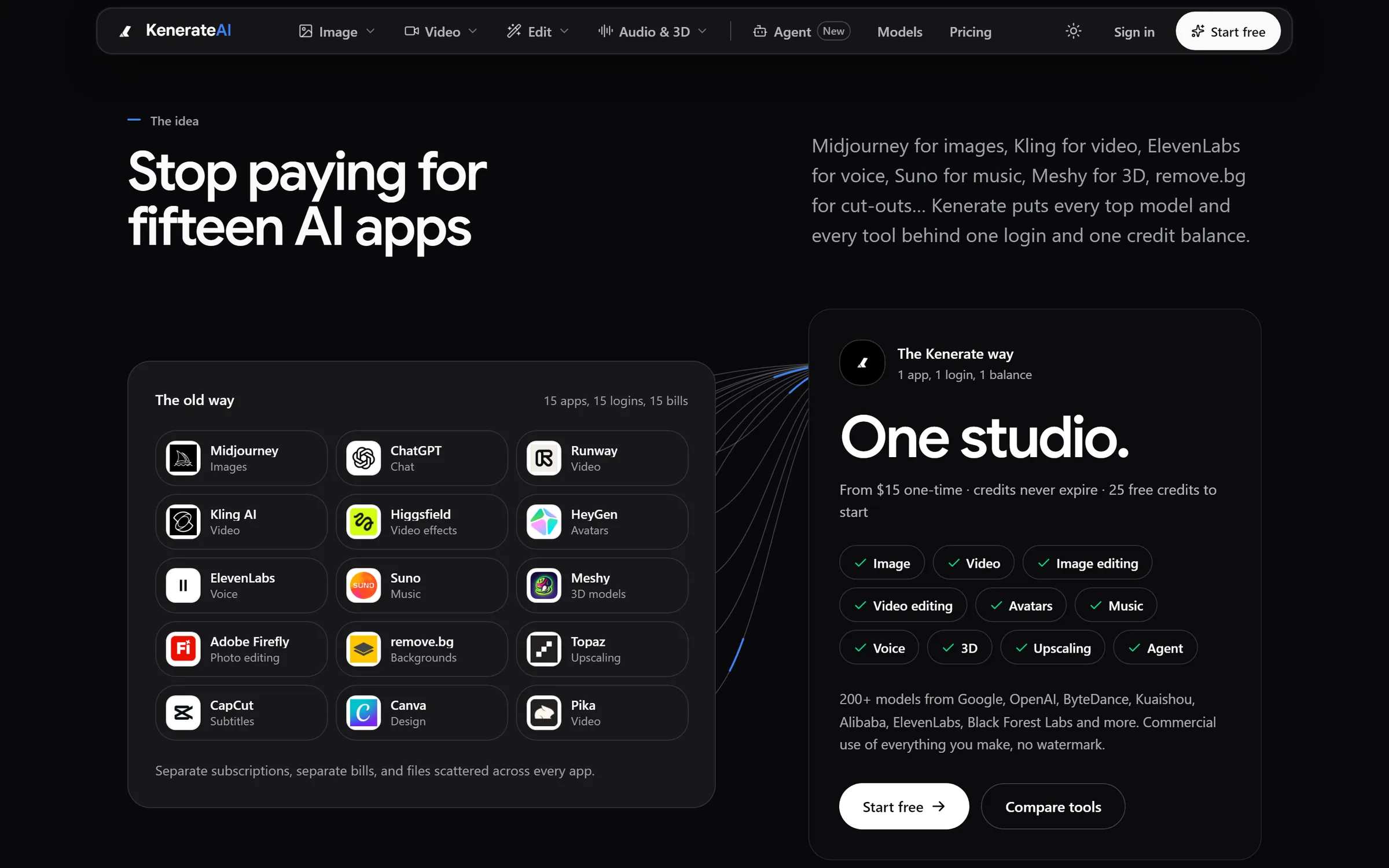
The idea: 15 apps, 15 logins, 15 bills become one studioDesigned and engineered by Elgrith
FIG 07 · Under the hood
The technical choices that decide whether a Flutter app stays fast and easy to change after version one.
06principles
Flutter’s Impeller engine precompiles shaders, which helps avoid first-run jank. We profile animations and lists on real devices, not just simulators.
Riverpod or Bloc, chosen per project and used consistently, so features stay testable and new developers can find their way.
When a plugin doesn’t exist or isn’t good enough, we write Swift and Kotlin code behind type-safe platform channels.
Local storage with SQLite or Drift and sync rules that handle bad connections without losing your users’ work.
Unit, widget and integration tests, with Codemagic, GitHub Actions or fastlane building and shipping test releases automatically.
Semantic labels, scalable text, contrast and screen reader checks on iOS VoiceOver and Android TalkBack.
FIG 08 · Go further
Your app rarely lives alone. These are the services that most often sit next to it.
07principles
Prove the idea with a lean first version before you fund the full roadmap.
MVP developmentIf your web app has pages that must rank, we build that part in React and Next.js.
React & Next.js developmentA fast site that explains the app and drives installs, designed alongside it.
Website designUpdates, backups and monitoring for the site that sends people to your app.
Website maintenancePublish articles and pages in WordPress and show them in your app through its API.
WordPress developmentA fixed-scope project, delivered end to end by our New Delhi team on your hours.
Outsource web developmentWhat drives the cost of an app, from features to platforms to back end.
App development cost guideFIG 09 · Process · 6 steps
A fixed written quote and a phased plan before work starts. You hold a working build in your hand from the first sprint, not just at the end.
Users, features, platforms, integrations and risks. You get a written scope, a phased plan and a fixed quote.
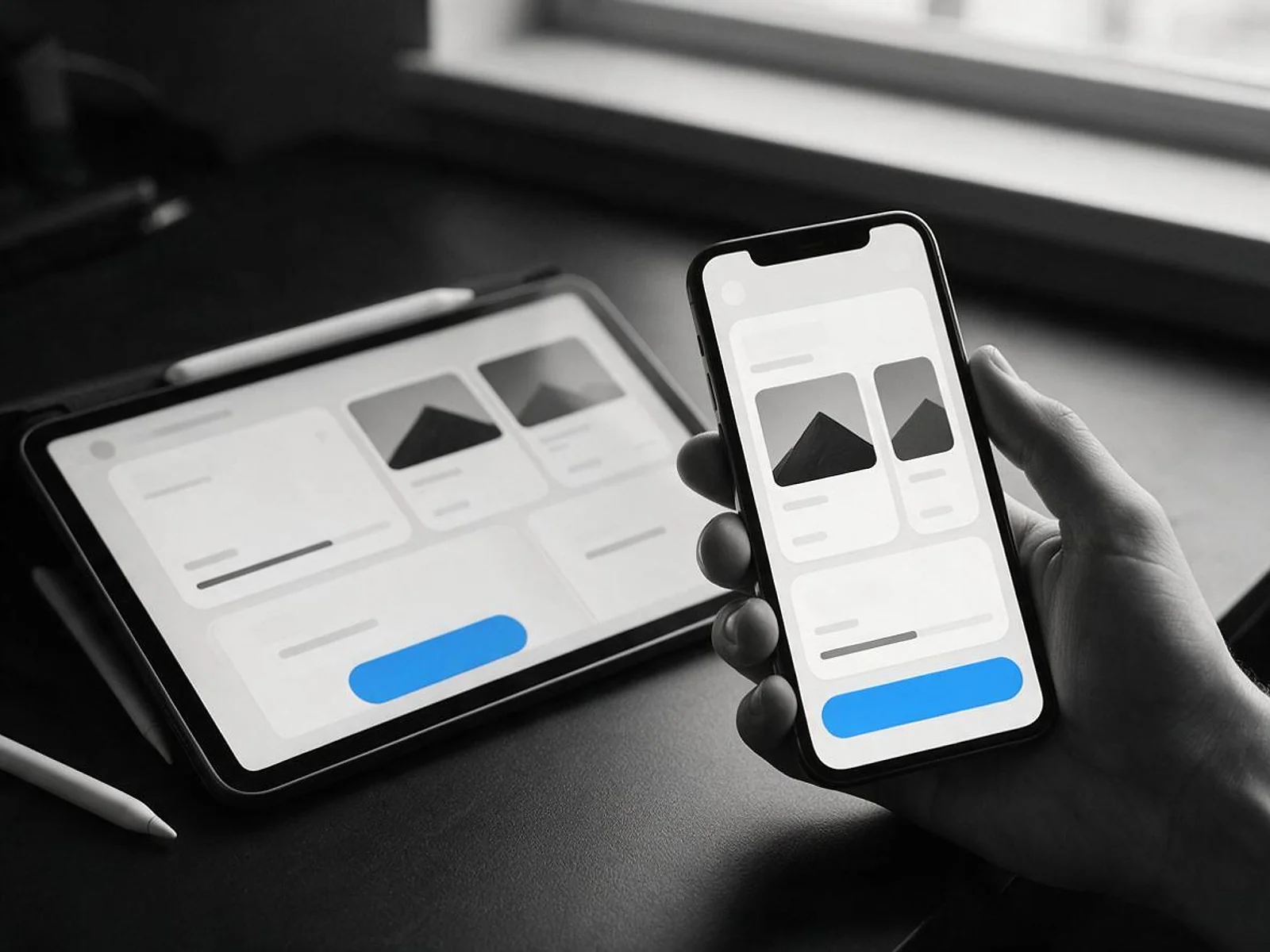
User flows and screens for phone and tablet, tested as a clickable prototype before development starts.
Development in sprints, with new builds on TestFlight and Google Play internal testing so you try every feature on your own phone.
Manual and automated testing across iOS and Android phones and tablets, screen sizes and OS versions.
Listings, screenshots, privacy details and submission to the App Store and Google Play, under developer accounts in your company’s name.
Monitoring, crash fixes, OS and Flutter upgrades and new features, on the plan agreed in writing.
FIG 10 · What you get
Written into your fixed quote, so you know exactly what you are paying for before work starts.
12items
FIG 11 · Tech & tools
Proven, well-supported tools, chosen for your project and set up in accounts your business owns.
FIG 12 · Who it’s for
Engineering in New Delhi, with client partners in New York and London. Here is how we work with each market.
3 audiences
USA
A New York client partner and a call window in your morning. Builds land on TestFlight while you sleep, ready to try when your day starts.
UK
Flutter developers for UK businesses, with a London client partner and about 4.5 to 5.5 hours of shared working time across your morning and early afternoon.
India
Flutter apps for Indian startups and enterprises from our New Delhi headquarters, with Razorpay and UPI payments and support for Indian languages.
FIG 13 · Working with us from the USA and UK
Every project gets a point of contact in New York or London and an engineering team in New Delhi. Here is how today’s working days line up, live.
New York
North America
--:--ET
London
UK & Europe
--:--UK
Fixed-scope project
A written scope, one fixed price and a dated plan. Suits websites, apps and MVPs.
Dedicated team
Designers and engineers on your roadmap every month, billed monthly.
White label
For US and UK agencies: our work, your brand, unbranded deliverables.
Calls on ET or UK hours
FIG 14 · Compare
All three can ship a great app. The right choice depends on your team, your design and how much of each platform’s native SDK you need.
| Flutter | React Native | Native (Swift and Kotlin) | |
|---|---|---|---|
| Language | Dart | JavaScript and TypeScript | Swift for iOS, Kotlin for Android |
| Codebases | One | One | Two |
| UI | Drawn by Flutter: identical on every platform | Native components through React | Fully native per platform |
| Web and desktop | Same codebase, best for app-like tools | Web through separate tooling | Separate projects |
| Hiring pool | Smaller (Dart) | Large (JavaScript) | Separate iOS and Android specialists |
| Best for | Custom, branded UI on iOS and Android together | Teams already strong in React | Apps that live on the newest native APIs |
FAQ
Straight answers about Flutter App Development with Elgrith.
Flutter app development is building apps with Flutter, Google’s open-source UI toolkit, which turns one Dart codebase into apps for iOS, Android, web and desktop. You get one team, one codebase and a consistent UI on every platform. Elgrith designs, builds, launches and maintains Flutter apps for businesses in the USA, UK and India.
FIG 15 · Related
Free 30-minute call
Tell us about your app. After a free call you get a written scope, a phased plan and a fixed quote, and you own the code and the store accounts.
Pick a day. You'll choose a time in your own time zone on the next step.