01
Custom API integration services
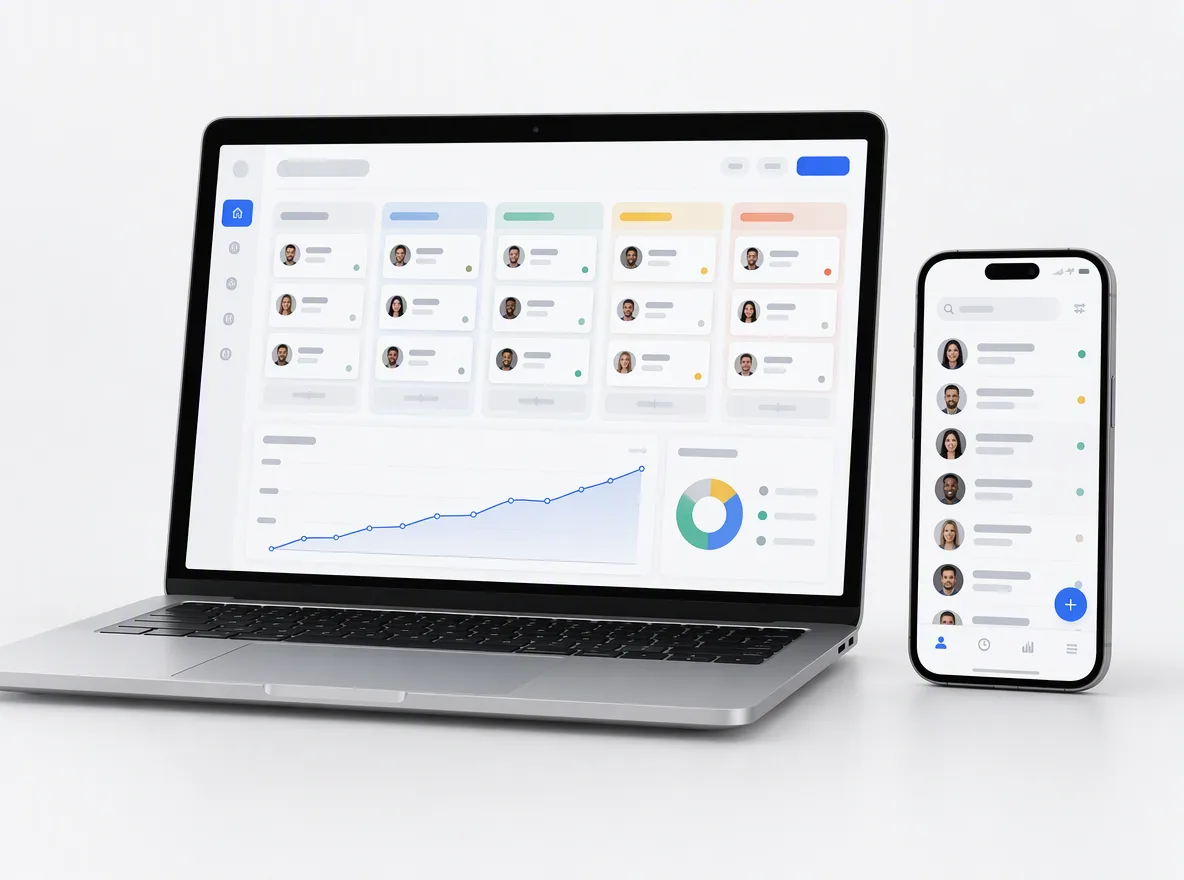
Two-way sync between your CRM, payments, accounting, ecommerce and support tools, with field mapping and conflict rules agreed up front.
FIG 01 · API Integration
Connect your CRM, payments, ERP, ecommerce and AI tools with integrations engineered like products: typed, monitored, documented and yours.
See how it works
FIG 02 · Quick answer
API integration services connect your software so data moves between systems automatically: CRM, payments, ERP, ecommerce, support and AI tools. Elgrith designs and builds custom integrations and REST or GraphQL APIs, with authentication, retries, monitoring and documentation, and can expose your APIs to AI agents through MCP. You own every line of code.
FIG 03 · Why it matters
From MuleSoft’s 2025 Connectivity Benchmark and Postman’s 2025 State of the API report.
01
897
The average enterprise now manages 897 applications, yet only 29% of them are integrated.
Source: MuleSoft 2025 Connectivity Benchmark(opens in a new tab)02
95%
95% of organizations face challenges in integrating AI into existing processes.
Source: MuleSoft 2025 Connectivity Benchmark(opens in a new tab)03
82%
82% of organizations have adopted some level of an API-first approach, and 65% now generate revenue from their APIs.
Source: Postman, 2025 State of the API(opens in a new tab)FIG 04 · Definition
API integration connects systems that already have APIs. API development builds the API itself. An MCP server is a newer kind of API, made for AI agents. Many projects need more than one.
| API integration | API development | MCP server | |
|---|---|---|---|
| What it is | Code that moves data between existing systems through their APIs | A new REST or GraphQL API for your own product or data | A server that lets AI agents and assistants use your tools |
| Example | New Stripe payment → invoice in Xero → deal updated in HubSpot | A partner API so resellers can place orders | Your product’s actions, inside Claude, ChatGPT or Cursor |
| You need it when | Your team copies data between apps by hand | Partners, apps or customers need access to your system | Customers or staff want to use your product from an AI app |
| What you get | Sync service, monitoring, runbook and docs | API, OpenAPI spec, SDK or examples and docs | MCP server, tool definitions, auth and usage limits |
FIG 05 · What you get
Integrations and APIs built like products: designed first, tested against sandboxes, monitored in production and documented for whoever maintains them next.

01
02
03
04
05
06
Deliverables
12
FIG 06 · Integrations
The systems US and UK teams connect most often. If a tool has an API, we can usually connect it.
FIG 07 · Flagship build
We designed and engineered Kenerate AI, an all-in-one AI image and video studio. Its MCP and CLI access is the same kind of integration layer we build for clients.
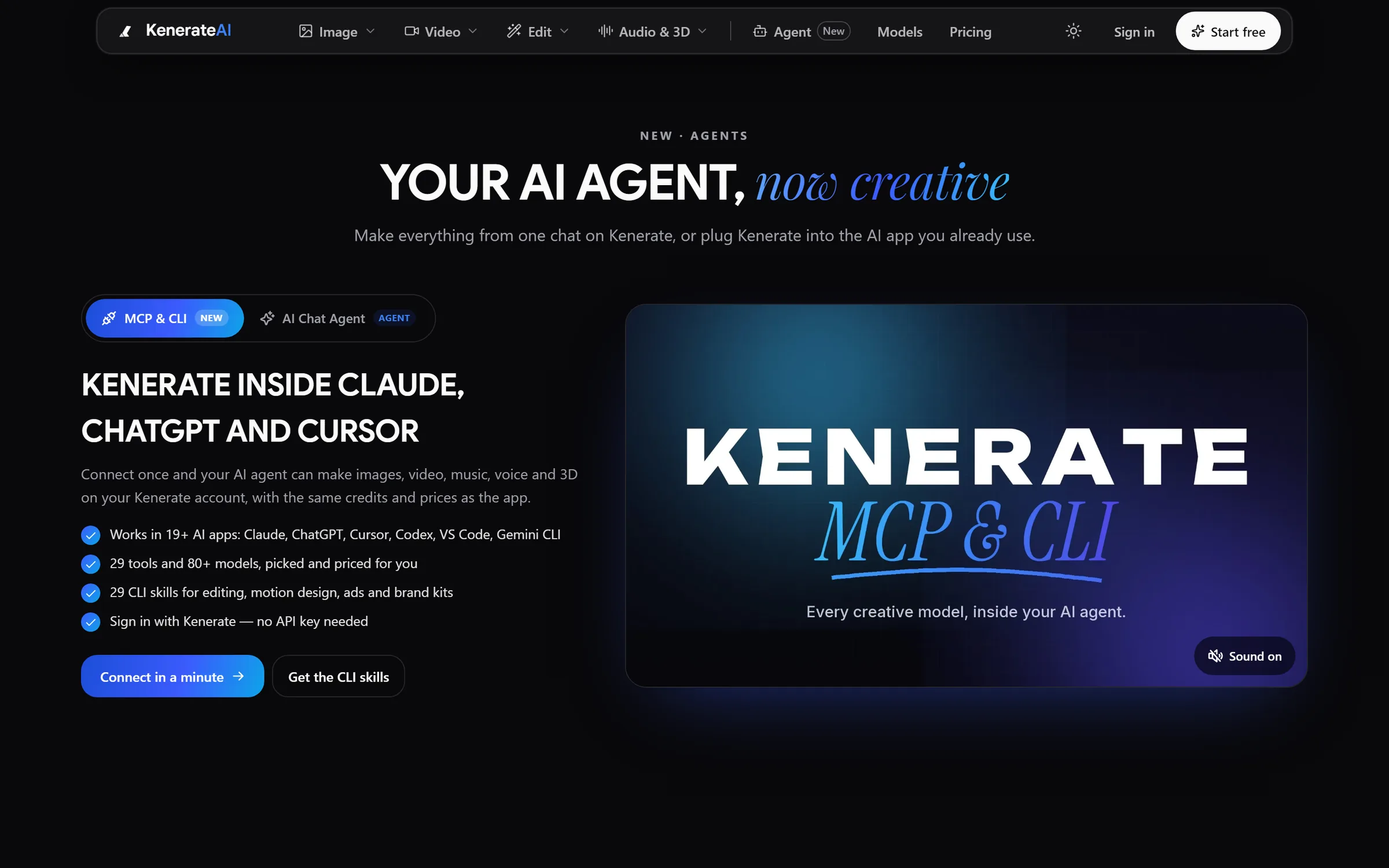
Agent: Kenerate inside Claude, ChatGPT and CursorDesigned and engineered by Elgrith
FIG 08 · Reliability
Third-party APIs fail, slow down and change. These patterns are part of every integration we ship.
06principles
OAuth 2.0, API keys, JWT or SAML, with tokens refreshed automatically and scoped to what each job needs.
Retries with exponential backoff and idempotency keys, so a timeout never creates a duplicate order or payment.
A queue in front of every busy API, so bursts are smoothed out and vendor limits are respected.
Every sync logged and traced, with alerts on failures and a dead-letter queue you can replay.
Versioned endpoints and tests against each vendor’s sandbox, so a change on their side shows up before your users notice.
Keys in a secrets manager, never in code or spreadsheets, and rotated on a schedule.
FIG 09 · Security
Integrations move sensitive data between systems, so security is designed in from the data-flow diagram, not added at the end.
06principles
Object-level authorisation, input validation and rate limiting, tested against the OWASP API Security Top 10.
Each integration gets its own credentials with only the scopes it needs, kept separate for read and write.
Data-processing terms in your contract, data minimised in transit and logs kept free of personal data.
Card data handled by Stripe’s hosted fields and checkout, so it never touches your servers.
Data-flow diagrams, access lists and change logs your security team or SOC 2 auditor can review.
Hosting in US, UK or EU cloud regions, in accounts registered to your business.
FIG 10 · Measurement
Every integration ships with a dashboard and alerts, so problems show up for us before they show up for your customers.
| Metric | What it tells you | How we measure it |
|---|---|---|
| Sync success rate | Share of events processed end to end | Logged per run, with failures queued for replay |
| Sync lag | How far behind one system is from another | Timestamps compared at each step |
| Retries and dead letters | Where a vendor or a data rule is failing | Queue metrics and alerts |
| Rate-limit headroom | How close you are to a vendor’s API limits | Calls counted per window, per vendor |
| Data drift | Whether records still match across systems | Scheduled reconciliation reports |
| Vendor changes | Whether an upstream API change is coming | Changelogs and deprecation notices tracked per vendor |
Alert thresholds, response times and who gets paged are agreed in your written scope.
FIG 11 · Process · 6 steps
No data moves until the flows are agreed in writing. After a free call you get a fixed written quote for each phase.
Every system, API, owner and data field involved, with the current manual steps written down.
Triggers, field mapping, conflict rules and error handling, agreed with you as a diagram and a spec.
Typed clients, queues and sync jobs, demoed weekly against vendor sandboxes.
Happy paths, failures, retries and edge cases, tested before any production data moves.
A staged rollout with backfills where needed, monitored closely from the first sync.
Dashboards, alerts and vendor change tracking, with a support plan agreed in your scope.
FIG 12 · What you get
Written into your fixed quote, so you know exactly what you are paying for before work starts.
12items
FIG 13 · Tech & tools
Proven, well-supported tools, chosen for your project and set up in accounts your business owns.
FIG 14 · Who it’s for
From a single CRM sync to a public API, built in your stack and run on your hours in the USA and UK.
3 audiences
Operations
Connect your CRM, payments and accounting so orders, invoices and customers stay in step without manual exports.
SaaS
Native integrations, a public API and an MCP server, so your product fits into the tools and AI apps your customers already use.
Enterprise
Middleware and connectors that link ERPs and legacy systems to modern apps, documented for security review.
FIG 15 · Working with us from the USA and UK
Every project gets a point of contact in New York or London and an engineering team in New Delhi. Here is how today’s working days line up, live.
New York
North America
--:--ET
London
UK & Europe
--:--UK
Fixed-scope project
A written scope, one fixed price and a dated plan. Suits websites, apps and MVPs.
Dedicated team
Designers and engineers on your roadmap every month, billed monthly.
White label
For US and UK agencies: our work, your brand, unbranded deliverables.
Calls on ET or UK hours
FIG 16 · Compare
| Custom integration (Elgrith) | Zapier or Make | iPaaS (MuleSoft, Boomi) | Unified API | |
|---|---|---|---|---|
| Best for | Core business flows, complex logic and high volume | Simple, low-volume automations | Large enterprises with many systems and an integration team | SaaS products that need many similar integrations fast |
| Complex logic | Any logic you can specify | Limited; gets fragile as flows grow | Strong, with specialist skills | Limited to the vendor’s common data model |
| Cost model | Fixed quote to build, then your hosting | Per task or per operation | Platform licence plus specialists | Per connection or per customer |
| Monitoring | Built to your needs, with alerts and replay | Basic run history | Strong, inside the platform | The vendor’s dashboard |
| Ownership | Code assigned to you | Flows live in the vendor’s account | Licensed | Licensed |
| When not to use | When a two-step Zap does the job | When volume, money or customer data is involved | When you have only a few systems | When you need deep, vendor-specific features |
FAQ
Straight answers about API Integration with Elgrith.
API integration services connect your software through APIs so data moves automatically between systems, for example from a web form to your CRM, from Stripe to your accounting software, or from your store to your ERP. A good integration includes authentication, error handling, retries, monitoring and documentation, not just the code that moves the data.
FIG 17 · Related
Free 30-minute call
List the apps and the manual steps between them. After a free call you get a data-flow map and a fixed written quote.
connect@elgrith.com+91 96039 20001Custom software development
Pick a day. You'll choose a time in your own time zone on the next step.