01
Customer and partner portals
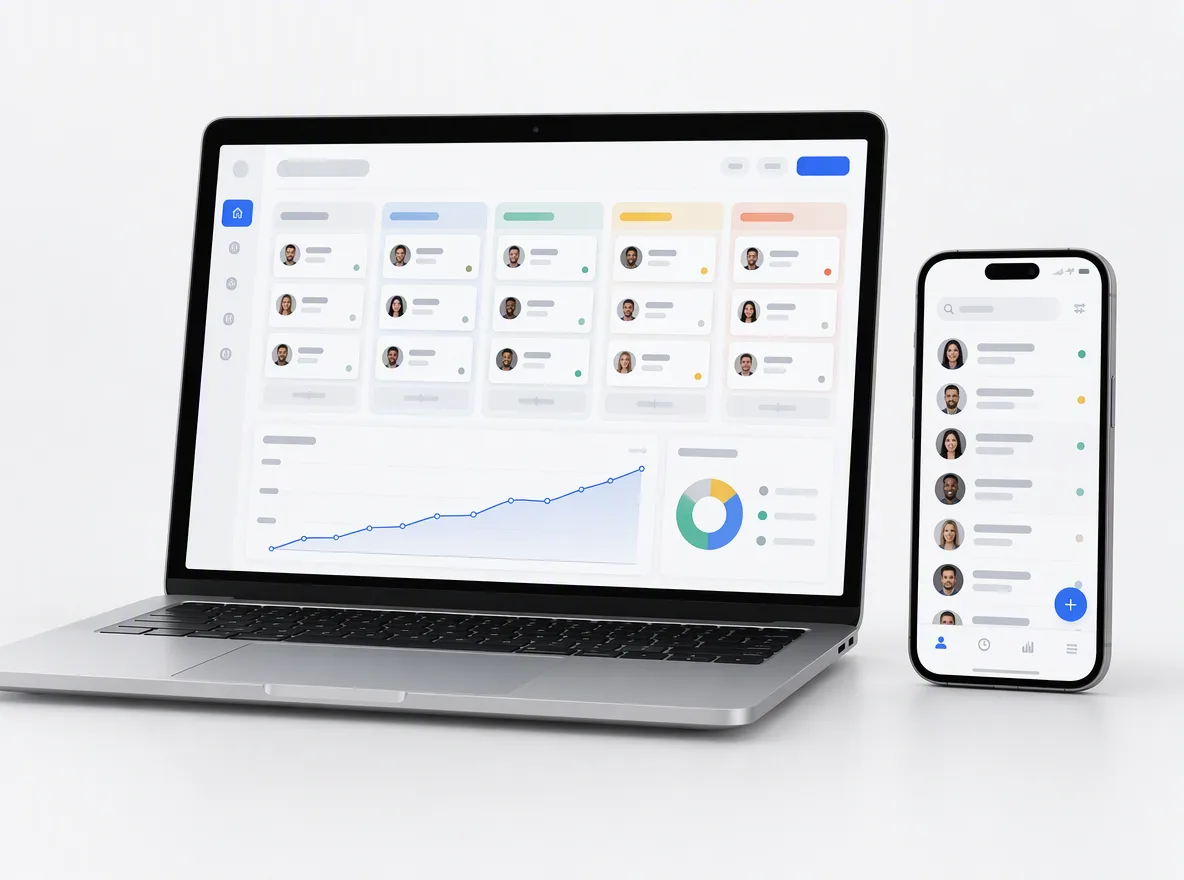
Secure portals where customers and partners log in to track orders, download documents, raise requests and pay.
FIG 01 · Web App Development
Portals, dashboards, internal tools, PWAs and SaaS, built on React, Next.js, Node.js and Python, connected to your data and secure by default. You own the code.
See how it works
FIG 02 · Quick answer
A web application development company builds software that runs in the browser: customer portals, dashboards, booking and quoting tools, internal systems and SaaS. Elgrith designs and engineers custom web applications on React, Next.js, Node.js and Python, integrates them with your CRM, payments and data, and supports them after launch. You own the code.
FIG 03 · Why it matters
A web app is where your customers log in and your team does its work, so security and a maintainable stack matter from day one. Figures from IBM and the Stack Overflow Developer Survey 2025.
01
$4.99M
IBM puts the global average cost of a data breach at USD 4.99M in its 2026 report, a 12% rise on the year before and a record high.
Source: IBM, Cost of a Data Breach Report 2026(opens in a new tab)02
48.7%
48.7% of all respondents did extensive work with Node.js in the past year, so your back end is easy to staff and hand over.
Source: Stack Overflow Developer Survey 2025(opens in a new tab)03
44.7%
44.7% of all respondents did extensive work with React and 20.8% with Next.js, the front-end tools we build most web apps on.
Source: Stack Overflow Developer Survey 2025(opens in a new tab)FIG 04 · Definition
A website mainly publishes content for visitors to read. A web application lets signed-in users do work: enter data, run logic and see results that are personal to them. Many products are both: a marketing website in front of a web app.
| Website | Web application | |
|---|---|---|
| Main job | Publish content and win enquiries | Let users complete tasks and manage data |
| Users | Anonymous visitors | Signed-in users with accounts and roles |
| Logic | Little: pages, forms, search | Business rules, workflows, calculations and approvals |
| Data | Content managed in a CMS | Records, files and transactions in a database |
| Examples | Company site, blog, landing pages | Customer portal, dashboard, booking tool, SaaS |
| Built with | A CMS or Next.js | React or Next.js, an API, a database and auth |
Only need a content site? A website build is faster and cheaper to run.
Website design and developmentFIG 05 · What you get
Seven kinds of web app we design, build and support, each one connected to the systems your business already runs on.
01
02
03
04
05
06
07
Deliverables
12
FIG 06 · Flagship build
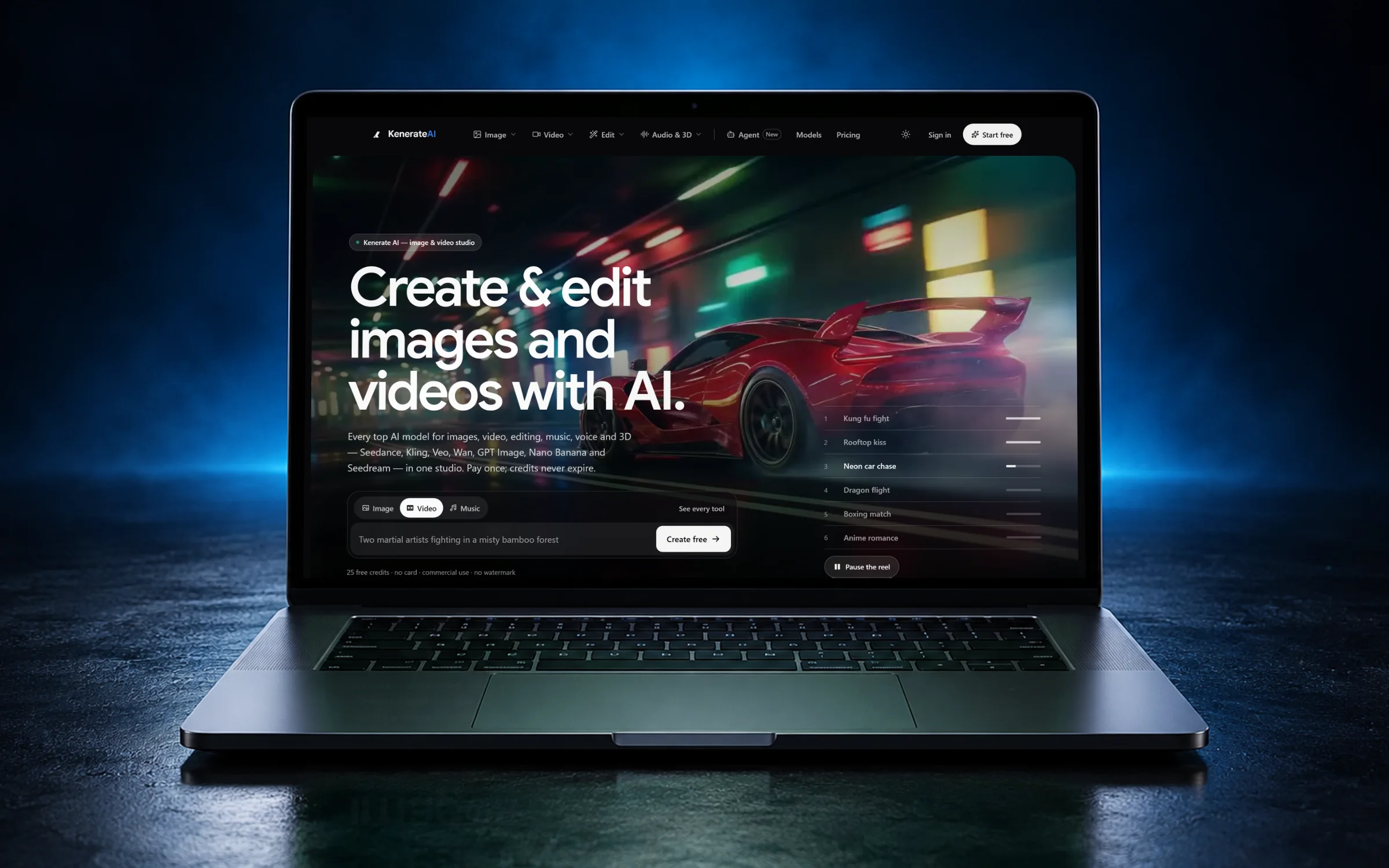
Kenerate AI runs in the browser with accounts, a credit balance, 200+ AI model integrations and an agent. We designed and engineered it, and it is live today.
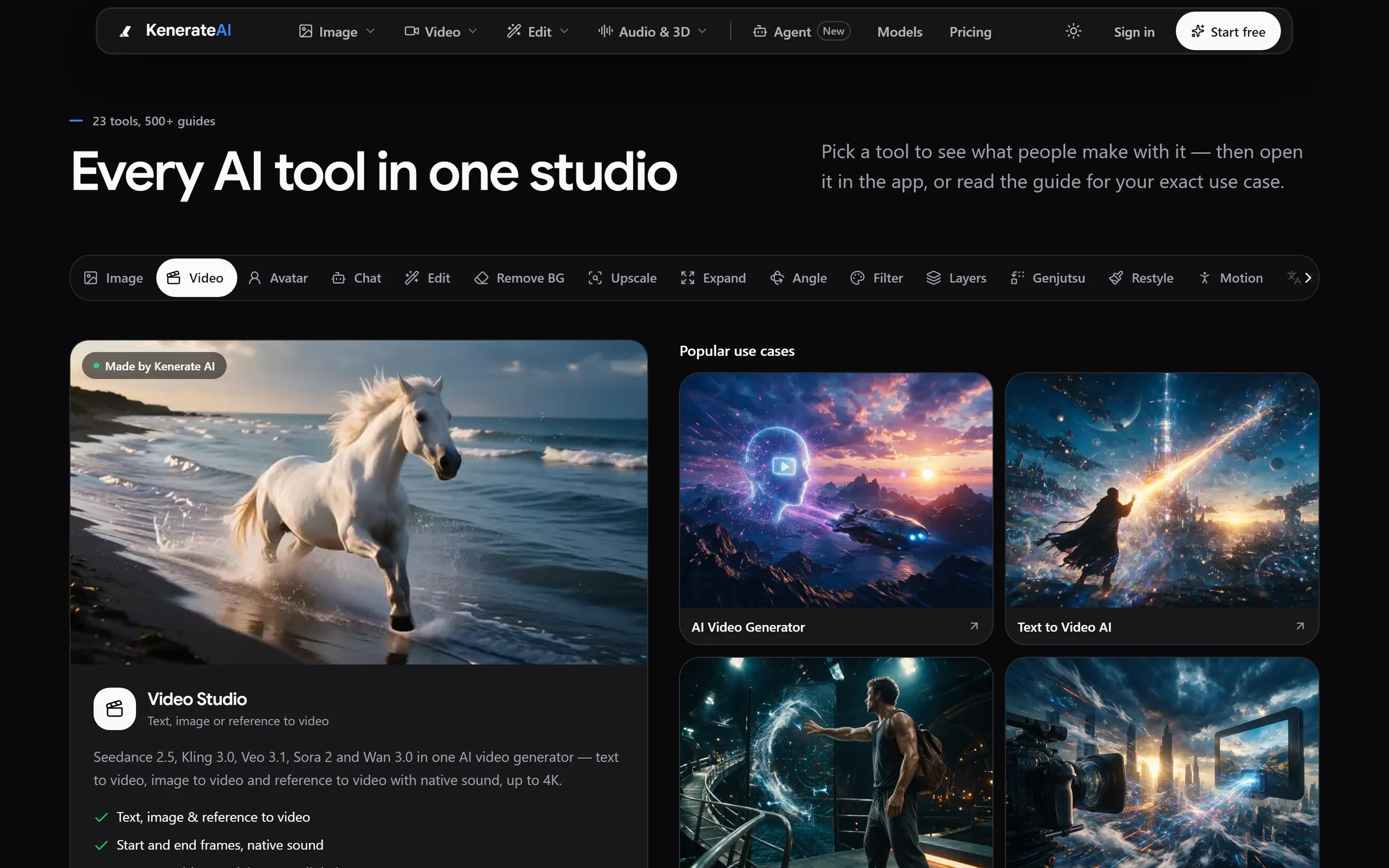
Tools: 23+ studios with guides for every use caseDesigned and engineered by Elgrith
FIG 07 · By default
Not extras on the quote. These practices are part of every web app we build.
06principles
Input validation, safe queries, CSRF and XSS protection, and dependency checks on every release.
Proven sign-in providers, SSO where you need it, and role-based access on every screen and API.
HTTPS everywhere, encrypted data at rest and secrets kept out of the code.
Automated backups and a tested restore, so one bad day doesn’t become a lost week.
Keyboard access, readable contrast, labelled forms and screen-reader testing as standard.
Performance budgets for loading, responsiveness and layout stability, checked before launch.
FIG 08 · Buyer’s checklist
Six things to check before you sign with any web app partner.
06principles
Ask for a production web app you can open, not just screenshots.
See Kenerate AIThey should explain why each tool fits your project, not just list logos.
Ask how they handle auth, roles, secrets, backups and updates.
Ask for WCAG and Core Web Vitals targets in writing.
The code and IP should be assigned to you, in a repository you control.
Ask what happens after go-live: monitoring, updates and new features.
Support and maintenanceFIG 09 · Process · 6 steps
A fixed written quote, a working demo every sprint and a security review before launch. You own the code.
We map users, roles, workflows, data and integrations, then write a scope and a fixed quote.
Clickable screens for the key workflows, tested with the people who will use them every day.
We build in short sprints and demo working software at the end of each one. You can change priorities as you learn.
Automated tests, accessibility checks, performance budgets and a security review before anything goes live.
Deployment to cloud accounts registered to your business, with data migration and training for your team.
Monitoring, updates and new features, as agreed in your written scope.
FIG 10 · What you get
Written into your fixed quote, so you know exactly what you are paying for before work starts.
12items
FIG 11 · Tech & tools
Proven, well-supported tools, chosen for your project and set up in accounts your business owns.
FIG 12 · Who it’s for
Client partners in New York and London, engineering in New Delhi, and one fixed written quote wherever you are.
3 audiences
USA
A New York client partner and a regular call window agreed around your morning, with a fixed quote in USD.
UK
A London client partner, and a New Delhi working day that overlaps the UK morning and early afternoon.
India
Work directly with the engineering team at our headquarters, in your time zone.
FIG 13 · Working with us from the USA and UK
Every project gets a point of contact in New York or London and an engineering team in New Delhi. Here is how today’s working days line up, live.
New York
North America
--:--ET
London
UK & Europe
--:--UK
Fixed-scope project
A written scope, one fixed price and a dated plan. Suits websites, apps and MVPs.
Dedicated team
Designers and engineers on your roadmap every month, billed monthly.
White label
For US and UK agencies: our work, your brand, unbranded deliverables.
Calls on ET or UK hours
FIG 14 · Tech stack
Chosen per project. Why this stack: it is widely used, so your app is easy to staff; it is fast and SEO-friendly; and it scales from a single tool to a multi-tenant SaaS.
| Layer | What we use | Why |
|---|---|---|
| Front end | React and Next.js | Fast, accessible screens, with server rendering where SEO matters |
| Back end | Node.js and Python (Django) | Node.js for APIs and real-time features, Python for data and AI |
| Database | PostgreSQL | Reliable relational data with strong integrity and row-level security |
| APIs | REST and GraphQL | REST for simple integrations, GraphQL for data-heavy front ends |
| Real time | WebSockets | Live updates for dashboards, chat and collaboration |
| Hosting | Vercel, AWS and Cloudflare | Preview builds for every change, global delivery and room to scale |
FIG 15 · Compare
| Custom web app (Elgrith) | Off-the-shelf software | No-code tools | |
|---|---|---|---|
| Best for | Workflows that set your business apart | Standard processes, used as the vendor intended | Simple internal tools and quick experiments |
| Fit to your process | Built around it | You adapt to the software | Within the tool’s limits |
| Integrations | Any API or database | The vendor’s connectors | The tool’s connectors |
| Running cost | Hosting and support you control | Per-seat licences that grow with your team | Per-seat or usage plans |
| Ownership | Code and IP assigned to you | Licensed | Locked to the platform |
FAQ
Straight answers about Web App Development with Elgrith.
A website mainly publishes content for visitors to read. A web application lets signed-in users do work: enter data, run business logic and see results that are personal to them, such as a customer portal, a dashboard or a SaaS product. Many businesses need both: a website to win customers and a web app to serve them.
FIG 16 · Related
Free 30-minute call
Book a free call. You get a written scope and a fixed quote, and you own all the code we write.
connect@elgrith.com+91 96039 20001Custom software development
Pick a day. You'll choose a time in your own time zone on the next step.