01
Discovery and role mapping
Every user type, what each needs to do without calling you, and exactly what each role may see and change.
FIG 01 · Web Portal Development
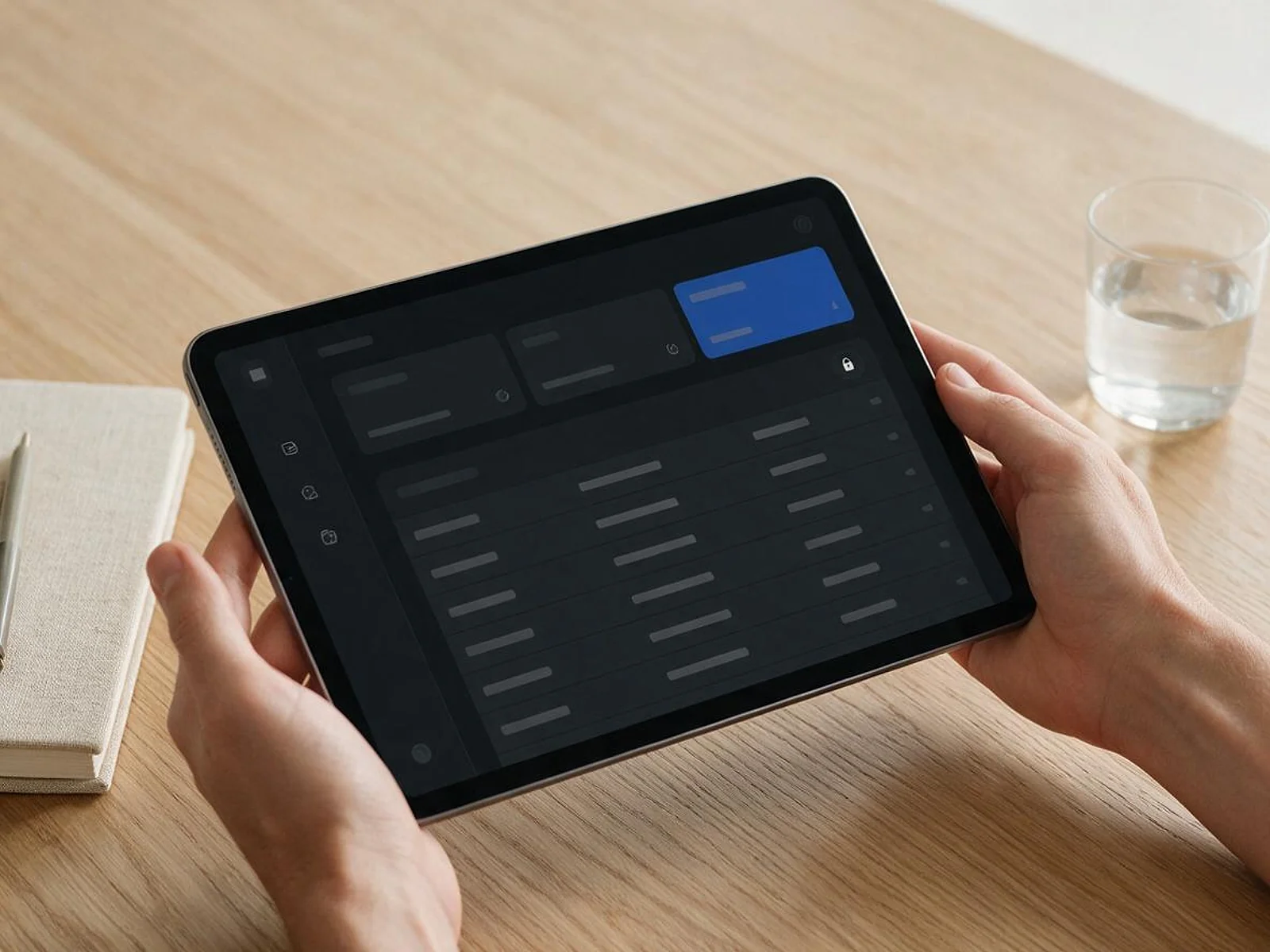
Secure, logged-in portals where people manage their own accounts, orders, documents and requests, connected to your CRM and ERP so your team stops answering the same emails.
See how it works
FIG 02 · Quick answer
Web portal development builds secure, logged-in websites where customers, partners or staff manage their own accounts, orders, documents and requests. Elgrith designs and engineers custom portals with sign-in and SSO, role-based permissions, dashboards, payments and integrations with your CRM, ERP and support tools, so users self-serve instead of emailing your team.
FIG 03 · Why it matters
From Harvard Business Review and Verizon’s 2026 Data Breach Investigations Report.
01
81%
81% of all customers attempt to take care of matters themselves before reaching out to a live representative.
Source: Harvard Business Review, Kick-Ass Customer Service(opens in a new tab)02
31%
31% of breaches now start with software vulnerabilities, beating stolen passwords as the top way attackers get in.
Source: Verizon, 2026 Data Breach Investigations Report(opens in a new tab)03
Roles first
We map who can see and do what, for every user type, before we design a single screen.
FIG 04 · Definition
A website is public and tells people about you. A web portal is a logged-in space where each user sees their own data. A web app is software people use to get a job done. Many portals are web apps with a portal’s permissions.
| Website | Web portal | Web app | |
|---|---|---|---|
| What it is | Public pages about your business | A secure, signed-in space for each user’s own data | Software that does a job in the browser |
| Who uses it | Anyone | Customers, partners, vendors or staff | Your users or your team |
| Sign-in | Rarely | Always, often with SSO and MFA | Usually |
| Example | Your marketing site | Customers download invoices and raise tickets | A booking engine or a SaaS product |
| Built around | Content and SEO | Roles, permissions and integrations | Workflows and data |
If you are building a product to sell, start with web app development. If you are giving existing customers or partners a front door to your systems, you want a portal.
Budgeting a portal or web app? Read the 2026 cost guideFIG 05 · What you get
From role mapping to user adoption, one team designs, builds, connects and secures your portal.
01
02
03
04
05
06
Deliverables
12
FIG 06 · Portal types
Each portal starts with the jobs its users do most, and the systems that hold the answers.
FIG 07 · Flagship build
Kenerate AI, our flagship build, is a signed-in product: an all-in-one AI image and video studio where every user works from one account. Portals use the same account, access and dashboard patterns.
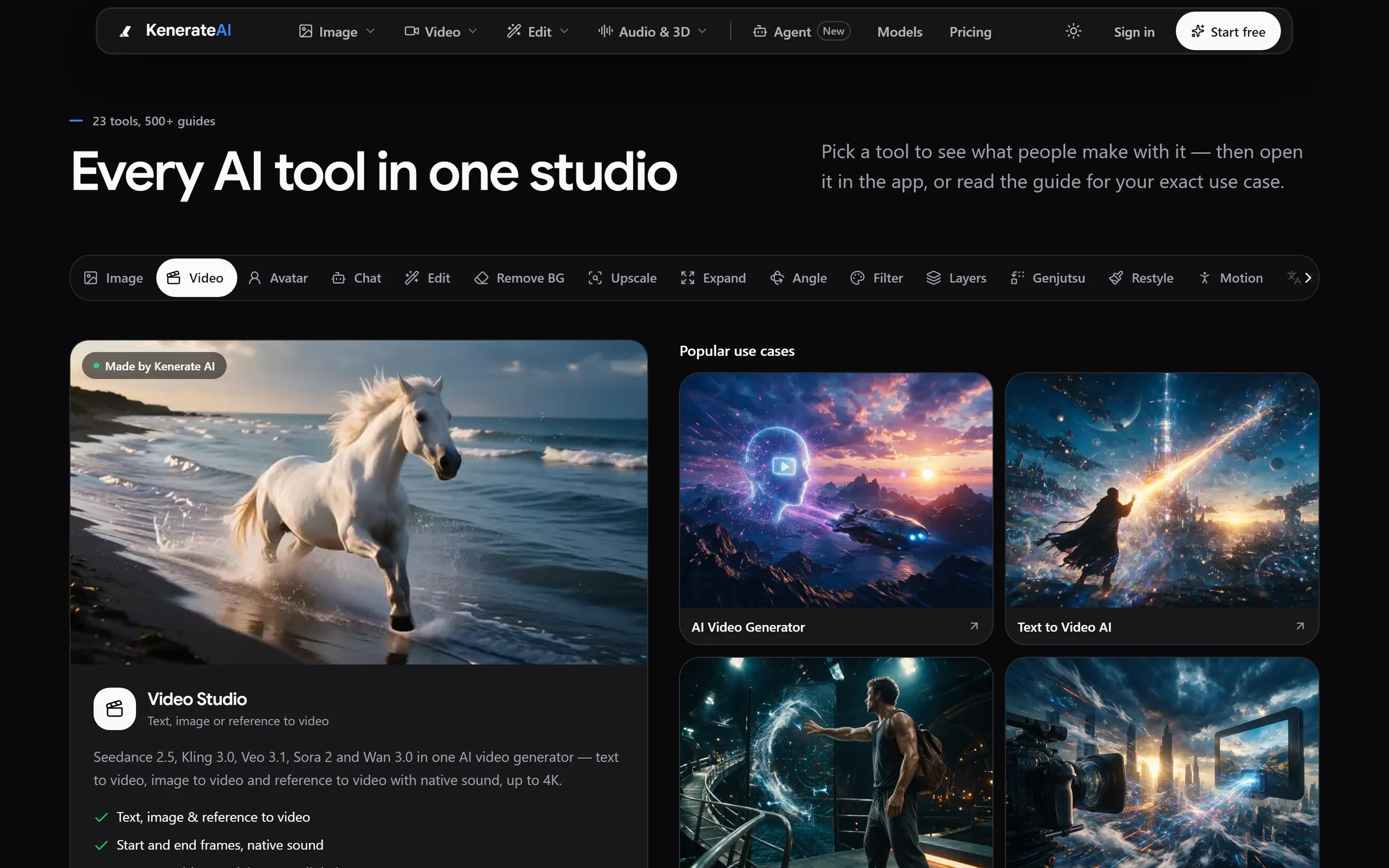
Tools: 23+ studios with guides for every use caseDesigned and engineered by Elgrith
FIG 08 · Features
The building blocks most portals need. We pick the ones your users and your security team actually require.
09principles
Sign-in with Microsoft Entra ID, Okta or Google, with SCIM to add and remove users automatically.
Authenticator apps, passkeys or email codes, enforced per role.
Admins, customers, partners and approvers each see and change only what they should.
Who did what and when, searchable and exportable for your compliance team.
Secure upload, download and sharing, with version history and expiring links.
Invoices, statements and card or bank payments through Stripe.
Raise and track requests, synced with your help desk.
Email, SMS and in-portal alerts, with preferences users control.
Usage and account data for users, and adoption data for your team.
FIG 09 · Security
A portal is a door into your systems. These controls are part of every build.
06principles
Code reviewed and tested against the OWASP Top 10, including broken access control.
Rate limiting, bot protection and breached-password checks on every sign-in form.
TLS in transit and encryption at rest for data and documents.
An independent penetration test before launch, if agreed in your scope, with findings fixed and retested.
Automated dependency and vulnerability scanning, so known software flaws are found and fixed fast.
US, UK or EU hosting, designed around UK GDPR, and around HIPAA when you handle US patient data.
FIG 10 · Integrations
A portal is only as useful as the data behind it. We connect it to the systems your team already trusts.
04principles
Accounts, cases and orders from Salesforce, shown in a portal built around your workflows.
Salesforce consultingContacts, deals and tickets synced with HubSpot, with portal activity logged back.
HubSpot consultingOrders, stock, invoices and tickets from your ERP, Stripe, Zendesk or Freshdesk.
API integrationFIG 11 · Measurement
A portal succeeds when people use it instead of emailing you. We agree the baseline before launch and report against it after.
| Metric | What it tells you | How we measure it |
|---|---|---|
| Activation rate | Share of invited users who sign in and finish setup | Invite and first-login events |
| Self-service rate | Share of requests handled without your team | Portal actions compared with tickets and emails |
| Ticket and email volume | Whether the portal is taking work off your team | Help desk data, before and after launch |
| Task completion | Whether users can finish the top jobs | Funnel tracking and usability tests |
| MFA and SSO adoption | How well accounts are protected | Identity provider and auth logs |
| Security findings | Open risks and how fast they close | Scan and penetration test reports |
Targets are agreed with you during discovery. We don’t quote adoption numbers before we know your users.
FIG 12 · Process · 6 steps
Discovery, design, build and adoption in phases, with a fixed written quote after a free call and a demo every week.
User types, top self-service jobs, permissions and the systems involved, written up as a scope you sign off.
Wireframes and designs for dashboards and key flows, tested with real users where possible.
Sign-in, roles and core features first, demoed weekly on a staging portal.
CRM, ERP, billing and help desk connected, with monitoring and reconciliation.
OWASP checks, dependency scans and a penetration test if agreed in scope, with findings fixed before launch.
A pilot group first, then invites, onboarding, training and help content for everyone else.
FIG 13 · What you get
Written into your fixed quote, so you know exactly what you are paying for before work starts.
12items
FIG 14 · Tech & tools
Proven, well-supported tools, chosen for your project and set up in accounts your business owns.
FIG 15 · Who it’s for
Built around your users’ jobs, your systems and your security review, and run on your hours in the USA and UK.
3 audiences
B2B
Orders, quotes, invoices and documents in one place, with live data from your CRM and ERP.
Regulated
Healthcare, finance and membership portals with SSO, audit trails and regional hosting, documented for your risk team.
Internal
Employee portals and intranets that bring policies, requests and internal tools together behind single sign-on.
FIG 16 · Working with us from the USA and UK
Every project gets a point of contact in New York or London and an engineering team in New Delhi. Here is how today’s working days line up, live.
New York
North America
--:--ET
London
UK & Europe
--:--UK
Fixed-scope project
A written scope, one fixed price and a dated plan. Suits websites, apps and MVPs.
Dedicated team
Designers and engineers on your roadmap every month, billed monthly.
White label
For US and UK agencies: our work, your brand, unbranded deliverables.
Calls on ET or UK hours
FIG 17 · Compare
| Custom portal (Elgrith) | Salesforce Experience Cloud | HubSpot customer portal | Zendesk help center | |
|---|---|---|---|---|
| Best for | Portals built around your own workflows and several systems | Teams already running on Salesforce | Ticket and knowledge-base access for HubSpot Service Hub users | Help articles and ticket tracking |
| Fit to your workflows | Built to fit | Configurable, with developer work for custom flows | Limited to HubSpot objects and templates | Support-focused |
| Data sources | Any system with an API | Salesforce first | HubSpot first | Zendesk first |
| Cost model | Fixed quote to build, then your hosting | Per-member or per-login licences | Part of a HubSpot subscription | Part of a Zendesk subscription |
| Ownership | Code assigned to you | Licensed | Licensed | Licensed |
| When it fits | When off-the-shelf tools force your process to change | When all the data lives in Salesforce | When customers mainly need tickets and articles | When the portal is really a help center |
FAQ
Straight answers about Web Portal Development with Elgrith.
A website is public: anyone can read it, and it exists to tell people about your business. A web portal sits behind a sign-in and shows each user their own data, such as orders, invoices, documents or requests, based on their role. Many businesses have both, with the website linking to the portal’s sign-in.
FIG 18 · Related
Free 30-minute call
Describe your users and the requests that clog your inbox. After a free call you get a role map, a written scope and a fixed quote.
Pick a day. You'll choose a time in your own time zone on the next step.