01
Project gallery
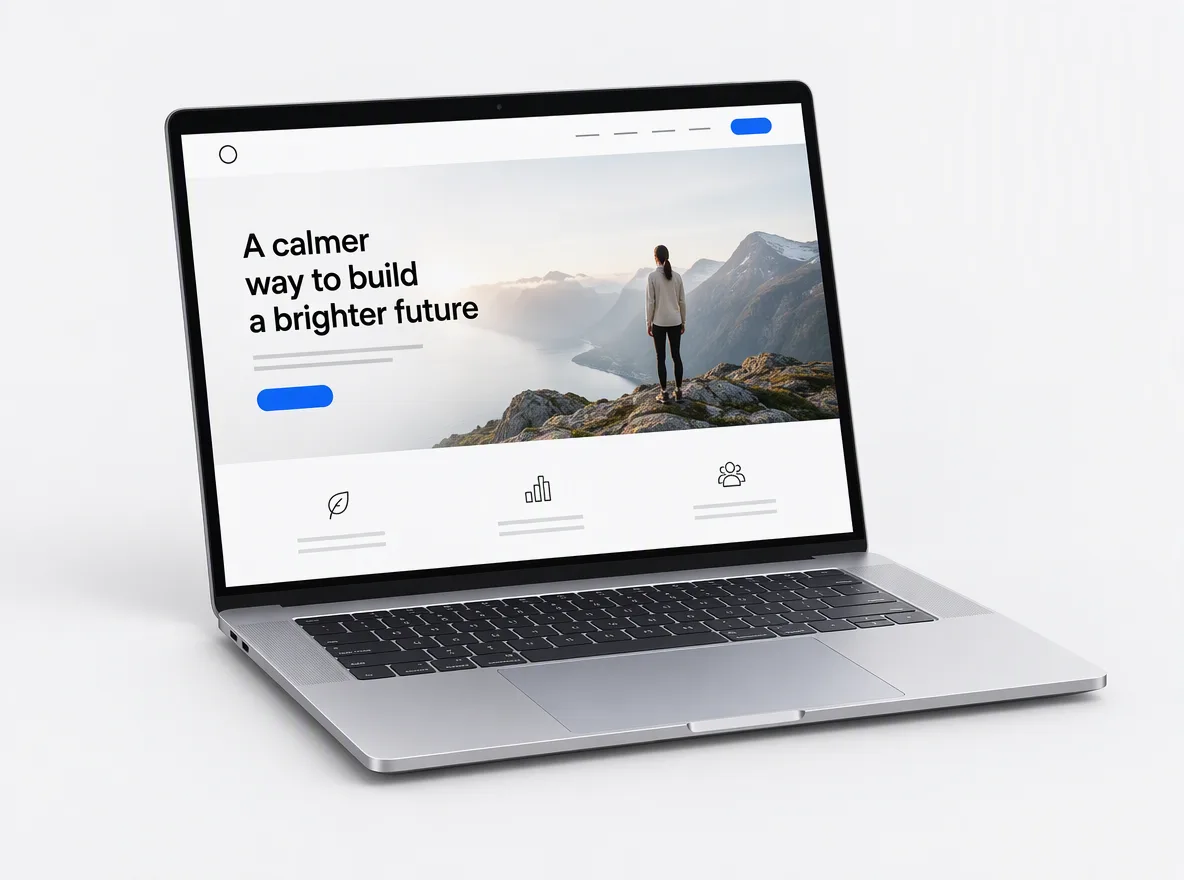
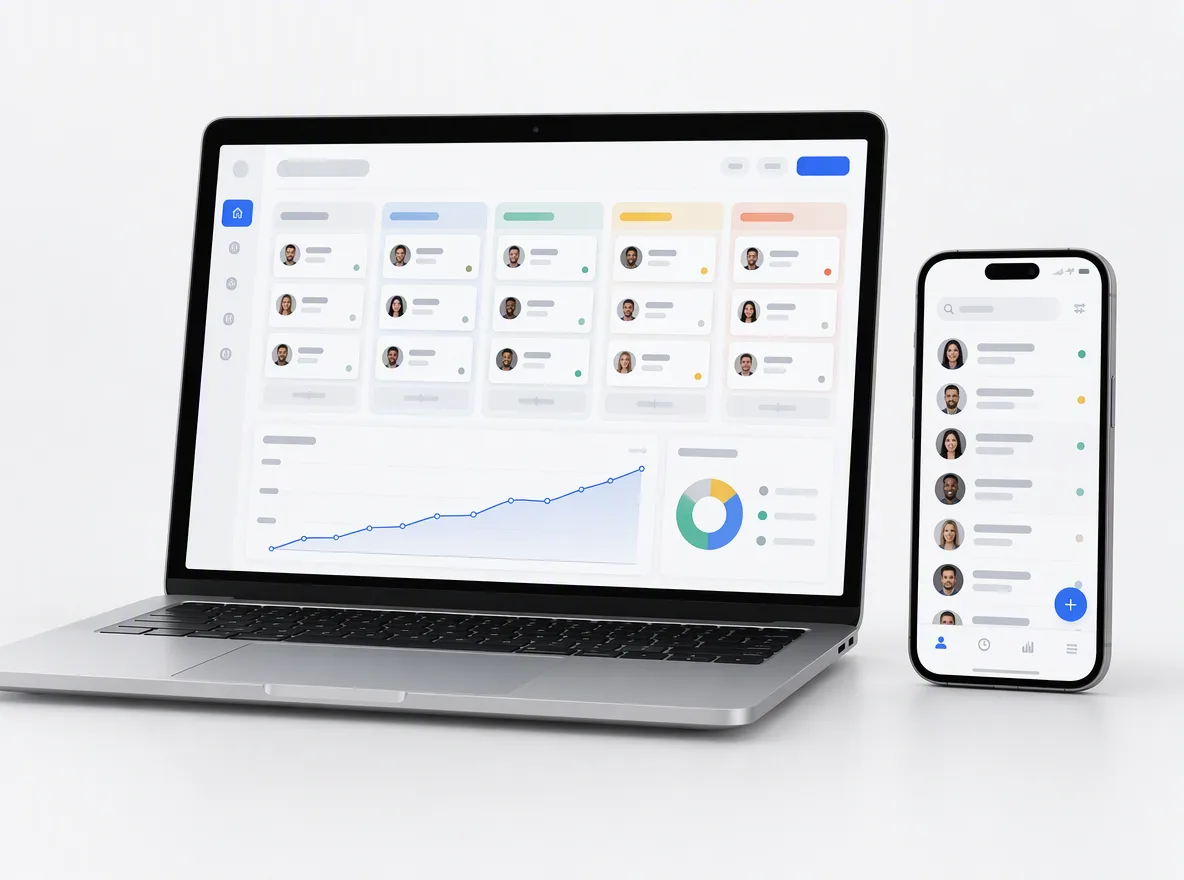
Finished jobs with before-and-after photos, scope, sector and location, filterable by service so a buyer finds work like theirs in seconds.
FIG 01 · Construction Website Design
Websites for builders, general contractors, roofers and trades: real project proof, license and insurance details up front, quote forms that work on a phone at a job site, and local search set up inside Google’s rules. You own the domain, the content and the code.
See how it works
FIG 02 · Quick answer
Construction web design is building websites for builders, general contractors, roofers and trades that turn visitors into quote requests. Elgrith designs project galleries, service and service-area pages, license and insurance details, fast quote forms and Google Business Profile links, then builds the site to Core Web Vitals and WCAG 2.2 AA.
FIG 03 · Why it matters
Three rules every construction website runs into, from the FTC, California’s licensing board and Google’s own help pages, checked 24 Oct 2026. General guidance, not legal advice.
01
21 Oct 2024
The FTC’s Consumer Reviews and Testimonials Rule bans fake reviews, incentives that depend on a positive review, undisclosed insider reviews and suppressing bad reviews with threats.
Source: FTC, Consumer Reviews and Testimonials Rule: Q&A (read 24 Oct 2026)(opens in a new tab)02
§7027
California’s CSLB says licensed contractors must show their license number whenever they advertise, on paper, over the air or on the Internet, under B&P Code §7027. Other states set their own rules.
Source: CSLB, Building Official Information Guide (read 24 Oct 2026)(opens in a new tab)03
20
Google allows up to 20 service areas, about 2 hours’ drive from your base, set by city or ZIP code, not a radius. If customers don’t visit you, the address comes off the profile.
Source: Google Business Profile Help, service-area businesses (read 24 Oct 2026)(opens in a new tab)FIG 04 · Local search
Most builders and roofers work at the customer’s address, not their own. Google treats you as a service-area business, and your website’s location pages should match that, not a wall of near-identical “roofer in [town]” doorway pages.
| Situation | What Google’s help pages say | What we build on your site |
|---|---|---|
| You work at customers’ homes and sites | You are a service-area business; if customers aren’t served at your address, remove it from your profile | A contact page with your service areas and phone, and your address only if you want it shown |
| You cover many towns | Up to 20 service areas, within about 2 hours’ drive of your base | Pages only for the areas you really serve, each with local projects, permits or access notes |
| You want a radius | You can’t set a service area as a radius around your business | Service areas named by city, county or ZIP code, matching your profile |
| You have a yard or showroom | A staffed location customers visit can show its address | Address, hours and LocalBusiness schema that agree with the profile |
| You rent a mailbox or virtual office | A virtual office isn’t eligible unless it is staffed during business hours | We never set one up for you, and we say so |
From Google Business Profile Help and Google’s Business Profile guidelines, both read 24 Oct 2026. We add LocalBusiness, GeneralContractor or RoofingContractor schema to match what is true for your business.
Ongoing maps and local rankings? See local SEOFIG 05 · What you get
The pages homeowners, developers, architects and project managers look for before they ask you to bid, each with one clear next step.

01
02
03
04
05
06
07
08
Deliverables
11
FIG 06 · Commercial and residential
A general contractor bidding commercial work and a remodeler selling kitchens need different pages. We map the journey for each buyer you want before we design a single screen.
FIG 07 · Roofing
Roofing web design has its own jobs to do: catch the emergency call, explain the insurance claim and show the work. These are the roofing pages we build first.
05principles
A page for leaks, storm damage and tarping, with a tap-to-call button and opening hours that are true.
Plain steps for homeowners on documenting damage and working with their insurer, written with you and kept general.
Customers send photos of the damage with the request, so you can price or prioritize before the site visit.
Pages for the roofs you install and repair, from shingle and metal to flat and commercial systems, with your own project photos.
Your Business Profile set up with the right category and service areas, and your site’s schema and contact details matching it.
Google Business ProfileFIG 08 · Reviews
Reviews win construction jobs, so the FTC now polices how they are collected. Its Consumer Reviews and Testimonials Rule (16 CFR Part 465) took effect on 21 Oct 2024. Checked 24 Oct 2026. General guidance from public sources, not legal advice; your counsel confirms what applies to you.
05principles
No fake, written-for-you or copied reviews, and no testimonials that misstate a customer’s experience. We only publish what your customers actually said.
Rewards that depend on the review being positive are banned. Ask every customer, happy or not, the same way.
Reviews from staff, family or suppliers need the relationship clearly disclosed, or they stay off the site.
No threats or false accusations to get bad reviews removed. Reply to them in public instead.
A follow-up email or text after each finished job that links to your Google profile, sent to every customer.
FIG 09 · Trust
Buyers check before they call, and some states require the check to be easy. California’s CSLB says a contractor’s license number must appear in advertising, including on the Internet (B&P Code §7027), checked 24 Oct 2026. Check your own state’s rule. General guidance from public sources, not legal advice; your counsel confirms what applies to you.
05principles
Shown in the header or beside every call to action, with a link to your state’s license lookup where one exists.
Coverage stated as you confirm it, with certificates available on request for commercial buyers.
BBB, LEED, trade associations or, in the UK, Constructionline, CHAS or TrustMark: shown only if you hold them, linked to the issuer.
Safety policy, record and prequalification details supplied by you, for general contractors bidding commercial work.
Real project photos and real reviews do more than badges. We build the gallery so you can add jobs in minutes.
FIG 10 · Speed
Your buyers check your site from a truck, a site trailer or a kitchen with one bar of signal. We build to Google’s Core Web Vitals thresholds, measured at the 75th percentile of real visits (web.dev, updated 31 Oct 2024).
05principles
The main image or heading loads fast, even on a project gallery full of photos.
Buttons, filters and forms respond straight away when tapped.
Nothing jumps as images load, so nobody taps the wrong button.
Upload photos straight from your phone; the site resizes and compresses them for every screen.
We can speed up the site you have before, or instead of, a redesign.
Website speed optimizationFIG 11 · Platform
New jobs finish every month. The site should get them online without a developer, so we build on the platform your team can run and train them at hand-over.
04principles
Editors many office managers already know, with simple project and gallery templates.
WordPress developmentDesign freedom with hosting handled, a good fit for a small team with a strong brand.
Webflow developmentAdd a job with photos, scope, sector and town in one form; it appears in the gallery and on the right service page.
Kenerate AI, our flagship build, designed and engineered by Elgrith. It is an AI image and video studio, not a construction site.
See Kenerate AIFIG 12 · Measurement
A construction site earns its keep in quote requests and calls from the work you want, so that is what we report.
| How we measure it | What we won’t do | |
|---|---|---|
| Quote requests | Completed forms and calls, by service and area | Count page views as leads |
| Google Business Profile | Calls, direction requests and website clicks from the profile | Promise a map-pack position |
| Reviews | New reviews per month from your follow-up emails | Buy, write or filter reviews |
| Speed | Core Web Vitals from real visits where data exists | Quote lab scores as real-world results |
| Accessibility | Issues found and fixed per release, with a test log | Claim a site is “ADA compliant” |
We agree the measures and reporting rhythm in your written scope.
FIG 13 · Process · 6 steps
Discovery, content, design, build: a fixed written quote after a free call, with your projects, license details and service areas mapped before anything is designed.
Tell us what the site has to do, who updates it and what is not working today. We ask about your audience, content, systems and deadlines first.
We review your current site, Business Profile, project photos, reviews and the work you want more of, and map the services, areas and buyers each page is for.
A written scope and a fixed quote, with the timeline, platform, content and hand-over agreed before any work starts.
Sitemap and design first, then the gallery, quote forms and integrations, each shown working in a weekly demo before it goes live.
Speed, accessibility and form tests on real phones, redirects from your old URLs and a check that the site and Business Profile match.
Training for your office, a short written guide and ongoing care, as agreed in your written scope.
FIG 14 · What you get
Written into your fixed quote, so you know exactly what you are paying for before work starts.
11items
FIG 15 · Tech & tools
Proven, well-supported tools, chosen for your project and set up in accounts your business owns.
FIG 16 · Who it’s for
Same method for every trade: real proof, clear trust details and a quote form that works on a phone.
5 audiences
Contractors
Commercial and residential builders who need capability statements, sector case studies and bid forms as much as a homepage.
Roofers
Emergency and storm pages, insurance-claim explainers and quote forms with photo upload, built around the call you have to answer.
Remodelers
Kitchens, bathrooms, additions and whole-home work sell on photos, so the gallery and before-and-after pages come first.
Trades
Concrete, steel, glazing, landscaping and more: sites that win work from general contractors as well as owners. Plumbers, electricians and HVAC firms are covered on our home services page.
UK firms
UK builders and trades get UK English, UK contact details and accreditations such as Constructionline, CHAS or TrustMark shown only where you hold them. UK work runs through our London client-partnership centre, with delivery from our New Delhi HQ.
FIG 17 · Working with us from the USA and UK
Every project gets a point of contact in New York or London and an engineering team in New Delhi. Here is how today’s working days line up, live.
New York
North America
--:--ET
London
UK & Europe
--:--UK
Fixed-scope project
A written scope, one fixed price and a dated plan. Suits websites, apps and MVPs.
Dedicated team
Designers and engineers on your roadmap every month, billed monthly.
White label
For US and UK agencies: our work, your brand, unbranded deliverables.
Calls on ET or UK hours
FIG 18 · Rules and dates
What changed for construction websites, and when. Each date is from the source named, checked 24 Oct 2026. General guidance from public sources, not legal advice; your counsel confirms what applies to you.
| Date | What applies | Source |
|---|---|---|
| 12 Mar 2024 | INP replaced FID as a Core Web Vital: buttons and forms must respond fast | web.dev |
| 21 Oct 2024 | FTC Consumer Reviews and Testimonials Rule in effect: no fake, bought or suppressed reviews | FTC Q&A |
| Read 24 Oct 2026 | California: license number required in advertising, including the Internet (B&P Code §7027) | CSLB Building Official Information Guide |
| Read 24 Oct 2026 | Google Business Profile: up to 20 service areas, about 2 hours’ drive, no radius | Google Business Profile Help |
We recheck these rules in January 2027 and before every launch.
Planning the timeline? Read how long a website takes in 2026FIG 19 · How to choose
Five questions to ask any construction website designer, including us.
| Ask | A good answer | A red flag |
|---|---|---|
| Who owns the domain and accounts? | You do, in your company’s name | The agency registers them for you |
| How will you handle reviews? | Ask every customer the same way, inside the FTC rule | “We can add some reviews to get you started” |
| How many town pages will we get? | Only the areas you serve, each with something specific to say | Hundreds of copy-paste location pages |
| Can we add projects ourselves? | Yes, with training and a written guide | Every update is a paid ticket |
| What will it cost? | A fixed written quote after a free call | A price before they know your scope |
FIG 20 · Compare
| Construction web design agency | DIY website builder | |
|---|---|---|
| Best for | Firms that want more of a certain kind of work | A new one-person business that needs a page this week |
| Project gallery | Filterable by service, sector and town, easy to add to | A photo grid you lay out by hand |
| Local search | Service-area pages and schema that match your Business Profile | Up to you |
| Quote forms | Photo upload, CRM routing and follow-up | A basic contact form |
| Your time | A few workshops and approvals | Every page, photo and fix is yours to do |
FAQ
Straight answers about Construction Website Design with Elgrith.
A homepage that says what you build and where, a page for each service and sector, a project gallery with before-and-after photos, your license, insurance and accreditations, reviews, your team and careers page, and quote and tender forms that work on a phone. Roofers should add an emergency page; commercial contractors a capability statement and prequalification details.
FIG 21 · Related
Free 30-minute call
Share your current site, Business Profile and the work you want more of. After a free call you get a written scope and a fixed quote.
Pick a day. You'll choose a time in your own time zone on the next step.