01
Cross-platform desktop apps
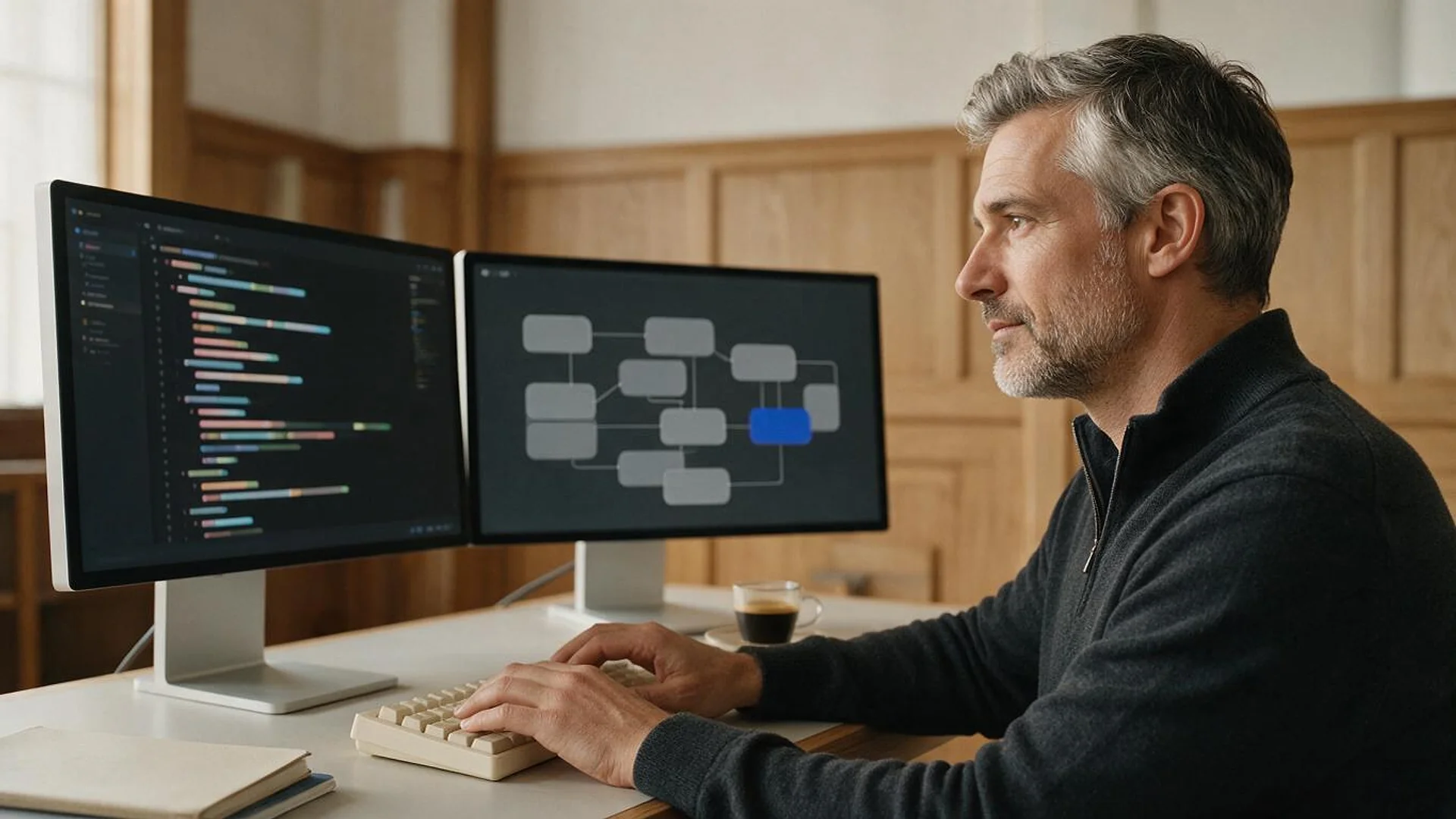
One Electron or Tauri codebase for Windows, macOS and Linux, with native menus, tray icons and file associations.
FIG 01 · Desktop App Development
Cross-platform desktop apps in Electron or Tauri, native Windows apps in .NET, and WinForms or WPF tools brought up to date, signed, notarized and auto-updating from the first release.
See how it works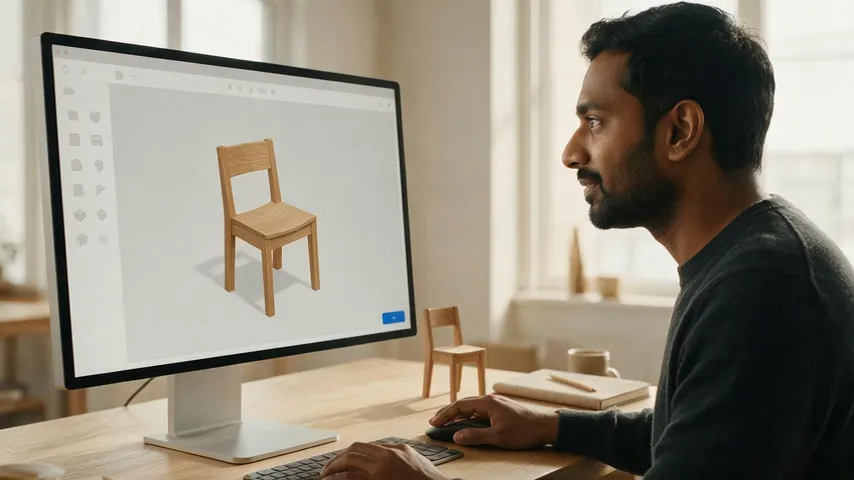
FIG 02 · Quick answer
Desktop application development is building software that installs and runs on Windows, macOS or Linux rather than in a browser. Elgrith builds desktop apps with Electron or Tauri for one cross-platform codebase, or .NET for native Windows apps, then handles code signing, notarization, installers and secure auto-updates so the app reaches users cleanly.
FIG 03 · Why it matters
From StatCounter, Microsoft and Electron, read on 23 Oct 2026.
01
76.36%
Windows ran on 76.36% of desktops worldwide in September 2026, macOS on about 16.8% (StatCounter lists OS X and macOS separately) and Linux on 4.54%.
Source: StatCounter, desktop OS market share, Sep 2026 (read 23 Oct 2026)(opens in a new tab)02
14 Oct 2025
Microsoft ended Windows 10 support on 14 October 2025. Consumer Extended Security Updates run to 12 October 2027. Windows 11 was 71.44% of desktop Windows in September 2026.
Source: Microsoft, Windows 10 end of support (read 23 Oct 2026)(opens in a new tab)03
8 weeks
Electron ships a major version every 8 weeks and supports the latest three. Electron 42 reached end of life on 20 Oct 2026, the day Electron 45 was scheduled.
Source: Electron, release timelines and schedule (read 23 Oct 2026)(opens in a new tab)FIG 04 · Frameworks
The framework decides your footprint, how often you upgrade and which platforms you reach. This is the dated view we choose from, checked on 23 Oct 2026.
| Framework | Platforms | How it runs | Upgrade burden | Fits when |
|---|---|---|---|---|
| Electron | Windows, macOS, Linux | Bundles Chromium and Node.js | A major every 8 weeks; latest three supported | Your team writes web code and needs identical rendering everywhere |
| Tauri 2 | Windows, macOS, Linux (plus iOS, Android) | System WebView with a Rust back end | Stable since 2 Oct 2024; smaller ecosystem | Small installers and a tight permission model matter |
| .NET 10 with WPF or WinUI 3 | Windows | Native Windows UI in C# and XAML | .NET 10 LTS supported to 14 Nov 2028 | Windows-first business tools, or existing WinForms and WPF code |
| .NET MAUI | Windows, macOS, iOS, Android | Native controls from one C# codebase | Follows the .NET release cycle | A C# team needs desktop and mobile from one codebase |
| Qt 6 | Windows, macOS, Linux, embedded | C++ and QML | Check open-source or commercial licence terms | Hardware, embedded screens and heavy graphics |
| SwiftUI and AppKit | macOS | Apple’s native frameworks | Yearly macOS and Xcode updates | A Mac-only product that must feel fully native |
Sources: Electron release timelines and schedule, Tauri’s 2.0 announcement and Microsoft’s .NET support policy, read 23 Oct 2026. We build in Electron, Tauri and .NET; Qt and SwiftUI are listed so the comparison is complete, and we’ll tell you in discovery if your product needs a team that specialises in them.
Web, mobile or desktop? Read web app vs mobile appFIG 05 · What you get
From the first window to the signed installer: the parts of a desktop build we design, engineer and ship.
01
02
03
04
05
06
07
08
Deliverables
10
FIG 06 · Apps
Desktop still wins where the work is heavy, offline or close to hardware. These are the apps we build most.
FIG 07 · Cross-platform
One codebase for Windows, macOS and Linux. Which one fits depends on size, security model, your team and how much upgrade work you can budget.
04principles
Chromium and Node.js in every install, so rendering is identical everywhere. A new major arrives every 8 weeks, so we plan upgrades into maintenance to stay on the three supported versions.
Uses the system WebView (WebView2 on Windows, WKWebView on macOS) with a Rust back end, for much smaller installers and permissions you grant per capability.
Pick Electron when rendering must match exactly and your team lives in Node.js. Pick Tauri when size, memory and a tight permission model matter more. We recommend one in discovery, with the reasons in writing.
Both run your React or TypeScript UI, so a desktop app can share components with your web product.
Web app developmentFIG 08 · Modernization
Microsoft ended Windows 10 support on 14 Oct 2025. Organisations can buy Extended Security Updates at 61 USD per device for year one, doubling each year for up to three years (Microsoft Learn, 17 Nov 2025). That buys time, not a fix.
04principles
Windows 11 ran on 71.44% of desktop Windows in September 2026. We test old tools there before anything else changes.
Move .NET Framework apps to .NET 10 LTS, supported to 14 Nov 2028, keeping the UI your staff know.
.NET developmentRebuild screen by screen, with the old and new apps running side by side until the switch.
Application modernizationApps already moved to .NET 8 or .NET 9 lose support on 10 Nov 2026 under Microsoft’s policy. We plan the step to .NET 10.
FIG 09 · Distribution
A desktop app isn’t finished until people can install and update it without security warnings. We set this up in your developer accounts from the first release.
05principles
Gatekeeper checks for a Developer ID certificate on Mac apps downloaded outside the Mac App Store, so we sign every app, plug-in and installer.
Apple’s notary service scans signed software and issues a ticket we staple to the package. It stopped accepting altool and Xcode 13 uploads on 1 Nov 2023.
Apple says .pkg installers signed with certificates from the original Sub-CA will no longer install from 1 Feb 2027. We move signing to G2 certificates before then.
Authenticode-signed installers, MSIX packages, Microsoft Store or winget listings where they fit your users.
Signed update feeds through electron-updater, the Tauri updater or Sparkle, with staged releases.
FIG 10 · Process · 6 steps
A fixed written quote after a free call, then sprints with weekly demos and signed builds from the first sprint. You own the code and IP, and the signing certificates and developer accounts stay in your name.
Users, platforms, hardware, offline needs and your existing code, then a framework recommendation in writing.
Windows, menus and flows that respect each platform’s conventions, checked for keyboard use and accessibility.
A written scope and a fixed quote, with the phases and what each one delivers, before any work starts.
Sprints with a demo every week, and signed, installable builds on every platform from the first sprint.
Automated and manual tests on Windows 11, macOS and Linux, including install, update and uninstall.
Signed installers, notarization and an update feed, then framework and OS upgrades under terms agreed in your written scope.
FIG 11 · What you get
Written into your fixed quote, so you know exactly what you are paying for before work starts.
10items
FIG 12 · Tech & tools
Proven, well-supported tools, chosen for your project and set up in accounts your business owns.
FIG 13 · Who it’s for
Signed, updatable desktop software, with the code and accounts in your name.
3 audiences
Products
A cross-platform product in Electron or Tauri, signed and notarized, with an update feed you control.
Enterprises
WinForms, WPF and VB6 tools tested on Windows 11 and moved to .NET 10, rebuilt in stages so staff keep working.
Hardware
Desktop apps that set up, update and read data from your hardware over USB, serial, Bluetooth or the network.
FIG 14 · Working with us from the USA and UK
Every project gets a point of contact in New York or London and an engineering team in New Delhi. Here is how today’s working days line up, live.
New York
North America
--:--ET
London
UK & Europe
--:--UK
Fixed-scope project
A written scope, one fixed price and a dated plan. Suits websites, apps and MVPs.
Dedicated team
Designers and engineers on your roadmap every month, billed monthly.
White label
For US and UK agencies: our work, your brand, unbranded deliverables.
Calls on ET or UK hours
FIG 16 · Rules and dates
What changed and when, checked on 23 Oct 2026 at Microsoft’s, Apple’s, Electron’s and Tauri’s own pages.
| Date | Platform | What happens |
|---|---|---|
| 1 Nov 2023 | Apple notary service | Uploads from altool or Xcode 13 and earlier no longer accepted; use notarytool |
| 2 Oct 2024 | Tauri | Tauri 2.0 stable released |
| 14 Oct 2025 | Windows 10 | Support ended; paid Extended Security Updates available |
| 20 Oct 2026 | Electron | Electron 42 end of life; Electron 45.0.0 released 21 Oct 2026 (GitHub, UTC) |
| 10 Nov 2026 | .NET 8 and .NET 9 | End of support |
| 1 Feb 2027 | Apple Developer ID | Original Sub-CA expires; .pkg files signed with its certificates stop installing |
| 12 Oct 2027 | Windows 10 | Consumer Extended Security Updates end |
| 14 Nov 2028 | .NET 10 (LTS) | End of support |
Sources: Apple Developer ID and Apple Developer news (1 Oct 2026), Tauri 2.0 announcement, Microsoft Windows 10 end of support, Electron schedule and GitHub releases, Microsoft .NET support policy. Vendors move dates; we re-check before every release.
FIG 17 · Compare
| Desktop app | Web app | Desktop and web, shared code | |
|---|---|---|---|
| Works offline | Yes, by design | Limited | Desktop yes, web limited |
| Files and hardware | Full access to files, USB, serial and Bluetooth | Restricted by the browser | Full on desktop |
| Reaching users | Installers, stores or managed deployment | A link | Both |
| Updates | Signed update feed | Instant on deploy | Both, from one codebase |
| Best for | Heavy, offline or hardware-linked work | Broad reach and quick changes | Products used in both places |
FAQ
Straight answers about Desktop App Development with Elgrith.
Electron bundles Chromium and Node.js, so rendering is identical everywhere and the ecosystem is large, but installers are bigger and a new major ships every 8 weeks. Tauri 2 uses the system WebView with a Rust back end, so apps are much smaller, with a tighter permission model and a smaller ecosystem. We recommend one in discovery, with the reasons in writing.
FIG 18 · Related
Free 30-minute call
Tell us the platforms, the users and the old tool it replaces, if there is one. After a free call you get a written scope and a fixed quote.
Pick a day. You'll choose a time in your own time zone on the next step.