01
Canvas apps
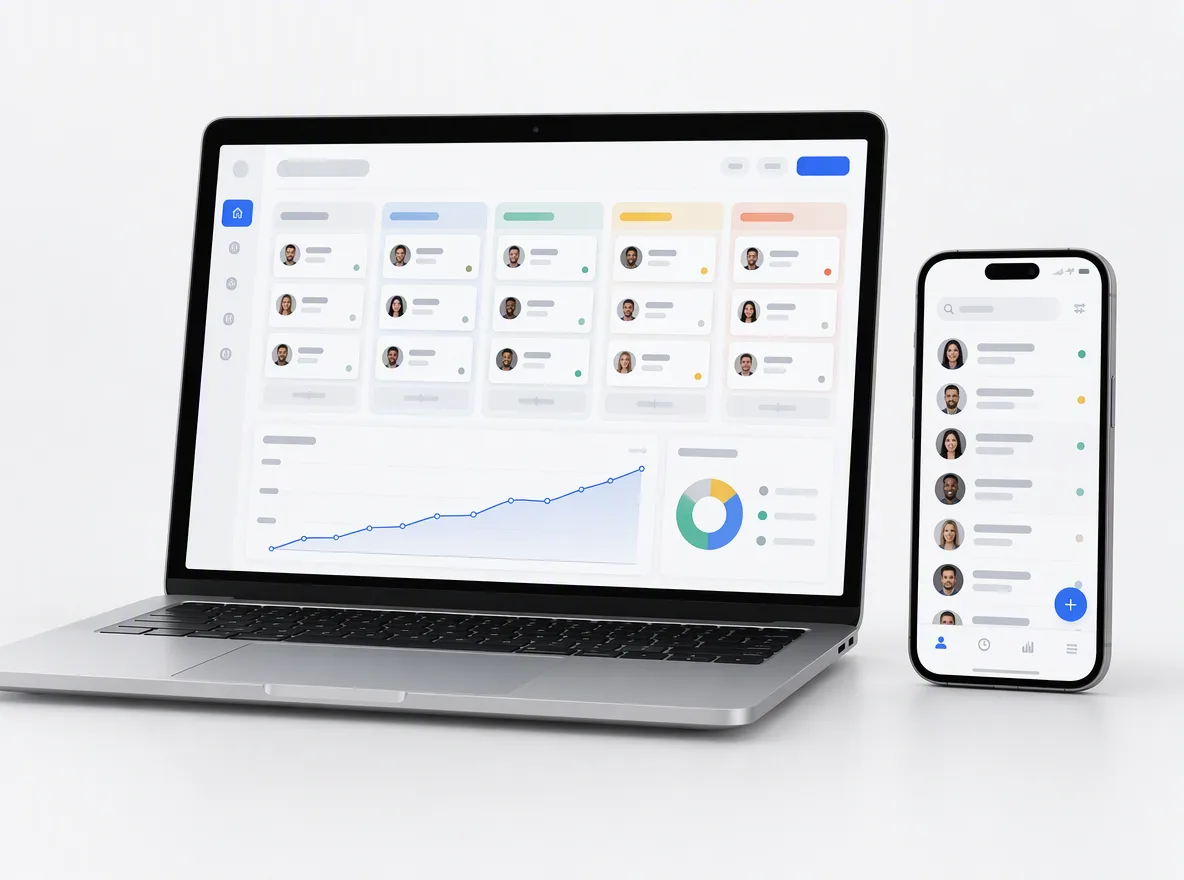
Pixel-level layouts for phones, tablets and desktops, written in Power Fx and connected to SharePoint lists, Dataverse, SQL or your APIs.
FIG 01 · Power Apps Development
Canvas and model-driven apps, Power Automate flows and Dataverse models, plus rebuilds of retired InfoPath forms and SharePoint 2013 workflows, on environments with data policies and deployment pipelines.
See how it works
FIG 02 · Quick answer
Power Apps consulting services help teams build low-code business apps and automations on Microsoft Power Platform. Elgrith designs canvas and model-driven apps, Power Automate flows and Dataverse models, rebuilds retired InfoPath forms and SharePoint 2013 workflows, and sets up Managed Environments, data policies and deployment pipelines so apps stay secure and supportable.
FIG 03 · Why it matters
From Microsoft Learn and Microsoft’s Power Platform pricing pages, read on 23 Oct 2026.
01
15 Dec 2026
Microsoft: “Existing unmanaged developer environments are suspended starting December 15, 2026.” Their apps, flows and data become unavailable; deletion starts 15 Jan 2027.
Source: Microsoft Learn, Power Platform: important changes coming (updated 22 Oct 2026)(opens in a new tab)02
15 Nov 2026
From 15 Nov 2026 you can’t create new unmanaged developer environments or new Dataverse for Teams environments, per Microsoft Learn.
Source: Microsoft Learn, Power Platform: important changes coming (updated 22 Oct 2026)(opens in a new tab)03
$20
Microsoft’s US page lists Power Apps Premium at $20.00 per user/month, paid yearly. Microsoft notes its prices are for marketing purposes only; your agreement may differ.
Source: Microsoft, Power Apps pricing (US, USD, read 23 Oct 2026)(opens in a new tab)FIG 04 · Deadline check
If your makers build in personal developer environments or in Dataverse for Teams, the dates below apply to you. The fix is an environment audit and a move to Managed Environments with solutions and pipelines.
| Change | Date | What it means | What we do |
|---|---|---|---|
| New unmanaged developer environments end | 15 Nov 2026 | The Developer Plan sign-up no longer creates one | Set up managed developer environments |
| New Dataverse for Teams environments end | 15 Nov 2026 | No new Teams-only environments | Plan apps on standard Dataverse environments |
| Unmanaged developer environments suspended | 15 Dec 2026 | Their apps, flows, agents and data aren’t available | Audit, export solutions, move what matters |
| Suspended environments deleted | From 15 Jan 2027 | Content that wasn’t moved is gone | Finish moves before the deletion date |
| InfoPath 2013 and SharePoint 2013 workflows | Retired 14 Jul and 2 Apr 2026 | Old forms and workflows no longer supported | Rebuild in Power Apps and Power Automate |
Sources: Microsoft Learn, “Important changes coming” (updated 22 Oct 2026), End of support in 2026, and Microsoft Support, SharePoint 2013 workflow retirement, all checked 23 Oct 2026.
Rebuilding InfoPath and workflows from SharePoint? SharePoint consultingFIG 05 · What you get
Low-code apps and automations built the way IT wants them: in solutions, on governed environments, with data policies, source control and a hand-over your team can support.

01
02
03
04
05
06
07
08
Deliverables
11
FIG 06 · Use cases
Power Apps shines for internal processes that live in spreadsheets, email and paper today. When the app is customer-facing at scale, or needs heavy custom logic, we say so and build custom software instead.
FIG 07 · Automate
Power Automate connects Microsoft 365 and hundreds of other services through connectors. We design flows that are owned by a service account, live in solutions and fail loudly, not silently.
06principles
Triggers from SharePoint, Teams, Outlook, Forms and Dataverse, with error handling and run-history alerts.
Attended or unattended automation for desktop apps and legacy screens that have no API.
Multi-stage approvals with delegation and reminders, answered from Teams or email.
Connectors to your own APIs, so flows and apps can call them without workarounds.
How the main non-Microsoft automation tools compare in 2026.
Read the comparisonFIG 08 · Licensing
Licences are often the biggest running cost of a Power Platform app, so we model them before we build. Microsoft’s US list prices, read on 23 Oct 2026 (USD, paid yearly; other regions show local currency on Microsoft’s own pages):
06principles
Per user per month, paid yearly; $12.00 per user per month with a 2,000-seat minimum. Microsoft says its prices are for marketing purposes only.
Per user per month, paid yearly; the Process plan is listed at $150.00 per bot per month.
For building and testing, not production. From 15 Nov 2026 it no longer creates an unmanaged developer environment.
Standard connectors such as SharePoint and Outlook come with Microsoft 365; premium connectors, Dataverse and custom connectors need a premium licence.
Database, file and log capacity is pooled across the tenant, so we estimate it alongside user licences.
We help you pick the right mix and buy it through your usual Microsoft channel; our quote covers our work only.
FIG 09 · Hire
Power Apps and Power Automate developers who work in your tenant, follow your change process and build inside solutions, managed from our New Delhi HQ.
06principles
One developer on your backlog of apps and flows, working in your environments and your sprint.
Developers, a tester and a lead for a deadline, such as the December 2026 environment changes.
A defined app, flow set or InfoPath rebuild for a fixed quote, delivered in sprints with weekly demos.
Interviews, onboarding, replacements and hand-over, explained.
Hire dedicated developersCustom web and mobile apps when Power Apps hits its limits.
Custom software developmentFIG 10 · Process · 6 steps
A fixed written quote after a free call, apps built in solutions with weekly demos, and pipelines that move them from development to production. You own the apps, flows and documentation.
Tell us what you run today, what has to change and by when. We ask about users, data, permissions and integrations, not just the product name.
We review your environments, existing apps and flows, data sources, connectors and licences, and flag anything in an unmanaged developer environment or Dataverse for Teams.
A written scope, a fixed quote and the plan for migration, testing and hand-over, before any work starts.
Apps and flows built inside solutions in a development environment, checked with the solution checker, with a demo every week.
Deployment through pipelines to test and production, with data policies applied and service accounts owning the flows.
Changes, new apps and Microsoft’s platform updates handled on terms agreed in your written scope.
FIG 11 · What you get
Written into your fixed quote, so you know exactly what you are paying for before work starts.
11items
FIG 12 · Tech & tools
Proven, well-supported tools, chosen for your project and set up in accounts your business owns.
FIG 13 · Who it’s for
New apps, rebuilds and governance, with the same rules: solutions, environments, your IP.
3 audiences
IT and platform owners
Apps and flows scattered across personal environments, owned by people who have left. We inventory them, move what matters into managed environments and set the guardrails.
Operations teams
Inspections, approvals, requests and tracking turned into apps that work on phones and in Teams, with data your managers can report on.
UK teams
UK projects run through our London client partner, with engineering at our New Delhi HQ. We write in UK English, design data handling around UK GDPR, and agree working hours and change windows in your written scope.
FIG 14 · Working with us from the USA and UK
Every project gets a point of contact in New York or London and an engineering team in New Delhi. Here is how today’s working days line up, live.
New York
North America
--:--ET
London
UK & Europe
--:--UK
Fixed-scope project
A written scope, one fixed price and a dated plan. Suits websites, apps and MVPs.
Dedicated team
Designers and engineers on your roadmap every month, billed monthly.
White label
For US and UK agencies: our work, your brand, unbranded deliverables.
Calls on ET or UK hours
FIG 15 · Decide
They do different jobs and most solutions use both: Power Apps is the screen people use, Power Automate is the work that happens behind it.
| Power Apps | Power Automate | |
|---|---|---|
| What it is | Apps with screens, forms and data | Flows that run steps automatically |
| Who uses it | People entering, reviewing or finding data | No one directly: it runs on a trigger or a schedule |
| Typical job | An inspection form, an asset register, a request portal | Approvals, notifications, syncing systems, RPA |
| Built with | Power Fx, Dataverse, connectors | Connectors, expressions, desktop flows |
| Licence (US list, 23 Oct 2026) | Power Apps Premium, $20.00 per user/month | Power Automate Premium, $15.00 per user/month |
Prices are Microsoft’s US list prices in USD, paid yearly, read on 23 Oct 2026 at microsoft.com; Microsoft says they are for marketing purposes only.
FIG 16 · Engage
We don’t publish rates. This is how the three ways to work with Power Apps developers compare.
| Fixed-scope project | Dedicated specialist | Team extension | |
|---|---|---|---|
| Best for | A defined migration, intranet or app | A steady backlog of changes and new builds | A deadline, a migration wave or a backlog spike |
| Who manages the work | Us, against a written scope | You, in your sprint | You, with our lead |
| How it is priced | One fixed quote | Monthly, per specialist | Monthly, per team |
| Code, configuration and IP | Yours | Yours | Yours |
FIG 17 · Compare
| Canvas app | Model-driven app | Custom app | |
|---|---|---|---|
| Starts from | The screen design | The data model in Dataverse | Your requirements, any stack |
| Layout control | Full | Standard, responsive by default | Full |
| Best for | Task apps, field apps, phones | Process-heavy apps with many records | Customer-facing products and complex logic |
| Data | Many sources through connectors | Dataverse | Any database |
FAQ
Straight answers about Power Apps Development with Elgrith.
Microsoft’s US pricing page lists Power Apps Premium at $20.00 per user per month, paid yearly, or $12.00 with a 2,000-seat minimum, and the Developer Plan is free for building and testing (read on 23 October 2026; Microsoft says prices are for marketing purposes only). Other regions show local currency. We don’t publish our own rates.
FIG 18 · Related
Free 30-minute call
Tell us about the process, form or workflow you need to replace. After a free call you get an environment review, a written scope and a fixed quote.
Pick a day. You'll choose a time in your own time zone on the next step.