01
Cloud readiness assessment
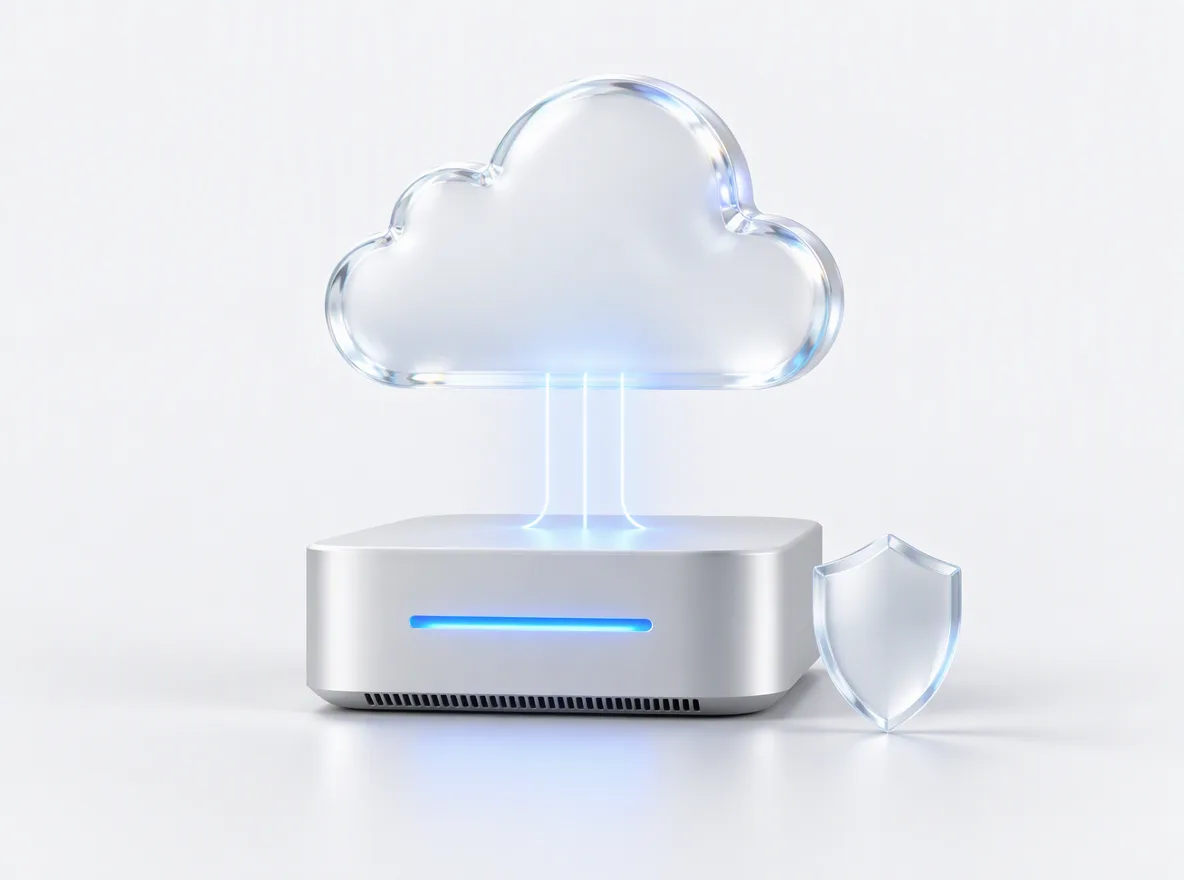
An inventory of servers, apps, databases and the dependencies between them, a total-cost-of-ownership comparison and a 7 Rs decision for every workload.
FIG 01 · Cloud Migration
Web apps, SaaS products, databases and sites moved to AWS, Azure or Google Cloud in planned waves, with rollback criteria written before day one and cost tuning after go-live, by the team that builds software.
See how it works
FIG 02 · Quick answer
Cloud migration services move your applications, databases and files from on-premises servers or another cloud to AWS, Azure or Google Cloud. Elgrith assesses each workload, picks one of the 7 Rs, from rehost to refactor, migrates in planned waves with written rollback criteria, then tunes cost, security and performance after go-live.
FIG 03 · Why it matters
From Flexera’s 2026 State of the Cloud survey of 750+ IT leaders (its press release is in German; the figures below are our translation) and AWS’s own migration guidance.
01
85%
In Flexera’s 2026 survey, managing cloud costs was the biggest challenge, named by 85% of respondents.
Source: Flexera 2026 State of the Cloud (press release, translated from German)(opens in a new tab)02
29%
Respondents estimated that 29% of their cloud spend delivers no measurable value. That is why our work doesn’t stop at cutover.
Source: Flexera 2026 State of the Cloud (press release, translated from German)(opens in a new tab)03
7
AWS documents seven strategies for moving applications to the cloud, known as the 7 Rs. We choose one per workload, not one for the whole estate.
Source: AWS Prescriptive Guidance, migration strategies(opens in a new tab)FIG 04 · Strategy
AWS calls them the 7 Rs: seven ways to move an application to the cloud. Most estates use several. Here is what each one means, when it fits and how much work it takes.
| Strategy | What it means | Best for | Effort |
|---|---|---|---|
| Retire | Switch the application off | Apps nobody uses and duplicated tools | Lowest |
| Retain | Keep it where it is, for now | Apps with a recent hardware refresh, licence lock-in or a compliance hold | None for now |
| Rehost (lift and shift) | Move servers as they are to cloud virtual machines | Fast data-centre exits and apps you can’t change yet | Low |
| Relocate | Move a whole platform, such as VMware, without changing the apps | Large virtualized estates | Low to medium |
| Repurchase | Replace the app with a SaaS product | Commodity tools such as email, CRM or HR | Medium: data migration and change management |
| Replatform | Small changes to use managed services, such as moving a database to Amazon RDS or Azure SQL | Apps that gain from managed databases, containers or autoscaling | Medium |
| Refactor | Re-architect the app for cloud-native services | Products that need scale or speed the current design can’t give | Highest |
AWS’s own guidance says refactor “is not recommended for large migrations because it involves modernizing the application during the migration.” We usually move first, then modernize the parts that earn it.
Only need hosting and CI/CD? See cloud deploymentFIG 05 · What you get
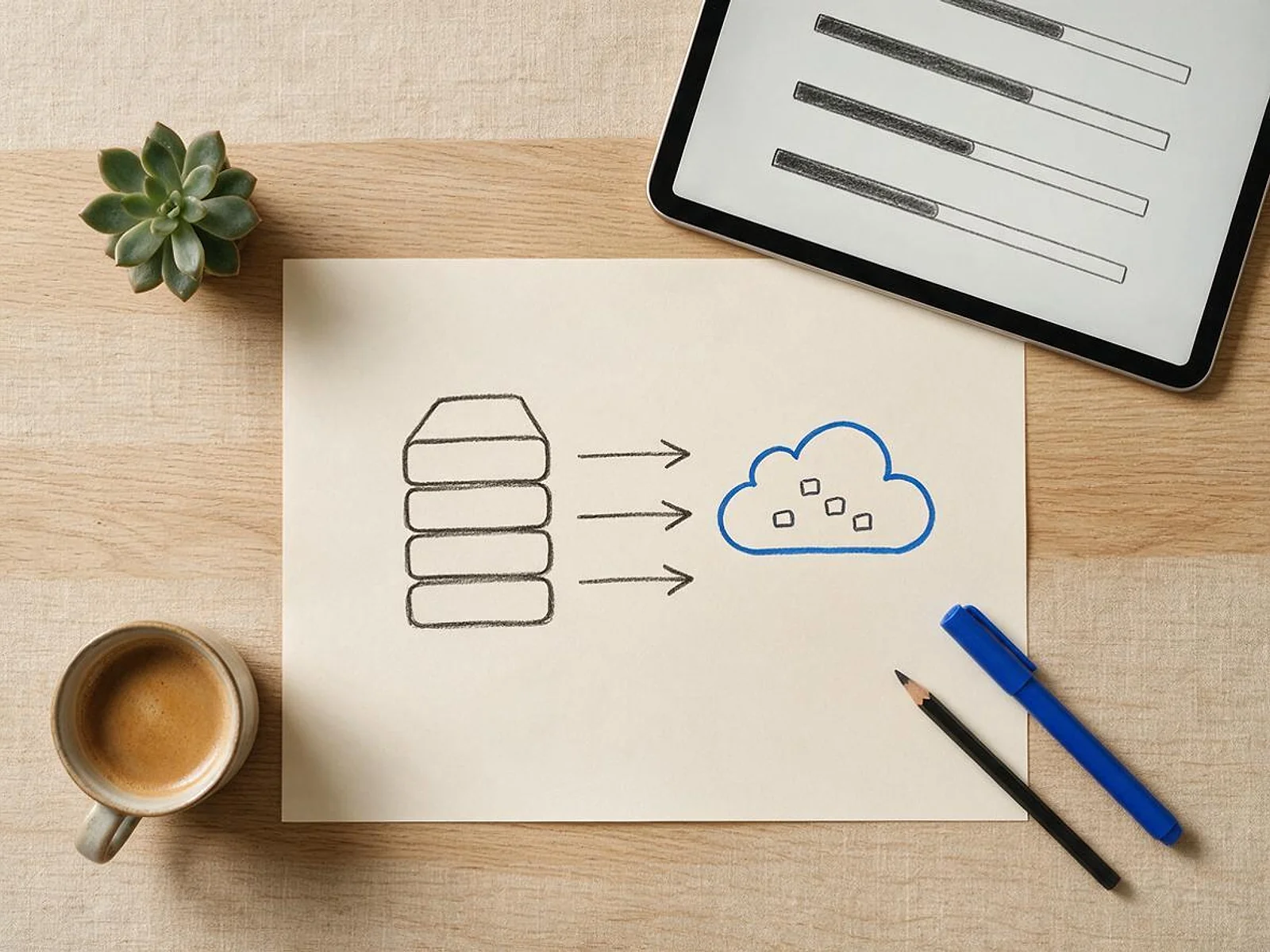
Assessment, migration and the tuning after it, from one team that also builds and maintains software. We work on AWS, Azure and Google Cloud.
01
02
03
04
05
06
07
08
Deliverables
12
FIG 06 · Migration paths
Every path lands on a landing zone built as code, with networking, identity, logging and budgets in place before the first workload arrives.
FIG 07 · Flagship build
Kenerate AI is our flagship build, a cloud-hosted AI image and video studio we designed and engineered. It is not a migration project; it shows the platform engineering behind our migrations.
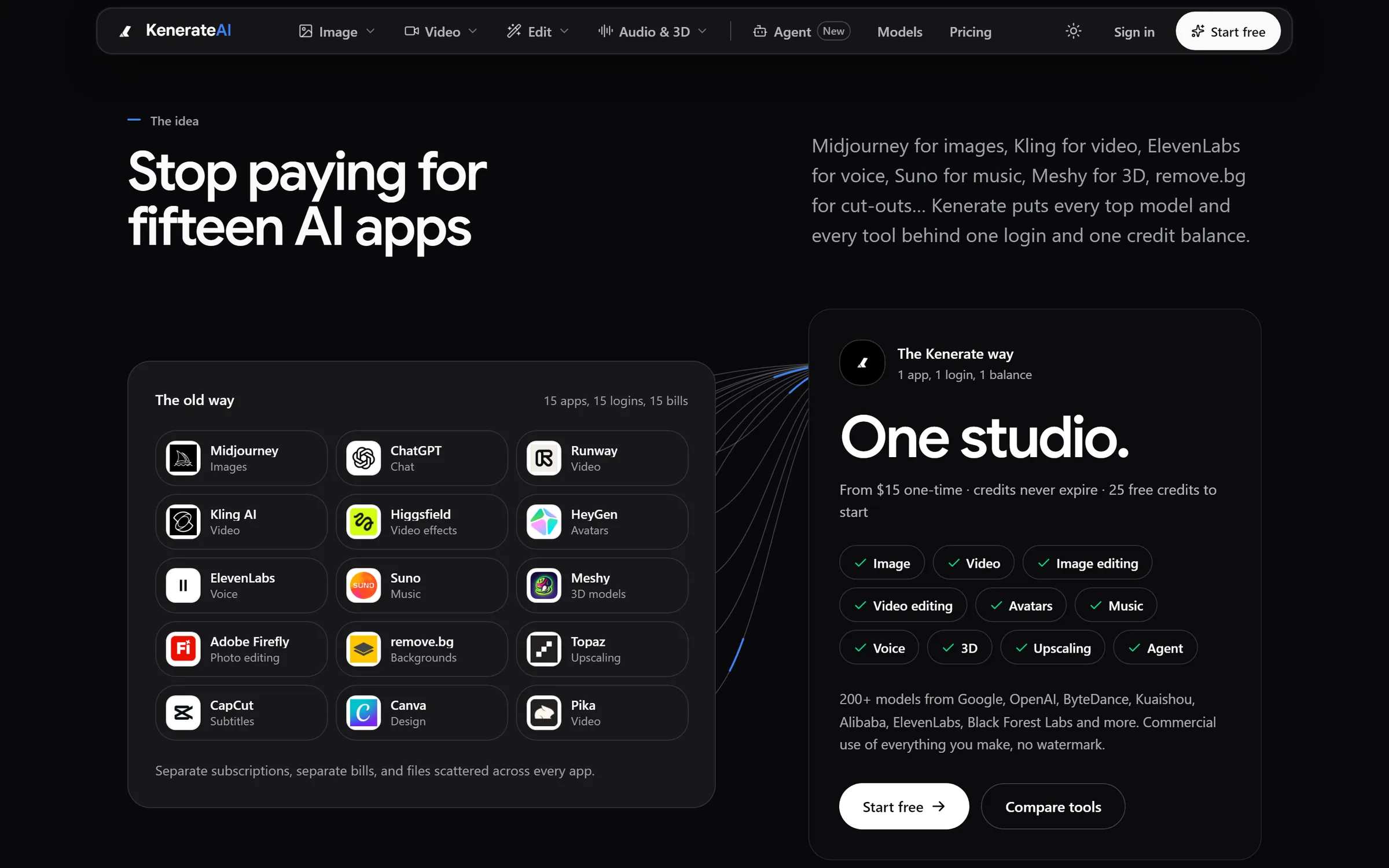
The idea: 15 apps, 15 logins, 15 bills become one studioDesigned and engineered by Elgrith
FIG 08 · Cutover
Microsoft’s Cloud Adoption Framework says migration methods fall into two categories: with downtime and with near-zero downtime. It also says to “always establish rollback criteria and procedures before initiating any migration.” We do both, in writing.
06principles
A planned window: stop writes, copy, verify and switch. The simplest and cheapest route when a short outage is acceptable.
Continuous replication of data and servers, then a short switch-over. More setup, very little interruption for your users.
The error rates, data checks and time limits that trigger a rollback, signed off with you before day one.
Rollback is tested in a dry run, so going back is a procedure, not a scramble.
Workloads are grouped by dependency and risk and moved in waves, with the lowest-risk wave first.
Row counts, checksums and sample checks before and after cutover, so nothing is lost or changed in transit.
FIG 09 · FinOps
Flexera’s 2026 survey puts cloud cost management as the top challenge. Most providers stop at “migration done”. We tune the bill and the performance after go-live.
06principles
Instances, databases and storage sized to real usage once traffic has settled, not to the old servers.
Savings plans or reserved instances for steady workloads, once usage is predictable.
Every resource tagged by product, team and environment, so you can see who spends what.
Budgets and anomaly alerts in your billing console, so surprises arrive as alerts, not invoices.
Dashboards, logs and alerts compared with the baselines we measured before the move.
Old servers and contracts switched off once the rollback window closes, so you stop paying twice.
FIG 10 · Measurement
Baselines are measured before the move, then compared at the check-ins agreed in your written scope, so you can see whether the migration paid off.
| Metric | What it tells you | How we measure it |
|---|---|---|
| Cloud spend against plan | Whether costs match the business case | Billing exports and cost reports, by tag |
| Idle and oversized resources | Waste to remove | Utilization and rightsizing reports |
| Availability and errors | Whether the app is as healthy as before, or better | Uptime checks, error rates and logs |
| Response times | Performance after the move | Application monitoring against pre-migration baselines |
| Data integrity | That nothing was lost or changed | Reconciliation counts and checksums |
| Security posture | Misconfigurations and open access | AWS Security Hub, Microsoft Defender for Cloud or Security Command Center |
We don’t promise savings percentages before we have seen your bills and workloads. Targets are agreed with you after the assessment.
FIG 11 · Process · 7 steps
A fixed written quote after the assessment, and rollback criteria signed off before the first workload moves.
Inventory, dependency mapping and cost comparison for every workload, with a 7 Rs decision for each. You get a written scope and a fixed quote.
Workloads grouped into waves by dependency and risk, with the cutover method and rollback criteria for each wave written down.
Accounts, networking, identity, logging and budgets built as code in Terraform, in cloud accounts registered to your business.
Each wave is copied or replicated, then tested end to end with your team before anything switches.
The planned switch, with data validated before and after, and the rollback path ready if the criteria are hit.
Rightsizing, reserved capacity, tagging and alerts once real traffic has settled on the new platform.
Old servers, licences and hosting contracts retired once the rollback window has closed.
FIG 12 · What you get
Written into your fixed quote, so you know exactly what you are paying for before work starts.
12items
FIG 13 · Tech & tools
Proven, well-supported tools, chosen for your project and set up in accounts your business owns.
FIG 14 · Who it’s for
Honest scope for growing businesses and SaaS products, not mainframes.
3 audiences
Growing business
Office servers, ageing hosting and shared drives moved to a cloud setup you can actually manage, with backups that work.
SaaS products
Replatform your product onto managed databases, containers and autoscaling without a risky big-bang release.
UK and EU data
UK projects run through our London client partner, with deployments to UK or EU regions when data residency matters.
FIG 15 · Working with us from the USA and UK
Every project gets a point of contact in New York or London and an engineering team in New Delhi. Here is how today’s working days line up, live.
New York
North America
--:--ET
London
UK & Europe
--:--UK
Fixed-scope project
A written scope, one fixed price and a dated plan. Suits websites, apps and MVPs.
Dedicated team
Designers and engineers on your roadmap every month, billed monthly.
White label
For US and UK agencies: our work, your brand, unbranded deliverables.
Calls on ET or UK hours
FIG 16 · Decide
All three clouds can run most workloads well. The right one usually depends on what you already use.
| AWS | Microsoft Azure | Google Cloud | |
|---|---|---|---|
| Good fit if | You want the widest choice of managed services | You already run Microsoft 365, Entra ID or SQL Server licences | Your plans lean on data analytics, AI services or Kubernetes |
| Migration tools | AWS Application Migration Service, Migration Hub, DMS | Azure Migrate, Azure Database Migration Service | Migrate to Virtual Machines, Database Migration Service |
| Managed databases | Amazon RDS and Aurora | Azure SQL and Azure Database for PostgreSQL | Cloud SQL and AlloyDB |
| Watch for | Egress fees and support plans | Licence terms and egress fees | Egress fees and support plans |
FIG 17 · Checklist
Most cloud migration service providers look alike on paper. These six questions separate them.
| Ask for | Why it matters | What good looks like |
|---|---|---|
| A written rollback plan | Cutovers can fail | Rollback criteria and a tested path before day one |
| A data-validation method | Silent data loss is the worst outcome | Counts and checksums, signed off by your team |
| Infrastructure as code handover | You should be able to rebuild without the vendor | Terraform or Bicep in your own repository |
| Named cloud skills | AWS, Azure and Google Cloud differ | Engineers who have shipped on your target cloud |
| A cost report after go-live | Savings don’t happen by themselves | Cost reviews at 30, 60 and 90 days |
| Account ownership | Lock-in starts with the billing account | Cloud accounts registered to your business from day one |
FIG 18 · Compare
| With downtime | Near-zero downtime | |
|---|---|---|
| How it works | Stop writes, copy, verify, switch | Replicate continuously, then a short switch-over |
| Best for | Internal tools, small sites, apps with quiet hours | Customer-facing apps and busy databases |
| Setup effort | Lower | Higher: replication and sync to set up |
| User impact | A planned outage window | Little or no interruption |
| Rollback | Switch back to the source | Switch back while replication is still running |
FAQ
Straight answers about Cloud Migration with Elgrith.
Cloud migration services move applications, databases and files from on-premises servers or another cloud to a cloud platform such as AWS, Azure or Google Cloud. A good provider assesses each workload, chooses a strategy for it, migrates in planned waves with a rollback plan, validates the data and tunes cost and performance after go-live.
FIG 19 · Related
Free 30-minute call
Tell us what you run today. After a free migration assessment call you get a written scope, a 7 Rs plan per workload and a fixed quote.
Pick a day. You'll choose a time in your own time zone on the next step.