01
Platform and CMS migrations
Platform migration services between WordPress, Webflow, Shopify, Wix, Squarespace, Drupal and headless CMSs, with templates rebuilt and content mapped field by field.
FIG 01 · Website Migration
Platform, CMS, domain and hosting moves planned URL by URL, tested on staging and watched in Search Console after launch, by the team that builds on WordPress, Webflow, Shopify and Next.js.
See how it works
FIG 02 · Quick answer
Website migration services move a site to a new platform, CMS, domain or host without losing traffic. Elgrith inventories every URL, maps 301 redirects, migrates content and media, tests on staging, launches with a checklist, then monitors Search Console and analytics. Google says to keep redirects for at least one year.
FIG 03 · Why it matters
From Google Search Central and Search Console Help. Many providers promise “no ranking loss”; Google itself says visibility may fluctuate for a while.
01
1 year
Google says to keep redirects “for as long as possible, generally at least 1 year.”
Source: Google Search Central, Site moves with URL changes(opens in a new tab)02
180 days
After a domain move, Search Console’s Change of Address actions “continue for 180 days after you start migration”.
Source: Google Search Console Help, Change of Address tool(opens in a new tab)03
Weeks
Google says “it can take a few weeks or more” to start showing the new URLs, and that visibility “may fluctuate temporarily during the move.”
Source: Google Search Central, Site moves with URL changes(opens in a new tab)FIG 04 · Definition
A website migration is any change to a site’s platform, URLs, domain, protocol or hosting that can affect how search engines crawl and rank it. Each type carries a different risk and calls for different Google tools.
| Migration type | Example | Risk to rankings | What Google’s tools need |
|---|---|---|---|
| Domain change | oldbrand.com to newbrand.com | High | 301 redirects plus Search Console’s Change of Address tool |
| Platform or CMS | WordPress to Webflow or Shopify | Medium to high: URLs and templates change | 301 redirects, new sitemaps, structured-data parity |
| Hosting | Shared hosting to a cloud host, same URLs | Low to medium | No URL changes; expect a temporary crawl-rate dip |
| HTTPS | http:// to https:// | Low | 301 redirects; no Change of Address needed |
| Redesign | New templates, navigation and content | Medium: internal links and content change | Content parity checks and redirects for removed pages |
Many projects combine types, such as a new CMS and a new domain. We plan each change separately so problems can be traced.
Read the website migration checklist (2026)FIG 05 · What you get
Platform, CMS, e-commerce, domain and hosting moves, each one planned URL by URL by a team that builds on the platforms it migrates between.

01
02
03
04
05
06
Deliverables
12
FIG 06 · Migration paths
Every path runs through the same redirect map, staging environment and launch checklist.
FIG 07 · Flagship build
Our engineers build on WordPress, Webflow, Shopify and Next.js every week, and designed and engineered Kenerate AI, our flagship AI image and video studio. It is not a migration project; it shows the engineering behind our migrations.
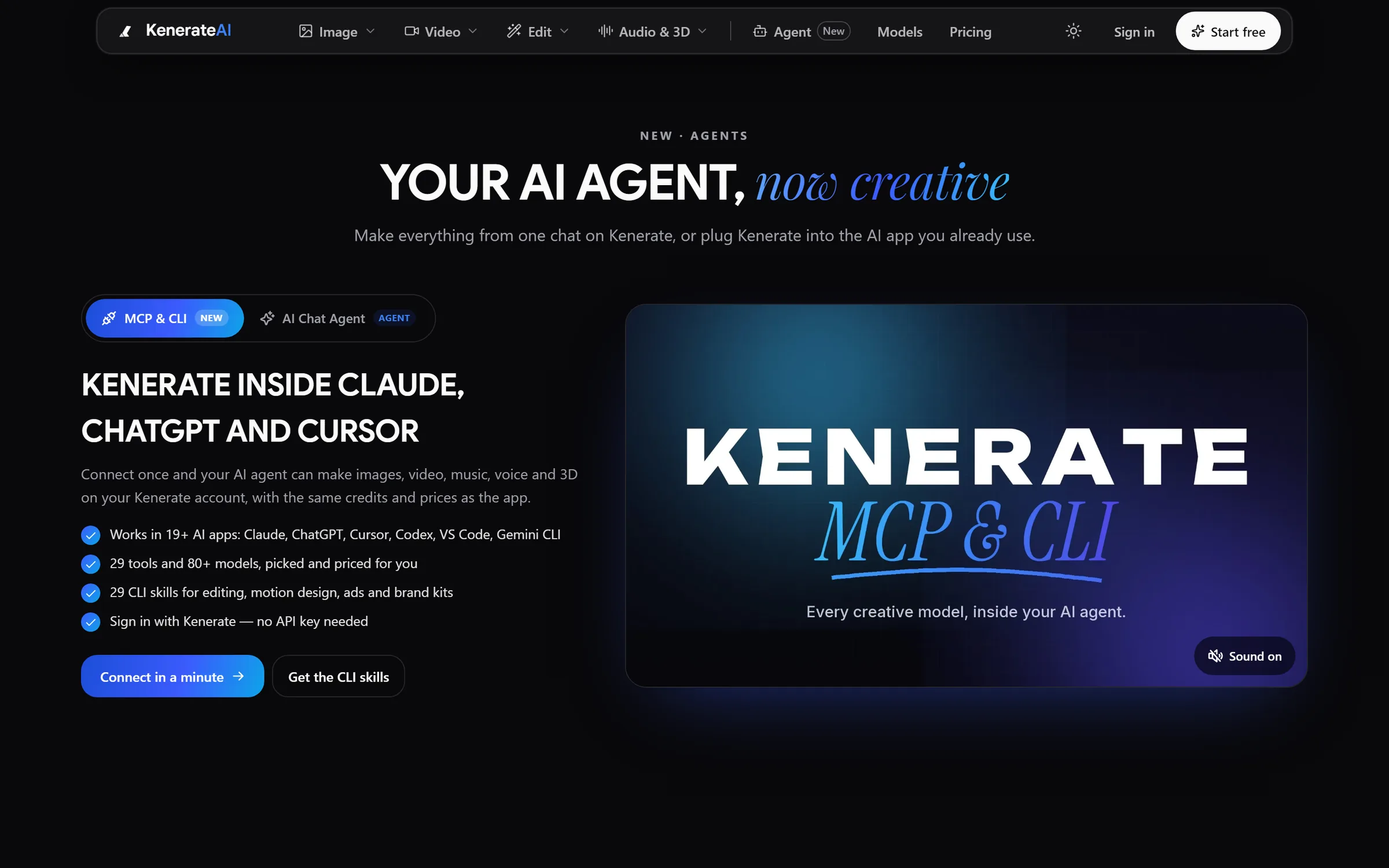
Agent: Kenerate inside Claude, ChatGPT and CursorDesigned and engineered by Elgrith
FIG 08 · SEO
Google’s site-move guidance comes down to mapping every old URL to its new home, keeping redirects in place and helping Google discover the change. We do each step in writing.
06principles
Every URL from crawls, sitemaps, Search Console and analytics, including PDFs, images and pages with backlinks.
Each old URL redirected to its closest new equivalent, not the home page, and tested before and after launch.
Titles, descriptions, headings, body copy, alt text and canonical tags carried over or deliberately improved.
Schema compared page type by page type, so rich results and AI-search signals survive the move.
New XML sitemaps submitted, old ones kept briefly for discovery, and Change of Address used for domain moves.
robots.txt, noindex tags and AI crawler access checked on launch day, so staging rules never reach production.
Technical SEOFIG 09 · Rollback
Every migration has a written rollback plan before launch day: what triggers it, who decides and how the old site comes back.
04principles
The previous site, database and DNS records are kept intact until the rollback window agreed in your scope closes.
Broken checkout, failed forms, mass 404s or a blocked crawl: the conditions that trigger a rollback are agreed in advance.
DNS or redirect changes reversed in a tested order, so going back is a procedure, not a scramble.
Issues fixed on staging and re-tested before the second launch, with the redirect map updated.
FIG 10 · Measurement
Google says it can take a few weeks or more to show the new URLs, and visibility may fluctuate temporarily. After a hosting move a temporary drop in crawl rate is normal. These are the checkpoints we work to, as agreed in your written scope.
| Checkpoint | What we check | Why |
|---|---|---|
| Launch day | Redirects, robots.txt, noindex tags, forms, checkout, analytics tags | Catch blocking errors in the first hours |
| First week | Crawl errors, 404s, indexing of key pages, crawl rate | Google starts discovering the new URLs |
| First month | Impressions, clicks and rankings for key pages against the baseline | Spot pages that lost ground and fix them |
| 180 days | Domain moves: the end of the Change of Address window | Google’s forwarding signals run for 180 days |
| 1 year | Redirect review before any clean-up | Google advises keeping redirects at least 1 year |
We don’t promise zero ranking change. We plan for the fluctuation Google describes and fix what the data shows.
FIG 11 · Process · 7 steps
A fixed written quote after the inventory, and a rollback plan signed off before launch day.
Crawl the site, pull Search Console and analytics data and list every URL, template, integration and backlink target.
Redirect map, content mapping, launch checklist and rollback triggers, in a written scope with a fixed quote.
New templates built, content and media migrated, redirects loaded, all on a staging site blocked from search.
Redirects, metadata, structured data, forms, checkout and speed tested against the old site before anything switches.
DNS and redirects switched in a planned window, sitemaps submitted and Change of Address started for domain moves.
Search Console, analytics and crawl checks at the agreed checkpoints, with fixes as the data comes in.
A final report, the redirect map and the handover, with the old site retired once the rollback window has closed.
FIG 12 · What you get
Written into your fixed quote, so you know exactly what you are paying for before work starts.
12items
FIG 13 · Tech & tools
Proven, well-supported tools, chosen for your project and set up in accounts your business owns.
FIG 14 · Who it’s for
The risk is different for each, so the plan is too.
3 audiences
Marketing sites
Service pages, blog posts and landing pages moved with their rankings protected, and forms tested end to end.
E-commerce
Products, collections, customers and order history moved, with every product URL redirected and checkout tested before launch.
UK sites
UK projects run through our London client partner, with engineering in New Delhi. Launch windows are planned around your trading hours.
FIG 15 · Working with us from the USA and UK
Every project gets a point of contact in New York or London and an engineering team in New Delhi. Here is how today’s working days line up, live.
New York
North America
--:--ET
London
UK & Europe
--:--UK
Fixed-scope project
A written scope, one fixed price and a dated plan. Suits websites, apps and MVPs.
Dedicated team
Designers and engineers on your roadmap every month, billed monthly.
White label
For US and UK agencies: our work, your brand, unbranded deliverables.
Calls on ET or UK hours
FIG 16 · Checklist
Most website migration companies say they protect SEO. Ask how.
| Ask for | Why it matters | What good looks like |
|---|---|---|
| A full URL inventory | Unlisted URLs can’t be redirected | Crawl, sitemaps, Search Console and analytics combined |
| A page-to-page redirect map | Redirecting everything to the home page loses rankings | Each old URL mapped to its closest new page |
| Staging tests | Problems are cheaper to fix before launch | A staging site blocked from search, tested against the old one |
| A rollback plan | Launches can fail | Written triggers and a rehearsed switch-back |
| Honest expectations | Google says visibility may fluctuate | No “zero ranking loss” promises |
| Post-launch monitoring | Issues show up over weeks, not hours | Checkpoints agreed in the scope |
FIG 17 · Compare
| Migrate first, redesign later | Migrate and redesign together | |
|---|---|---|
| Risk | Lower: fewer changes at once | Higher: more variables if rankings move |
| Diagnosing problems | Easier to trace what caused a drop | Harder to separate cause and effect |
| Cost | Two projects | One project, often less total effort |
| Time to the new look | Longer | Shorter |
| Best for | Sites that rely heavily on organic traffic | Small sites, or sites with little to lose in search |
FAQ
Straight answers about Website Migration with Elgrith.
It can if it is done badly. Done well, rankings usually settle once Google has processed the move. Google itself says visibility “may fluctuate temporarily during the move”, so we don’t promise zero change. We protect rankings with a full URL inventory, page-to-page redirects, content parity checks and Search Console monitoring.
FIG 18 · Related
Free 30-minute call
Tell us what you are moving from and to. After a free migration review call you get a URL inventory plan, a written scope and a fixed quote.
Pick a day. You'll choose a time in your own time zone on the next step.