01
K-12 classroom tools
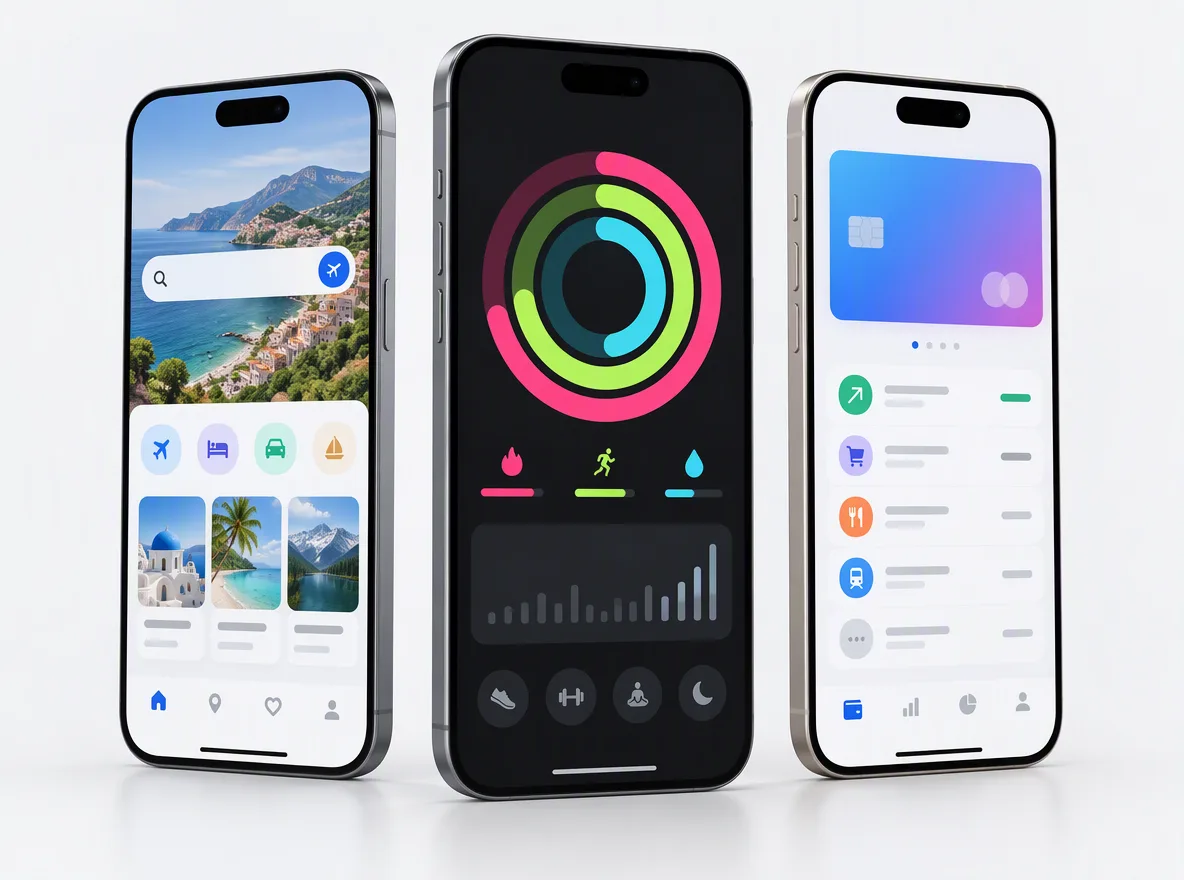
Assignments, practice, quizzes and class insights for teachers, rostered from the district’s systems.
FIG 01 · EdTech Software Development
K-12, higher-ed, tutoring and test-prep apps with the integrations, student-data handling and accessibility that districts and universities check before they buy.
See how it works
FIG 02 · Quick answer
EdTech software development is building learning apps and platforms for schools, universities, tutors and learners. Elgrith builds K-12, higher-ed, tutoring and test-prep apps with LTI 1.3, OneRoster and Clever or ClassLink integrations, student-data flows designed for COPPA, FERPA and the UK Children’s code, and WCAG 2.1 AA accessibility from the first sprint.
FIG 03 · Why it matters
From the Federal Register, the US Department of Justice and 1EdTech, read on 23 Oct 2026.
01
22 Apr 2026
The amended COPPA Rule took effect on 23 June 2025, and “regulated entities have until April 22, 2026 to comply”. It adds a written information security program and a written data retention policy.
Source: Federal Register, COPPA Rule amendments (22 Apr 2025)(opens in a new tab)02
26 Apr 2027
The DOJ rule requires WCAG 2.1 AA for state and local governments, including public schools and colleges: 26 Apr 2027 for those serving 50,000+ people, 26 Apr 2028 for smaller ones and special districts (interim final rule, 20 Apr 2026).
Source: US DOJ, ADA Title II web rule (read 23 Oct 2026)(opens in a new tab)03
LTI 1.3
1EdTech calls LTI 1.3 “the current version”, with security “based on OAuth2 and JSON Web Tokens”. It is how your tool plugs into Canvas, Moodle, Blackboard or Brightspace.
Source: 1EdTech, LTI (read 23 Oct 2026)(opens in a new tab)FIG 04 · Rules and dates
District and university buyers check these before they sign. This is the dated view we design from, checked on 23 Oct 2026 at the official sources linked on this page.
| Rule | Who it affects | Date | What it means for your software |
|---|---|---|---|
| COPPA Rule amendments (16 CFR Part 312) | Operators of services directed to children under 13, or with actual knowledge of them | Effective 23 Jun 2025; compliance by 22 Apr 2026 | A written information security program, a written data retention policy and separate parental consent before disclosing data to third parties |
| FERPA | Schools receiving US Department of Education funds, and vendors acting for them | In force | Parents can access their children’s education records, with rights passing to the student at 18 or on entering postsecondary education; build access and export flows |
| ADA Title II web rule | Public schools, colleges and other state and local government entities | 26 Apr 2027 (50,000+ population); 26 Apr 2028 (smaller, special districts); interim final rule 20 Apr 2026 | WCAG 2.1 AA for web content and apps the entity provides, including the tools it buys from vendors |
| ICO Children’s code (UK) | Edtech providers whose services are likely to be used by children in the UK | Edtech guidance updated 30 May 2023 | Applies where the provider influences the purpose of the processing; not where it acts solely on the school’s instructions |
General guidance from public sources, not legal advice; your counsel confirms what applies to you. Sources: Federal Register (22 Apr 2025), US Department of Education Student Privacy Policy Office, US DOJ ADA Title II page and the ICO’s Children’s code edtech guidance. The old 24 Apr 2026 ADA date is superseded.
Courses, SCORM or xAPI? LMS developmentFIG 05 · What you get
Edtech app development for the people around the lesson: students, teachers, parents, tutors and administrators. One roster and one data model run through every app.

01
02
03
04
05
06
07
08
Deliverables
11
FIG 06 · Integrations
Procurement teams ask about rostering and sign-in before they ask about features. We build to 1EdTech’s published standards and to Clever’s and ClassLink’s developer documentation. We claim no certification or partner status with 1EdTech, Clever or ClassLink.
FIG 07 · Student data
Privacy questionnaires and data agreements decide many edtech deals. We design data flows so you can answer them truthfully, and we never describe an app as COPPA or FERPA certified.
05principles
Compliance date 22 Apr 2026: a written information security program, a written retention policy and separate consent before disclosing children’s data to third parties.
When a school shares education records with you under its direct control, your app must use them only for the school’s purpose; we build access controls and deletion to match.
Where your company decides how children’s data is used, the ICO’s Children’s code applies: high-privacy defaults, minimal data and no nudges.
Retention periods per data type, deletion on request and at contract end, with a record of what was deleted.
A map of what data you collect, why, where it is stored and who it is shared with, ready for district privacy reviews.
FIG 08 · Accessibility
Public schools and colleges are now buying against WCAG 2.1 AA, with ADA Title II dates of 26 Apr 2027 and 26 Apr 2028 after the April 2026 extension. We build to WCAG 2.1 AA from the first sprint; it is audit and remediation work, not a legal guarantee.
05principles
Every task completable by keyboard and with VoiceOver, TalkBack and NVDA, tested each sprint.
Text contrast, captions for video, transcripts for audio and reduced-motion settings.
An Accessibility Conformance Report on the VPAT template, written from real test results.
FIG 09 · How to choose
Most education app development companies show screens. Ask what happens after the demo, when a district sends its privacy and accessibility questionnaires.
04principles
Have they built LTI 1.3 launches, OneRoster syncs and Clever or ClassLink sign-in, and can they explain the trade-offs?
Can they show a data map, retention rules and a deletion process, without claiming the app is “certified”?
Do they test with screen readers each sprint and write an ACR from results, not promises?
Your code, your app store accounts, your data and your IP should be yours in the contract.
FIG 10 · Cost
We don’t publish prices, because the same “education app” can be one practice tool or a district-wide platform. These are the drivers we price against in your written scope.
05principles
Students only, or students, teachers, parents and admins, each with their own views.
Each LTI platform, rostering source and SIS adds design, build and testing.
Live classes, tutoring sessions and whiteboards add real-time infrastructure and running costs.
Adaptive practice or AI tutors add evaluation, safety controls and model costs.
AI developmentFIG 11 · Tutoring
Tutoring platforms are two-sided: learners and tutors, scheduling and payouts. Apple’s guideline 3.1.3(d) lets apps take payment for real-time person-to-person services such as tutoring outside in-app purchase.
04principles
Tutor availability, bookings, reminders and rescheduling for learners anywhere.
Video, shared whiteboards and session recordings where families consent.
Learner payments, packages and tutor payouts with clear records.
Tutor onboarding, reviews and search for multi-tutor platforms.
Marketplace developmentFIG 12 · Process · 6 steps
A free call, a fixed written quote, then sprints with a demo every week: discovery, a prototype tested with teachers and learners, a pilot with one school or cohort, and launch. You own the code, the data and the IP.
Tell us who the learners are, who buys, and which systems and questionnaires you already face.
Users, integrations, student-data flows and accessibility needs mapped, with the rules your counsel says apply.
A clickable prototype tested with teachers and learners, plus a written scope and a fixed quote, before any build starts.
One school, class or cohort, built in sprints with a demo every week and accessibility tests in each sprint.
App store releases, district onboarding documents, data map and ACR ready for procurement.
New integrations, rule changes and features, covered under terms agreed in your written scope.
FIG 13 · What you get
Written into your fixed quote, so you know exactly what you are paying for before work starts.
11items
FIG 14 · Tech & tools
Proven, well-supported tools, chosen for your project and set up in accounts your business owns.
FIG 15 · Who it’s for
Edtech companies, schools, universities and tutoring businesses in the US and UK, each with different buyers and rules.
4 audiences
K-12
Classroom tools and parent apps built with rostering, SSO, student-data controls and accessibility that district reviews ask about.
Higher ed
LTI 1.3 tools with grade passback and roster sync for universities and colleges, accessible for campus review.
Tutoring
Tutoring and test-prep products with scheduling, live sessions, payments and progress tracking for learners and families.
UK schools
For UK edtech companies and multi-academy trusts: data flows that respect the ICO’s Children’s code and UK GDPR, with high-privacy defaults for children.
FIG 16 · Working with us from the USA and UK
Every project gets a point of contact in New York or London and an engineering team in New Delhi. Here is how today’s working days line up, live.
New York
North America
--:--ET
London
UK & Europe
--:--UK
Fixed-scope project
A written scope, one fixed price and a dated plan. Suits websites, apps and MVPs.
Dedicated team
Designers and engineers on your roadmap every month, billed monthly.
White label
For US and UK agencies: our work, your brand, unbranded deliverables.
Calls on ET or UK hours
FIG 17 · Compare
Districts use different tools to get rosters and sign-ins into your app. Most products need more than one.
| OneRoster 1.2 | Clever | ClassLink | |
|---|---|---|---|
| What it is | An open 1EdTech standard for roster and grade data | A company that provides rostering and sign-in for schools | A company that provides rostering, sign-in and a student launchpad |
| Rostering | CSV file exchange or REST API | Secure Sync | Roster data based on OneRoster |
| Sign-in | Not included; pair it with SSO | Instant Login | Launchpad single sign-on |
| When districts ask for it | When their SIS or LMS publishes OneRoster | When the district already uses Clever | When the district already uses ClassLink |
We build the integrations; listing your app in Clever’s or ClassLink’s app library is an application your company makes with them.
Connecting other systems? API integrationFAQ
Straight answers about EdTech Software Development with Elgrith.
It is building learning apps and platforms for schools, universities, tutors and learners: classroom tools, higher-ed apps, tutoring and test-prep platforms, language apps and parent apps, with the integrations, student-data handling and accessibility that education buyers check.
FIG 18 · Related
Free 30-minute call
Tell us who learns with it and who buys it. After a free call you get a written scope and a fixed quote, starting with a prototype tested with teachers.
Pick a day. You'll choose a time in your own time zone on the next step.