01
ADA compliance audit
A manual and automated audit of your key templates and journeys. Every issue comes with its WCAG criterion, severity, a screenshot and the fix.
FIG 01 · Website Accessibility
Manual and automated WCAG 2.2 AA audits, fixes in your code and content, screen-reader retests and checks on every release. Audit and remediation work, not legal advice, and no overlay widgets.
See how it works
FIG 02 · Quick answer
ADA compliance services find and fix the barriers that stop disabled people from using your website. Elgrith audits your site against WCAG 2.2 AA with manual and automated testing, fixes issues in your code and content, retests with screen readers and keyboards, and checks each new release. We don’t sell overlay widgets.
FIG 03 · Why it matters
From WebAIM’s 2026 analysis of the top one million home pages. Automated tests catch only part of the problem, so the real picture is worse.
01
95.9%
WebAIM found that 95.9% of home pages had detected WCAG 2 failures in its 2026 study.
Source: WebAIM Million, 30 Mar 2026(opens in a new tab)02
56.1
The same study found an average of 56.1 errors per home page.
Source: WebAIM Million, 30 Mar 2026(opens in a new tab)03
83.9%
Low-contrast text was found on 83.9% of the home pages WebAIM tested. It is one of the easiest failures to fix.
Source: WebAIM Million, 30 Mar 2026(opens in a new tab)FIG 04 · Plain English
The ADA doesn’t include a detailed technical standard for most business websites: ada.gov says “The Department of Justice does not have a regulation setting out detailed standards”. In practice WCAG 2.1 or 2.2 Level AA is the working benchmark, and the DOJ’s Title II rule for state and local governments uses WCAG 2.1 Level AA.
| What it is | Who it applies to | Technical standard | |
|---|---|---|---|
| ADA Title III | US civil rights law for places of public accommodation | Businesses open to the public | No detailed DOJ web regulation; WCAG AA is the common benchmark |
| ADA Title II | US civil rights law for public entities | State and local governments | WCAG 2.1 Level AA, from 26 April 2027 or 26 April 2028 |
| WCAG 2.2 | The W3C’s Web Content Accessibility Guidelines | Anyone who adopts it, and laws that reference it | Levels A, AA and AAA; AA is the usual target |
| Section 508 | US federal rule for information and communication technology | Federal agencies and the products they buy | Harmonized with WCAG 2.0 Level AA |
This is general information, not legal advice. We audit and fix against WCAG 2.2 AA, which covers 2.1 AA; your lawyer should advise on your legal obligations.
Read the ADA website compliance checklistFIG 05 · What you get
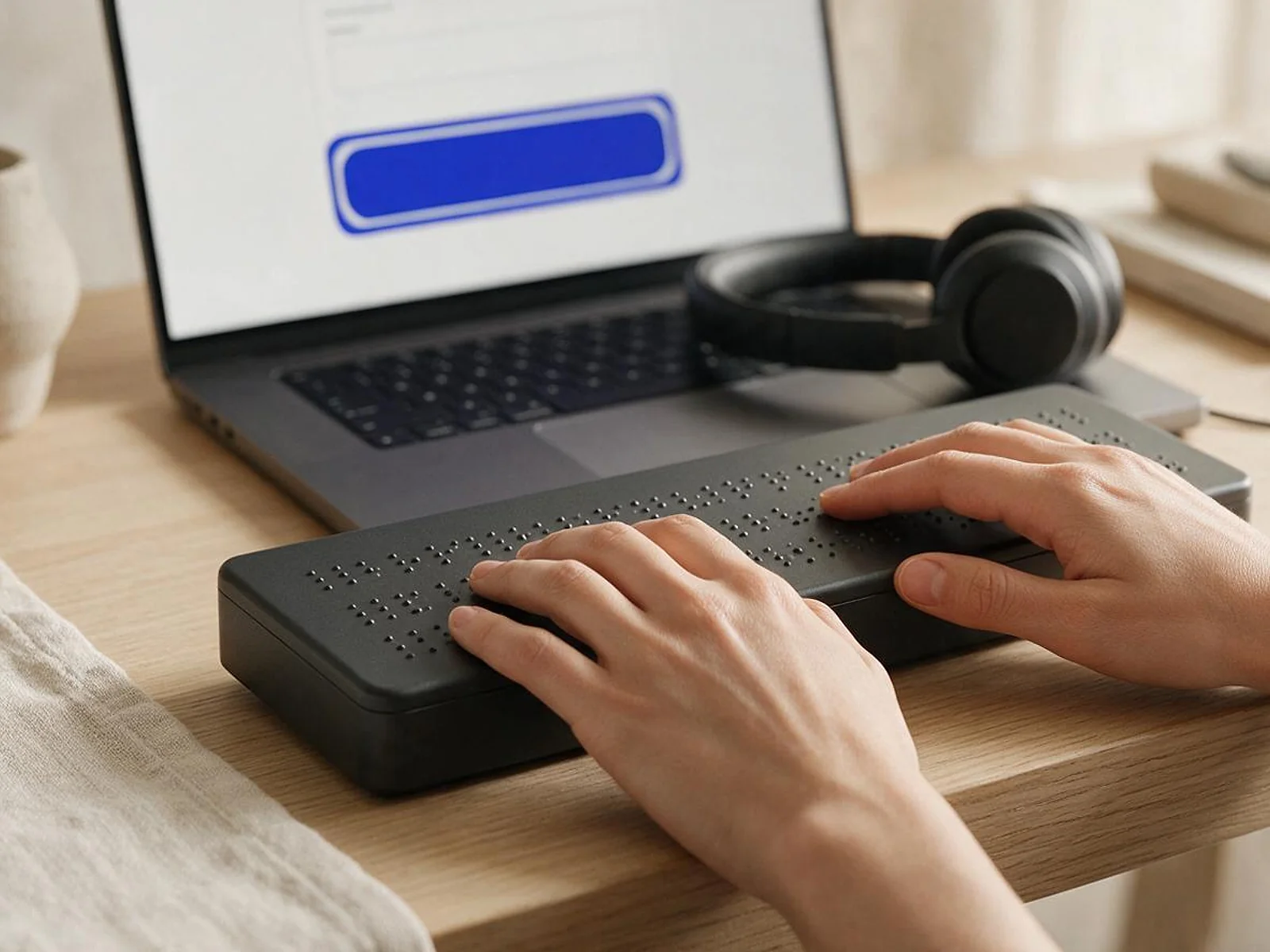
Audit, remediation and retesting from the team that builds websites, so fixes land in your code, not in a widget on top of it.
01
02
03
04
05
06
Deliverables
12
FIG 06 · Common failures
WebAIM’s 2026 report finds the same handful of errors on page after page, led by low-contrast text on 83.9% of home pages. These are the failures we look for first.
FIG 07 · Flagship build
Kenerate AI is our flagship build, an all-in-one AI image and video studio we designed and engineered. It is not an accessibility case study; it shows the front-end engineering our fixes come from.

Home: one prompt box for image, video and musicDesigned and engineered by Elgrith
FIG 08 · No overlays
In 2025 the FTC approved a final order barring accessiBe from “representing that its automated products can make any website WCAG-compliant”. ada.gov also warns that a “clean” report from an automated checker does not necessarily mean everything is accessible.
05principles
The underlying problems stay in your templates, and come back in every new page.
Checkers can’t judge whether alt text makes sense or a journey works by keyboard. People have to test it.
Screen-reader and magnifier users already have assistive tech set up. A widget can get in its way.
Fixes in your components and design tokens carry through to every page that uses them.
An issue list, a fix log and retest results, instead of a badge.
FIG 09 · United Kingdom
GOV.UK says “All UK service providers have a legal obligation to make reasonable adjustments under the Equality Act 2010”, and public sector websites must meet WCAG 2.2 AA. Our UK audits test to that standard.
05principles
A manual and automated audit of your key templates and journeys against WCAG 2.2 AA, the level GOV.UK sets for the public sector.
Journeys tested with NVDA, JAWS, VoiceOver and TalkBack, and by keyboard alone.
An issue list and fix log your team can draw on when publishing the statement public sector bodies must keep.
Brand colours checked and adjusted so text and controls meet AA contrast without losing your look.
The European Accessibility Act has applied since 28 June 2025, including to e-commerce. We test against the same WCAG criteria.
FIG 10 · Go further
Accessibility lasts when it is part of design, development and maintenance. These services sit next to it.
05principles
Build accessibility into the new site instead of retrofitting it.
Website redesignShopify Plus themes and checkout extensions tested against WCAG 2.2 AA.
Shopify Plus developmentiPhone apps designed for VoiceOver and Dynamic Type from the first screen.
iOS app developmentFIG 11 · Process · 7 steps
A fixed written quote after scoping. You see every issue, every fix and every retest result.
We agree the templates, journeys, documents and apps to test, and the standard: WCAG 2.2 AA. You get a written scope and a fixed quote.
axe, WAVE and Lighthouse across the agreed pages to catch the machine-detectable issues quickly.
Keyboard-only journeys and screen-reader testing with NVDA, JAWS, VoiceOver and TalkBack.
A prioritized issue list with WCAG criterion, severity, screenshot and fix for each issue.
We fix issues in your code, components and content, or guide your developers through the fixes.
Every fix is retested manually and with assistive technology before it is closed.
Automated checks in your release pipeline, plus manual retests when you ship major changes.
FIG 12 · What you get
Written into your fixed quote, so you know exactly what you are paying for before work starts.
12items
FIG 13 · Tech & tools
Proven, well-supported tools, chosen for your project and set up in accounts your business owns.
FIG 14 · Who it’s for
Audit and remediation guidance for US and UK organizations. Not legal advice, and never a guarantee of a legal outcome.
3 audiences
US businesses
An audit against WCAG 2.2 AA, fixes in your code and retests, for businesses that want their site to work for everyone.
UK organisations
WCAG 2.2 AA audits for UK businesses and public bodies, with evidence your team can use for accessibility statements.
Online stores
Product pages, filters, carts and checkout tested end to end, including for EU customers under the European Accessibility Act.
FIG 15 · Working with us from the USA and UK
Every project gets a point of contact in New York or London and an engineering team in New Delhi. Here is how today’s working days line up, live.
New York
North America
--:--ET
London
UK & Europe
--:--UK
Fixed-scope project
A written scope, one fixed price and a dated plan. Suits websites, apps and MVPs.
Dedicated team
Designers and engineers on your roadmap every month, billed monthly.
White label
For US and UK agencies: our work, your brand, unbranded deliverables.
Calls on ET or UK hours
FIG 16 · Law
A plain-language summary of the main rules, checked on ada.gov, GOV.UK and AccessibleEU in October 2026. It is not legal advice.
| Law | Who it covers | Standard or duty | Key dates |
|---|---|---|---|
| ADA Title II (US) | State and local government websites and apps | WCAG 2.1 Level AA | 26 April 2027 for populations of 50,000+; 26 April 2028 for under 50,000 and special districts |
| ADA Title III (US) | Businesses open to the public | No detailed DOJ web regulation; WCAG AA is the common benchmark | In force; no web-specific date |
| Equality Act 2010 (UK) | All UK service providers | A legal obligation to make reasonable adjustments | In force |
| Public sector accessibility regulations (UK) | Public sector websites and apps | WCAG 2.2 AA | In force |
| European Accessibility Act (EU) | Products and services such as computers, smartphones and e-commerce | Mandatory accessibility requirements | Applies from 28 June 2025 |
The Title II dates reflect the DOJ’s interim final rule of 20 April 2026; some older pages still show 2026 dates. Ask your lawyer how these rules apply to you.
Read the ADA website compliance checklistFIG 17 · Compare
| Manual + automated audit (Elgrith) | Automated scan only | Overlay widget | |
|---|---|---|---|
| What it finds | Machine-detectable issues plus keyboard, screen-reader and content problems | Machine-detectable issues only | Claims to find and fix issues automatically |
| Fixes | In your code, components and content | None: a list of errors | A script on top of your site; the code is unchanged |
| Evidence | Issue list, fix log and retest results | A scan report | A badge or statement from the vendor |
| Ongoing | Checks in your pipeline and manual retests | Repeat scans | A monthly subscription |
| Legal position | Audit and remediation guidance, not legal advice | A “clean” report doesn’t mean everything is accessible (ada.gov) | The FTC barred one vendor from claiming its product makes sites WCAG-compliant |
FAQ
Straight answers about Website Accessibility with Elgrith.
Ours include an audit against WCAG 2.2 AA using automated tools plus manual keyboard and screen-reader testing, a prioritized issue list with the WCAG criterion, severity, a screenshot and the fix for each issue, remediation in your code and content, retesting, and monitoring on new releases. We describe this as audit and remediation work, not legal advice.
FIG 18 · Related
Free 30-minute call
Tell us about your site. After a free call you get a written scope for the audit and fixes, and a fixed quote.
Pick a day. You'll choose a time in your own time zone on the next step.