01
Native Swift and SwiftUI apps
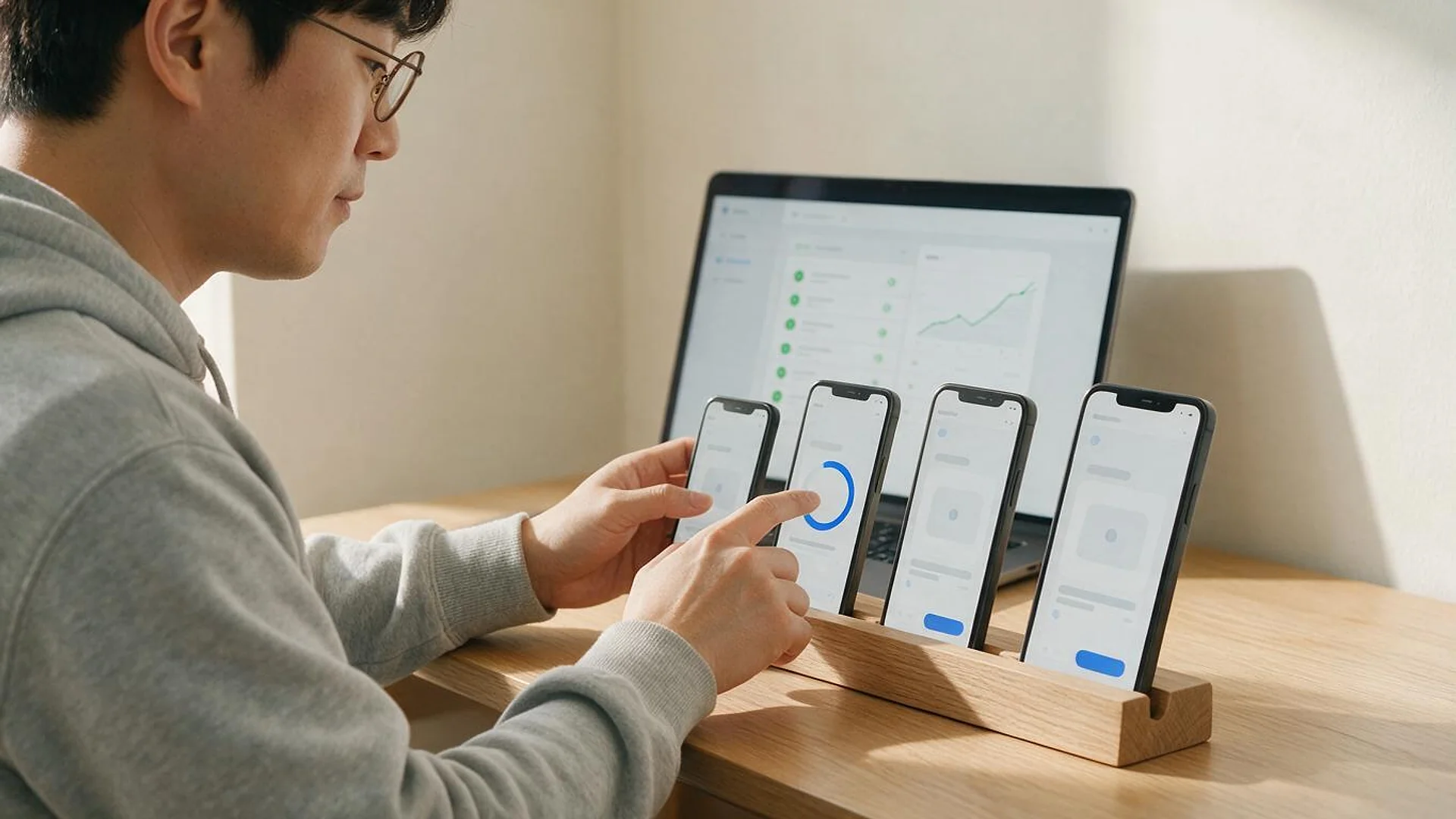
iPhone apps written in Swift with SwiftUI, and UIKit where it still makes sense, structured so they stay easy to change.
FIG 01 · iOS App Development
Native Swift and SwiftUI apps designed, built, tested on TestFlight and launched on the App Store, then kept current with every iOS release. You own the code and the App Store account.
See how it works
FIG 02 · Quick answer
Elgrith is an iOS app development company that designs and builds native iPhone and iPad apps in Swift and SwiftUI for UK and US businesses. We handle UX, development, backend and APIs, TestFlight testing and App Store submission, then keep the app current with each iOS release. You own the code.
FIG 03 · Why it matters
From Apple’s Newsroom (June 2026, an Apple-funded study) and StatCounter’s mobile OS share for September 2026.
01
$1.4T
Apple says the global App Store ecosystem facilitated over $1.4 trillion in developer billings and sales in 2025.
Source: Apple Newsroom, 4 Jun 2026(opens in a new tab)02
850M+
Apple reports over 850 million average weekly users, spanning 175 countries and regions.
Source: Apple Newsroom, 4 Jun 2026(opens in a new tab)03
53.59%
StatCounter puts iOS at 53.59% of US mobile OS share in September 2026. In the UK it is 46.88%, with Android on 53.11%.
Source: StatCounter, US mobile OS share, Sept 2026(opens in a new tab)FIG 04 · Decide
Native Swift and SwiftUI give you every Apple feature and the most polished feel. Cross-platform gives you iPhone and Android from one codebase. Here is when each one fits.
| Native (Swift, SwiftUI) | React Native | Flutter | |
|---|---|---|---|
| Best for | iPhone-first products and deep Apple integration | iPhone and Android together, with a web or React team | iPhone and Android with a highly custom UI |
| Apple features | Day-one access: widgets, Apple Watch, Core ML, ARKit | Most features, some through native modules | Most features, some through platform channels |
| Look and feel | Native iOS controls and motion | Native components | Its own rendering engine |
| Codebases | One per platform | One shared, plus native code where needed | One shared, plus native code where needed |
| When not to choose it | When Android has to launch at the same time on a tight budget | When the app is mostly Apple-only features | When the app should feel exactly like iOS |
Many products start native on iPhone and add Android later. Others need both on day one. We build all three and will tell you which fits.
Read React Native vs native in 2026FIG 05 · What you get
From the first Figma screen to App Review and every iOS update after it, in one team.
01
02
03
04
05
06
07
08
Deliverables
12
FIG 06 · Apple features
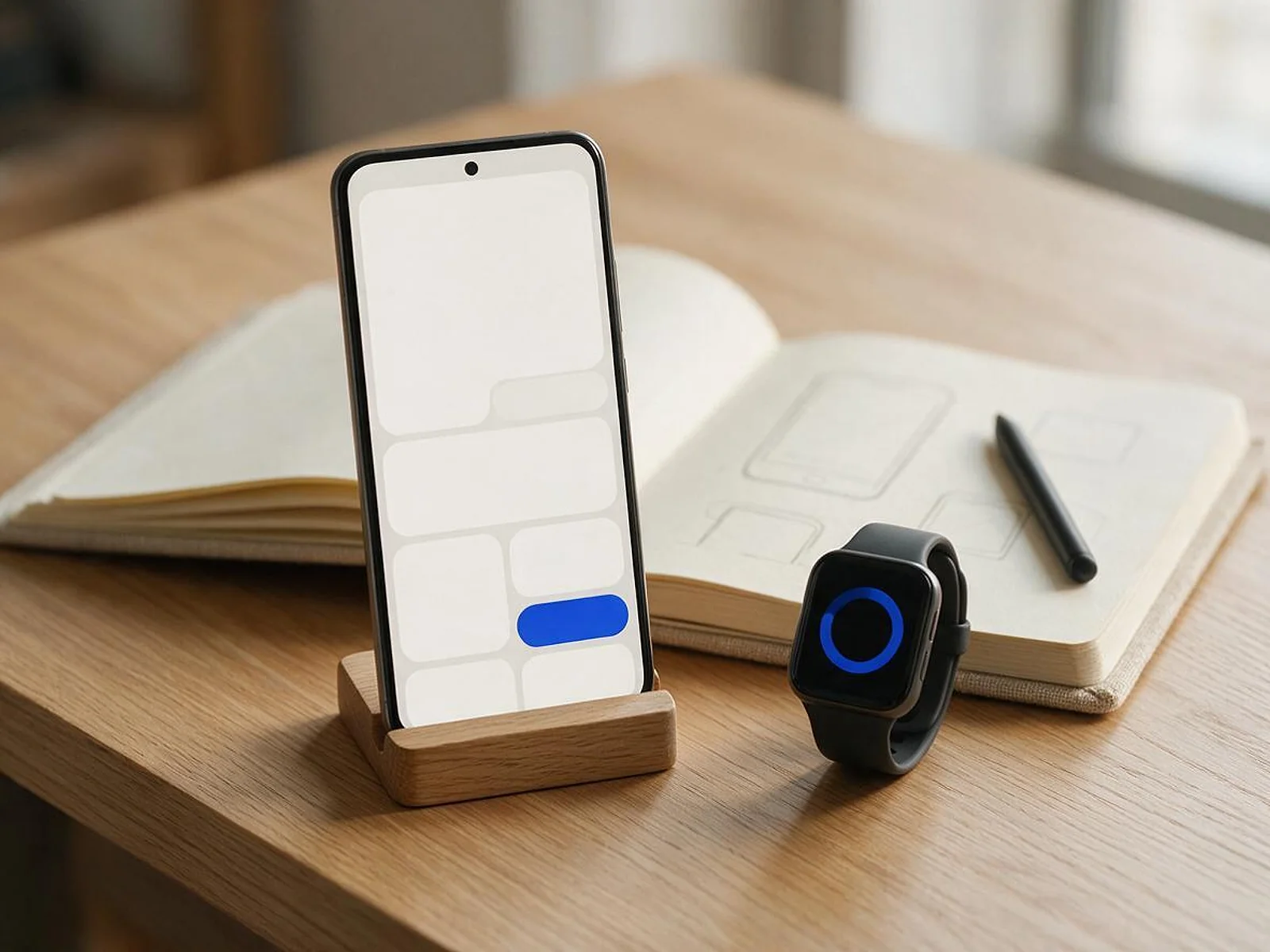
Native apps get the full Apple toolkit. These are the features clients ask for most.
One-tap, privacy-friendly sign-in, alongside email or other providers.
Apple Pay for physical goods and StoreKit subscriptions and in-app purchases for digital ones.
APNs notifications that are timely, segmented and easy for users to control.
Glanceable information on the home screen and lock screen.
SwiftData storage and sync, so the app works on the train and syncs when it can.
Core ML for classification, text and image features that run on the phone.
LLM IntegrationARKit for product previews, measuring and visualization.
A watchOS app for quick actions, health-style tracking or notifications.
FIG 07 · Flagship build
Kenerate AI is our flagship build, an all-in-one AI image and video studio we designed and engineered. It is a web product, not an iOS app; it shows the product design, AI and engineering depth we bring to native apps.
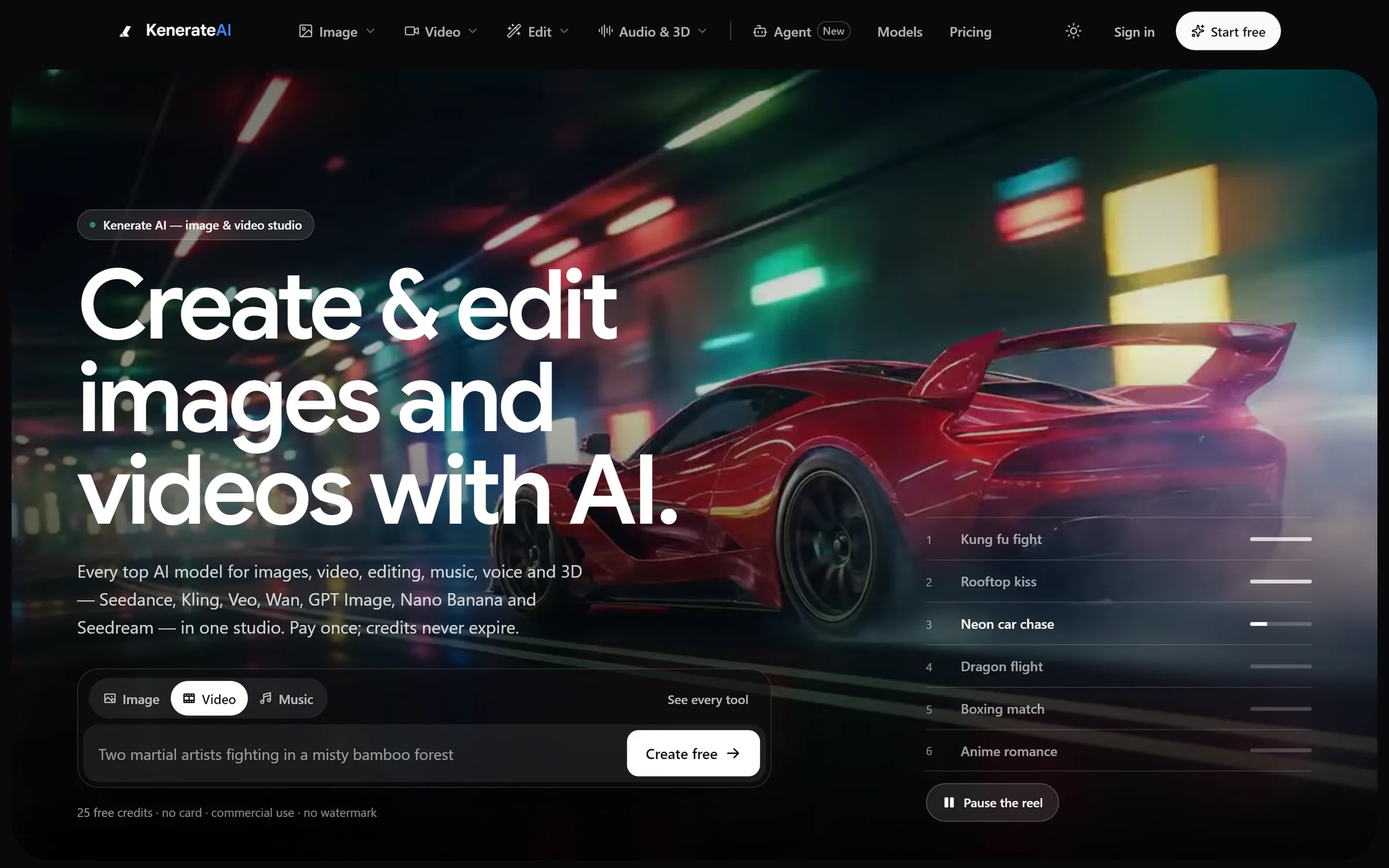
Home: one prompt box for image, video and musicDesigned and engineered by Elgrith
FIG 08 · Apple rules, 2026
Checked on Apple’s Upcoming Requirements page in October 2026. Every build we upload meets them.
05principles
Since 28 April 2026, apps uploaded to App Store Connect must be built with Xcode 26 or later using an SDK for iOS 26.
Since 9 September 2026, iOS and iPadOS apps uploaded to App Store Connect must target iOS 13 or later. We set your real minimum from your own analytics.
Privacy nutrition labels filled in from what the app actually collects, and the App Tracking Transparency prompt only when you track.
Sign-in, payments, content and data rules checked before submission, so App Review is a formality, not a surprise.
VoiceOver labels, Dynamic Type and contrast built in from the first screen.
Accessibility auditsFIG 09 · USA and UK
StatCounter, September 2026: iOS holds 53.59% of US mobile OS share, while in the UK Android leads narrowly with 53.11% to 46.88%. That changes the launch order.
06principles
With iOS in the majority, many US consumer apps launch on iPhone and add Android next.
App development, New YorkWith Android slightly ahead, UK consumer apps usually need both: native iOS plus Android later, or one cross-platform codebase.
App development, LondonFor company-issued iPhones and iPads, your device fleet decides, not national market share.
Your website’s mobile traffic split is the best guide to which platform comes first.
One React Native codebase for iPhone and Android, with native modules where it matters.
React NativeWhat drives app costs in the UK, from public sources.
App development cost UK 2026FIG 10 · Measurement
Every TestFlight build and App Store release is checked against the same list before it reaches your users.
| Metric | What it tells you | How we measure it |
|---|---|---|
| Crash-free sessions | Stability on real devices | Xcode Organizer and crash reporting, per build |
| Launch time | How fast the app opens | Instruments and on-device testing |
| Memory and battery | Whether the app drains or stalls the phone | Instruments profiling on older supported devices |
| Accessibility | Whether VoiceOver and Dynamic Type users can finish key tasks | Manual VoiceOver checks and Accessibility Inspector |
| App Review readiness | Whether the build will pass review | Our pre-submission checklist against Apple’s guidelines |
| Ratings and reviews | How users feel after each release | App Store Connect ratings and review trends |
Targets are agreed with you before launch. We don’t quote benchmark numbers before we have seen your app and users.
FIG 11 · Process · 6 steps
A fixed written quote before work starts, and a build on your own iPhone after every sprint.
Users, features, platforms and integrations agreed, with a written scope and a fixed quote.
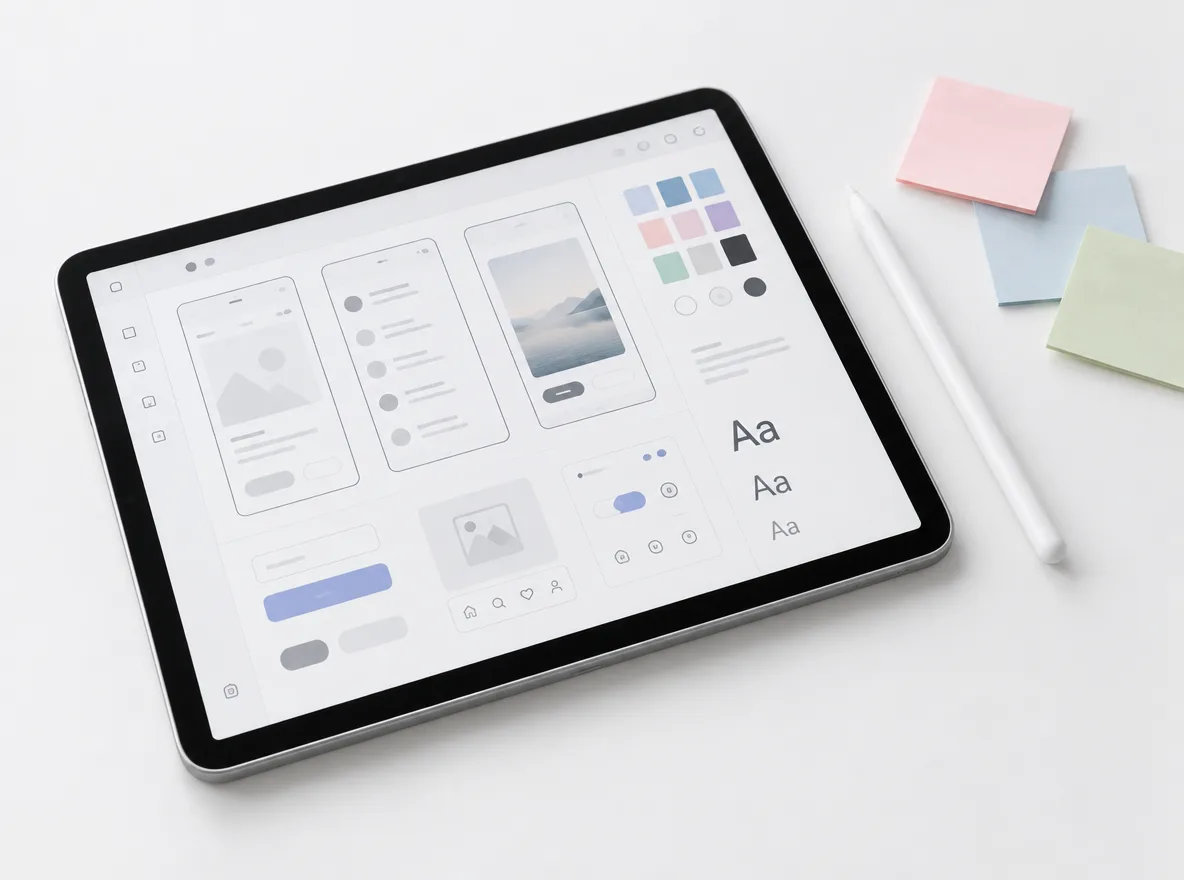
Flows, screens and a clickable prototype around Apple’s Human Interface Guidelines, signed off before build.
Short sprints with a weekly demo and a TestFlight build you can install and test on your own devices.
Privacy labels, screenshots, metadata and the pre-submission checklist, then submission through App Store Connect.
A staged release, crash monitoring and fixes for anything real users find in the first days.
Updates for each iOS release, new features and monitoring, in a scope agreed in writing.
FIG 12 · What you get
Written into your fixed quote, so you know exactly what you are paying for before work starts.
12items
FIG 13 · Tech & tools
Proven, well-supported tools, chosen for your project and set up in accounts your business owns.
FIG 14 · Who it’s for
From a first app to rescuing one that Apple will no longer accept.
3 audiences
Startups
An MVP with the features that matter, built natively so it doesn’t need rewriting when it works.
UK businesses
UK clients work with our London client partner, with design and engineering in New Delhi and data handling designed around UK GDPR.
Rescue
Older apps brought up to Xcode 26 and the iOS 26 SDK, with Objective-C moved to Swift where it pays off.
FIG 15 · Working with us from the USA and UK
Every project gets a point of contact in New York or London and an engineering team in New Delhi. Here is how today’s working days line up, live.
New York
North America
--:--ET
London
UK & Europe
--:--UK
Fixed-scope project
A written scope, one fixed price and a dated plan. Suits websites, apps and MVPs.
Dedicated team
Designers and engineers on your roadmap every month, billed monthly.
White label
For US and UK agencies: our work, your brand, unbranded deliverables.
Calls on ET or UK hours
FIG 16 · Hire iOS developers
Need hands, not a project? You can hire a dedicated iOS developer or a full team that works in your sprints and your tools.
| Fixed-scope project | Dedicated iOS developer | Dedicated team | |
|---|---|---|---|
| Best for | A defined app or release | Adding iOS skills to your own team | A product that needs iOS, backend and design |
| Who manages | We do, against a written scope | You do, in your sprints | We do, with your product owner |
| How it’s priced | A fixed written quote | A monthly rate, agreed in writing | A monthly rate, agreed in writing |
| Ownership | Code and IP assigned to you | Code and IP assigned to you | Code and IP assigned to you |
FIG 17 · Compare
| iOS app development company (Elgrith) | Freelance iOS developer | In-house team | |
|---|---|---|---|
| Best for | Apps that need design, backend and launch in one team | Small, well-defined tasks | Apps at the core of your business, long term |
| Skills | iOS, backend, design, QA and App Store launch | Usually one person’s strengths | Whoever you hire |
| Continuity | A team that stays after launch | Depends on the person | Yours, if they stay |
| Time to start | After a free call and a written scope | Quick, if available | Months of recruiting |
| Ownership | Code, IP and App Store account yours | Check the contract | Yours |
FAQ
Straight answers about iOS App Development with Elgrith.
It depends on the number of screens and features, the backend and integrations, design depth, Apple features such as payments, widgets or Apple Watch, and how many devices you support. After a free call you get a written scope and a fixed quote. Apple’s developer programme fee and any backend hosting are paid directly by you.
FIG 18 · Related
Free 30-minute call
Tell us about the app you want on iPhone. After a free call you get a written scope, a phased plan and a fixed quote.
Pick a day. You'll choose a time in your own time zone on the next step.