01
Zoho CRM implementation
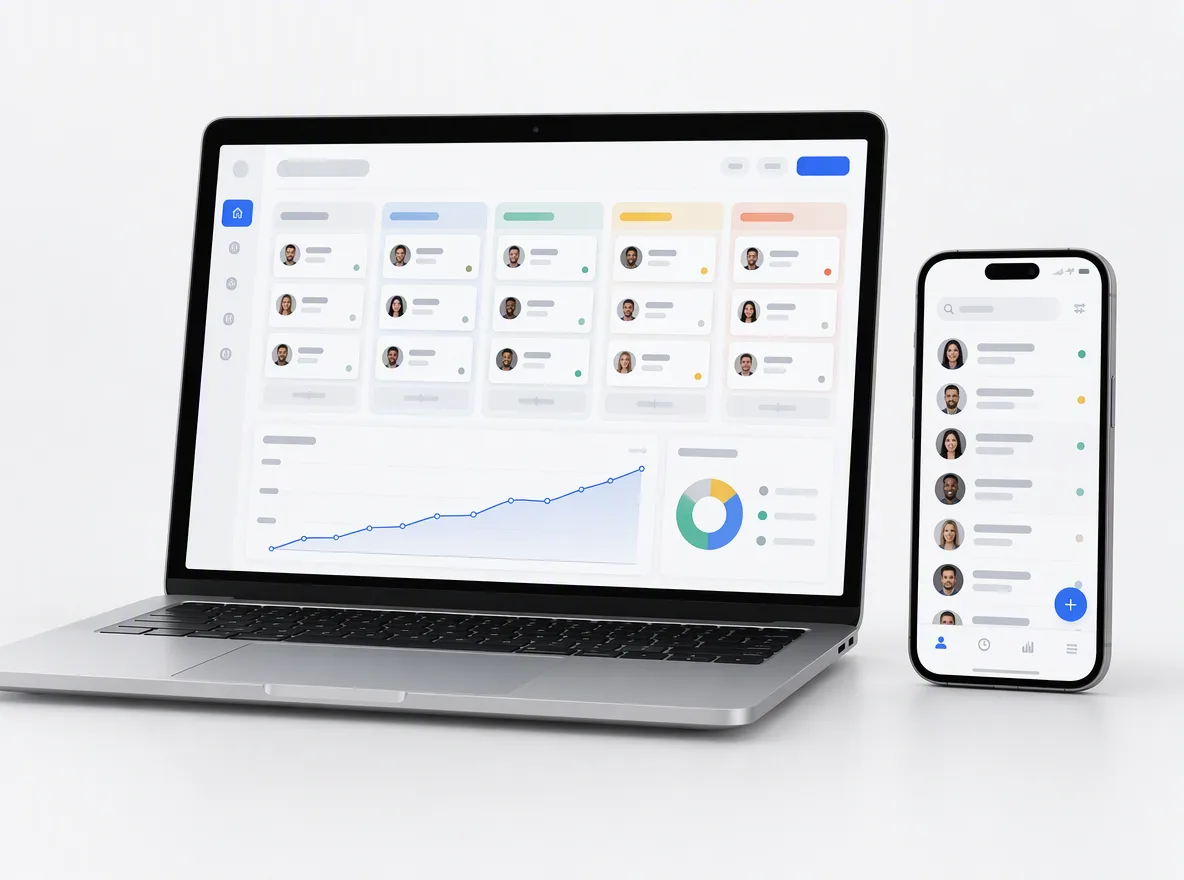
A new Zoho CRM set up from a written checklist: modules, fields, pipelines, roles, profiles, territories and dashboards, with training for each team.
FIG 01 · Zoho Consulting
Zoho CRM and Zoho One set up around how your team really sells, with blueprints, Deluge automation and integrations built by engineers, not just admins.
See how it works
FIG 02 · Quick answer
Zoho consulting services help you set up, customise and connect Zoho CRM and the wider Zoho One suite around how your team sells. Elgrith maps your process, configures pipelines and blueprints, writes Deluge automations, builds integrations, migrates data from HubSpot, Salesforce or spreadsheets, and trains your team after launch.
FIG 03 · Why it matters
From Zoho’s own CRM and partner pages, October 2026. A big platform with many moving parts rewards a careful setup.
01
300K+
Zoho says Zoho CRM is trusted by 300K+ businesses worldwide, from small teams on the free edition to large sales organisations.
Source: Zoho CRM home page(opens in a new tab)02
Challenger
Zoho lists Zoho CRM as a Challenger in Gartner’s 2026 Magic Quadrant for CRM Sales Platforms. The suite keeps growing, and so does what your setup has to keep up with.
Source: Zoho CRM home page(opens in a new tab)03
2,000+
Zoho says its partner program has 2,000+ partners across six program types. We explain what that means below; we don’t claim a partner status.
Source: Zoho Partners(opens in a new tab)FIG 04 · Quick answer
A Zoho CRM consultant turns how you sell into a working Zoho setup, then makes sure people use it. Here is the work, area by area.
| Area | What we do | What you get |
|---|---|---|
| Process | Map your lead, deal and handover steps with each team | A signed-off process map and a written scope |
| Configuration | Modules, fields, layouts, pipelines, roles and profiles | A Zoho CRM that matches how you sell |
| Automation | Workflow rules, Blueprints, assignment rules and Deluge functions | Fewer manual steps and fewer dropped leads |
| Integrations | Website forms, WhatsApp, payments, accounting and your own systems | One record of each customer, kept in sync |
| Migration | Data from HubSpot, Salesforce, Pipedrive or spreadsheets, test-loaded first | Clean, de-duplicated records with history |
| Adoption | Role-based training, guides and support after go-live | A team that actually works in Zoho |
Which Zoho edition you license decides what is possible. We scope to the licence you have, and tell you when an upgrade would genuinely help.
Need a custom CRM instead? See CRM developmentFIG 05 · What you get
Looking for a Zoho implementation partner? Here is what we do: setup, customisation, real development and migration in one team, so Zoho fits your process instead of your team working around it.

01
02
03
04
05
06
07
08
Deliverables
12
FIG 06 · Integrations
Most Zoho setups fail quietly because the data lives somewhere else. These are the connections we build most often.
FIG 07 · Flagship build
Kenerate AI is our flagship build, an all-in-one AI image and video studio we designed and engineered. It is not a Zoho project; it shows the product, API and AI depth we bring to your CRM.
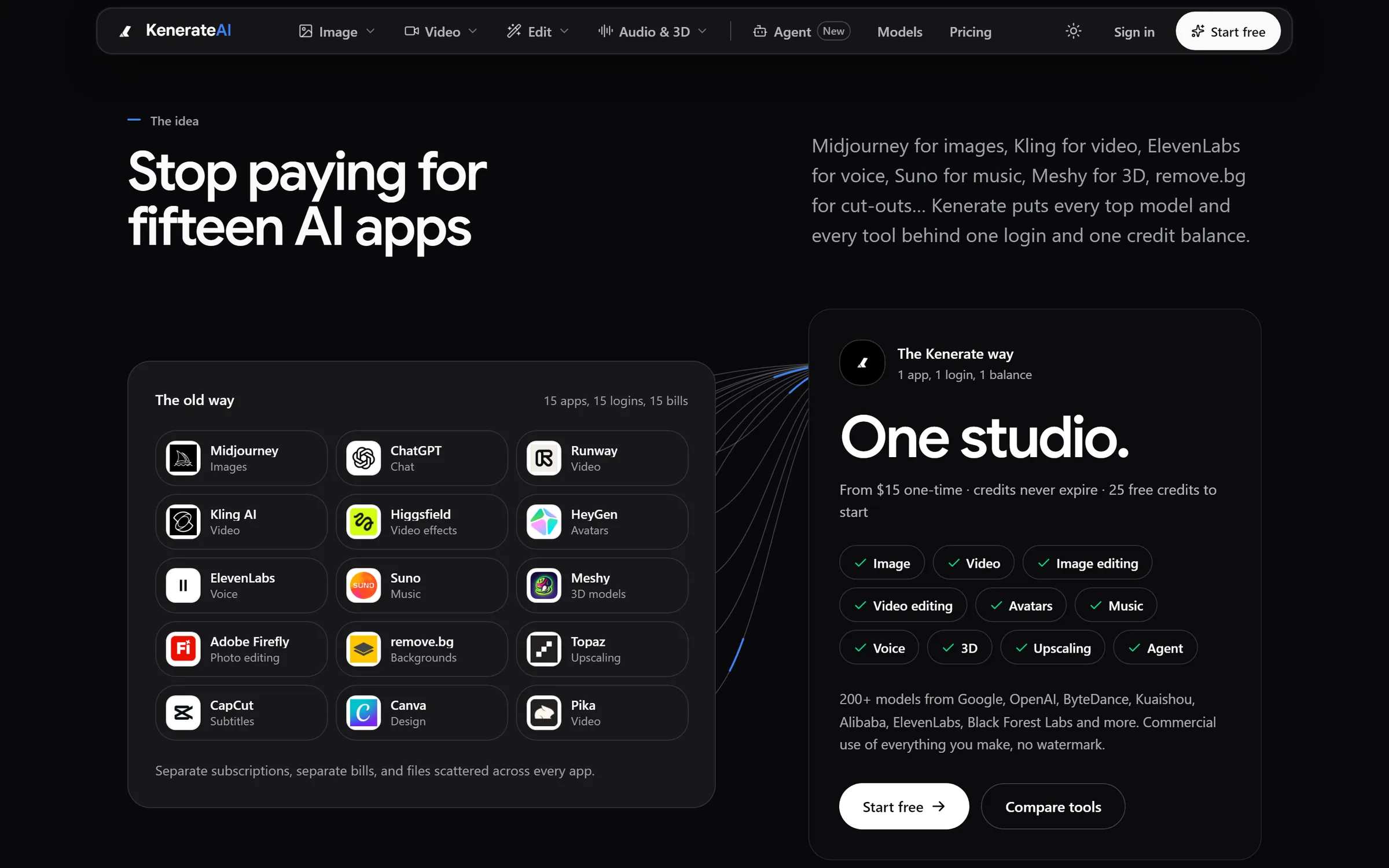
The idea: 15 apps, 15 logins, 15 bills become one studioDesigned and engineered by Elgrith
FIG 08 · US, UK and India
Engineering from our New Delhi HQ, with client partners in New York and London. The setup details below are part of every project.
05principles
Zoho runs accounts in regional data centres, such as the US, EU and India. We confirm which one your account uses before any data goes in.
For UK and EU contacts, lawful basis and consent captured on every form and kept in sync with Zoho Campaigns. Your legal adviser confirms your own policies.
Least-privilege roles, profiles and field-level permissions, so people see only the records they need.
Zoho Books, Xero, Stripe or Razorpay set up for how you invoice in the US, UK or India.
Client partners in New York and London; working calls are agreed in your written scope, with written updates in between.
FIG 09 · Go further
Zoho rarely lives alone. These are the services that most often sit next to it.
05principles
Pricing, features and fit, side by side, from official pages.
Zoho vs HubSpot in 2026Workflows across email, documents and back-office tools with n8n, Zapier, Make or Zoho Flow.
AI automationCustom API integrations for systems with no ready-made Zoho Marketplace extension.
API integrationSummaries, extraction and search over your CRM records, grounded in your own data.
LLM integrationFIG 10 · Measurement
Go-live is not the finish line. After launch we track whether people use Zoho and whether the data stays clean.
| Metric | What it tells you | How we measure it |
|---|---|---|
| Active users | Whether each team actually works in Zoho | User activity reports per team, reviewed with you |
| Data hygiene | Duplicates, missing owners and empty key fields | Duplicate checks and field fill rates |
| Blueprint completion | Whether deals follow the agreed steps | Blueprint transition and stuck-record reports |
| Pipeline accuracy | Whether stages and amounts reflect reality | Stale-deal and closing-date reports |
| Automation health | Whether workflows and functions run without errors | Workflow and function failure logs |
| Sync errors | Whether integrations move data correctly | Integration and webhook logs |
Targets are agreed with you during discovery. We don’t quote benchmark figures before we have seen your account and data.
FIG 11 · Process · 6 steps
A fixed written quote and a phased plan before work starts. Nothing is migrated until a test load has been checked by your team.
How you sell, support and invoice today, the Zoho edition or Zoho One plan you license and what success looks like. You get a written scope and a fixed quote.
Modules, fields, Blueprints, roles and integrations designed on paper and signed off by you before anything is built.
Zoho CRM configured from the agreed design, with Deluge functions and integrations built and tested in a sandbox where your edition allows.
A test load first, checked by your team, then the full migration with record counts reconciled.
Role-based training for sales, support and managers, plus short written guides for your own processes.
Close support after go-live, agreed in your written scope, then optional monthly admin help as your business changes.
FIG 12 · What you get
Written into your fixed quote, so you know exactly what you are paying for before work starts.
12items
FIG 13 · Tech & tools
Proven, well-supported tools, chosen for your project and set up in accounts your business owns.
FIG 14 · Who it’s for
From a first CRM to a Zoho account nobody trusts any more.
4 audiences
First CRM
A clean first Zoho CRM with the pipelines, fields and dashboards you need now, and room to grow.
Switching
A planned migration from HubSpot, Salesforce or Pipedrive, with history, owners and relationships preserved.
Zoho One
A Zoho One rollout planned app by app, so CRM, Books, Desk and Campaigns share one clean customer record.
Rescue
Audit, clean-up and rebuild for accounts with duplicate records, broken automations and reports that don’t add up.
FIG 15 · Working with us from the USA and UK
Every project gets a point of contact in New York or London and an engineering team in New Delhi. Here is how today’s working days line up, live.
New York
North America
--:--ET
London
UK & Europe
--:--UK
Fixed-scope project
A written scope, one fixed price and a dated plan. Suits websites, apps and MVPs.
Dedicated team
Designers and engineers on your roadmap every month, billed monthly.
White label
For US and UK agencies: our work, your brand, unbranded deliverables.
Calls on ET or UK hours
FIG 16 · Decide
Zoho is the right answer for many teams, not all. Here is how the four options usually compare.
| Zoho CRM | HubSpot | Salesforce | Custom CRM | |
|---|---|---|---|---|
| Best for | Cost-conscious teams that want a full business suite | Marketing and sales in one place, fast adoption | Complex sales processes and enterprise scale | Unusual processes no platform fits |
| Suite | Zoho One: CRM, finance, support, marketing and more | Hubs for sales, marketing, service and content | Clouds for sales, service, marketing and more | Only what you build |
| Customisation | Deluge, Blueprints, Creator apps and API | Custom objects, apps and API | Very deep: Apex, Flow and Lightning | Unlimited |
| Licence model | Per-user subscription by edition, or Zoho One | Per-seat subscription by hub and tier | Per-user subscription by cloud and edition | No licence; you own the software |
| When not to choose it | When you need a large ecosystem of specialist apps | When your process needs heavy custom logic | When a small team needs to move fast | When a platform already fits |
FIG 17 · Compare
| Independent Zoho consultants (Elgrith) | Zoho partner firm | In-house Zoho admin | |
|---|---|---|---|
| What it is | A team that sets up, migrates and engineers Zoho for you | A firm in one of Zoho’s partner programs, listed in Zoho’s partner directory | An employee who runs Zoho day to day |
| Best for | Setups that need Deluge, integrations, Creator apps or data work | Buyers who want a firm listed in Zoho’s directory or to buy licences through a reseller | Large accounts with constant change |
| Engineering depth | APIs, custom functions, apps and websites in the same team | Varies by firm | Depends on the hire |
| Licences | You buy Zoho directly; we work in your account | May resell licences | You buy directly |
| Partner status | None claimed | Yes, by definition | Not applicable |
FAQ
Straight answers about Zoho Consulting with Elgrith.
A Zoho consultant plans, sets up and improves your Zoho CRM or Zoho One account: modules, fields, pipelines, Blueprints, workflows, reports and integrations. A good one also migrates your data, trains your team and checks after launch that people use it. Elgrith adds development, such as Deluge functions, Zoho Creator apps and custom API integrations.
FIG 18 · Related
Free 30-minute call
Tell us about your Zoho account and your process. After a free call you get a written scope, a phased plan and a fixed quote.
Pick a day. You'll choose a time in your own time zone on the next step.