01
Work orders and routing
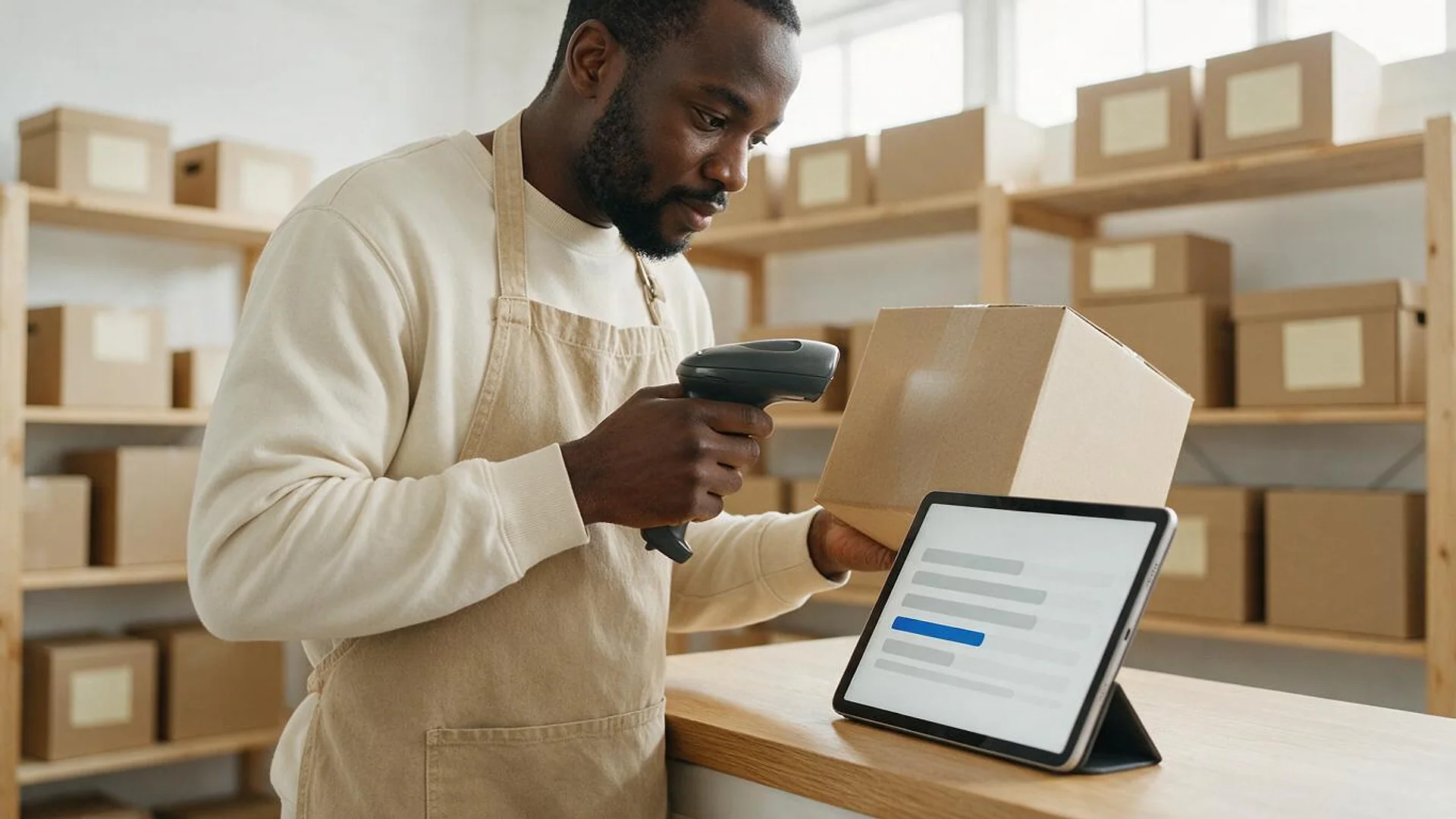
Work orders released from the ERP, routed by operation and work centre, with start, stop, scrap and quantities captured at the station.
FIG 01 · Manufacturing Software Development
Work orders, traceability, quality and OEE apps for small and mid-size manufacturers, built for the gap between your ERP and your machines.
See how it works
FIG 02 · Quick answer
Manufacturing software development is building custom tools for production: work orders, traceability, quality checks, maintenance and machine data. Elgrith builds MES-style apps that sit between your ERP and the shop floor, using ISA-95 levels to define each system’s job and OPC UA or MQTT to read data from new and older machines.
FIG 03 · Why it matters
Manufacturing in numbers, from the National Association of Manufacturers (figures updated 13 Oct 2026) and the UK Office for National Statistics, read on 23 Oct 2026.
01
93.1%
Of 239,265 US manufacturing firms (2022 Census data, via NAM), 93.1% have fewer than 100 employees. Most plants need software sized for them, not an enterprise suite.
Source: NAM, Facts About Manufacturing (figures updated 13 Oct 2026)(opens in a new tab)02
$3.168T
Manufacturing added $3.168 trillion to the US economy in Q2 2026, 9.7% of output (BEA figures via NAM). The sector employed 12,652,000 people in September 2026 (BLS).
Source: NAM, Facts About Manufacturing (figures updated 13 Oct 2026)(opens in a new tab)03
+1.2%
UK manufacturing output rose 1.2% in August 2026, by the ONS Index of Production published on 15 October 2026.
Source: ONS, Index of Production, August 2026 (15 Oct 2026)(opens in a new tab)FIG 04 · ISA-95 levels
ISA-95 (also published as IEC 62264) splits a manufacturing business into levels and is mostly about the line between the business systems and plant operations. This is our own plain-English summary of the levels, not the standard’s text.
| Level | What happens there | Typical systems | Where custom software fits |
|---|---|---|---|
| Level 4: business planning | Orders, planning, purchasing, inventory value and finance | ERP, MRP, accounting, CRM | Your ERP plans the work but can’t see what the floor is doing: we connect it to Level 3 |
| Level 3: manufacturing operations | Dispatching work, tracking production, quality, maintenance and genealogy | MES, MOM, quality and maintenance systems | No MES fits your process, or a full MES is too big: a custom MES-style layer for the jobs you actually run |
| Level 2: supervisory control | Watching and supervising the process in real time | SCADA, HMI, historians | We read data from here; we don’t replace control systems |
| Levels 0–1: the process and its controls | Sensors, actuators and the controllers that run machines | PLCs, drives, sensors | Older machines with no data out: edge gateways and retrofit sensors |
We read machine data; changes to PLC control or safety logic stay with your controls engineers or integrator. ISA-95 is an ISA standard; get the standard itself from ISA for the full model.
ERP is the gap? ERP developmentFIG 05 · What you get
Custom manufacturing software for the jobs your ERP does badly on the floor. Every module shares one plant data model, so a work order, a lot and a machine mean the same thing on the tablet, the dashboard and the ERP.
01
02
03
04
05
06
07
08
Deliverables
11
FIG 06 · Machine data
Most plants mix new machines with ones that are decades old. We read data from both through edge gateways and publish it once, so every app reads the same values. We claim no membership of the OPC Foundation, OASIS or any standards body.
FIG 07 · Decide
We don’t sell MES licences, so we can tell you when you don’t need custom software at all.
05principles
One site, simple routings and paper on the floor that nobody needs to search. Use your ERP’s shop-floor module well.
Many lines, standard processes and a team ready for a long rollout. An off-the-shelf MES may be the right buy.
Your process is your edge, an MES is too big or too rigid, or you need two or three jobs done well, not fifty.
Already on Odoo? Its manufacturing apps can be extended instead of replaced.
Odoo developmentWhat drives ERP implementation cost in 2026, item by item.
ERP implementation cost guideFIG 08 · Data and AI
Plant data is only useful once it is clean, timestamped and joined to the work order. We build that first, then the dashboards and models on top.
04principles
Machine, quality and ERP data joined in one store, with time series kept at the resolution you need.
Data engineeringOEE, scrap, downtime reasons and schedule adherence by line and shift, for the floor and the office.
Data visualizationModels trained on vibration, temperature and run-hour data to flag failures early, with a person deciding on the work order.
AI developmentCamera-based inspection for defects you can photograph, with every reject reviewed before the rule is trusted.
FIG 09 · Regulated production
Food, pharma and medical device plants need records they can defend. We build audit trails and electronic signatures designed to support FDA 21 CFR Part 11; your quality team validates the system. General guidance from public sources, not legal advice; your counsel confirms what applies to you.
05principles
Who changed what, when and why, recorded by the system and never editable by users.
Signatures linked to their record, with the meaning of each signature (reviewed, approved) stored with it.
Unique logins, roles by job and site, and limits on who can change recipes, specs and limits.
Batch or device history records built from the steps operators complete, not typed up afterwards.
Requirements, test scripts and traceability documents your QA team uses in its own validation.
FIG 10 · Process · 6 steps
A free call, a fixed written quote, then sprints with a demo every week: discovery on the floor, a plant data model, a pilot on one line or one cell, and rollout. You own the code, the data and the IP.
Tell us which lines, machines and systems are involved, and where work orders, quality records or machine data get lost today.
We map how work really moves: stations, routings, checks, paper forms and which machines can share data.
One plant data model for orders, lots, machines and checks, plus a written scope and a fixed quote, before any build starts.
One line or cell built in sprints, with a demo every week and operators testing on real jobs.
More lines and sites, ERP sync switched on, training for operators and supervisors, and a staged switch-over from paper.
New products, new machines and new checks, covered under terms agreed in your written scope.
FIG 11 · What you get
Written into your fixed quote, so you know exactly what you are paying for before work starts.
11items
FIG 12 · Tech & tools
Proven, well-supported tools, chosen for your project and set up in accounts your business owns.
FIG 13 · Who it’s for
Small and mid-size manufacturers in the US and UK, each with different machines, products and rules.
4 audiences
Discrete
Machine shops, fabricators and assemblers who need work orders, routings and scrap captured at the station.
Process and batch
Food, chemicals and plastics plants that need batch records, material genealogy and quality checks in one place.
Regulated plants
Pharma, medical device and food plants needing audit trails and e-signatures designed to support FDA 21 CFR Part 11, validated by your QA team.
UK manufacturers
For UK manufacturers, through our London client-partnership centre with delivery from our New Delhi HQ: bespoke software that fits your organisation’s processes, with UK spelling, formats and units.
FIG 14 · Working with us from the USA and UK
Every project gets a point of contact in New York or London and an engineering team in New Delhi. Here is how today’s working days line up, live.
New York
North America
--:--ET
London
UK & Europe
--:--UK
Fixed-scope project
A written scope, one fixed price and a dated plan. Suits websites, apps and MVPs.
Dedicated team
Designers and engineers on your roadmap every month, billed monthly.
White label
For US and UK agencies: our work, your brand, unbranded deliverables.
Calls on ET or UK hours
FIG 15 · Rules and dates
The standards and rules we design from, checked on 23 Oct 2026 at their publishers’ own pages.
| Standard or rule | What it covers | Status | What it means for your software |
|---|---|---|---|
| ISA-95 (IEC 62264) | How enterprise systems and plant control systems fit together, in levels | Current ISA standard; also published by IEC | Clear jobs for ERP, MES and control systems, so data has one owner |
| OPC UA | Platform-independent exchange of industrial data | Released 2008 (OPC Foundation) | Machine tags, states and alarms read without vendor lock-in |
| MQTT 5.0 | Light publish/subscribe messaging for connected devices | OASIS Standard since 7 Mar 2019 | Machine events published once, read by every app |
| FDA 21 CFR Part 11 | Electronic records and electronic signatures in FDA-regulated work | Current FDA regulation | Audit trails, signatures and access controls designed to support it; your QA validates |
General guidance from public sources, not legal advice; your counsel confirms what applies to you. We claim no ISA certification and no OPC Foundation, OASIS or MESA membership.
Stock, not production? Inventory management softwareFIG 16 · Decide
Custom isn’t always the answer. This is how we compare the routes with you, before any quote.
| Off-the-shelf MES | ERP shop-floor module | Custom MES-style layer | |
|---|---|---|---|
| Best for | Larger plants with standard processes | Simple routings on one site | Plants whose process is their edge, or who need a few jobs done well |
| Fit to your floor | You adapt to the product | Limited to what the ERP offers | Built around how your floor works |
| Code and data | The vendor’s product; your data under their terms | Inside your ERP licence | Yours |
| Main risk | Long rollout and licence cost | Operators work around it on paper | Building what a product already does well |
Many plants end up with a hybrid: the ERP for planning and money, and custom apps for the few floor jobs that matter most.
Need a bespoke system? Custom software developmentFAQ
Straight answers about Manufacturing Software Development with Elgrith.
It is software built for your own production process instead of bought as a product: work orders, routing, lot genealogy, quality checks, maintenance, OEE and operator screens, connected to your ERP and your machines. It usually covers the few jobs where a packaged system doesn’t fit how your floor works.
FIG 17 · Related
Free 30-minute call
Tell us which line, record or machine causes the most pain. After a free call you get a written scope and a fixed quote, starting with one line or one cell.
Pick a day. You'll choose a time in your own time zone on the next step.