01
iOS and Android OS updates
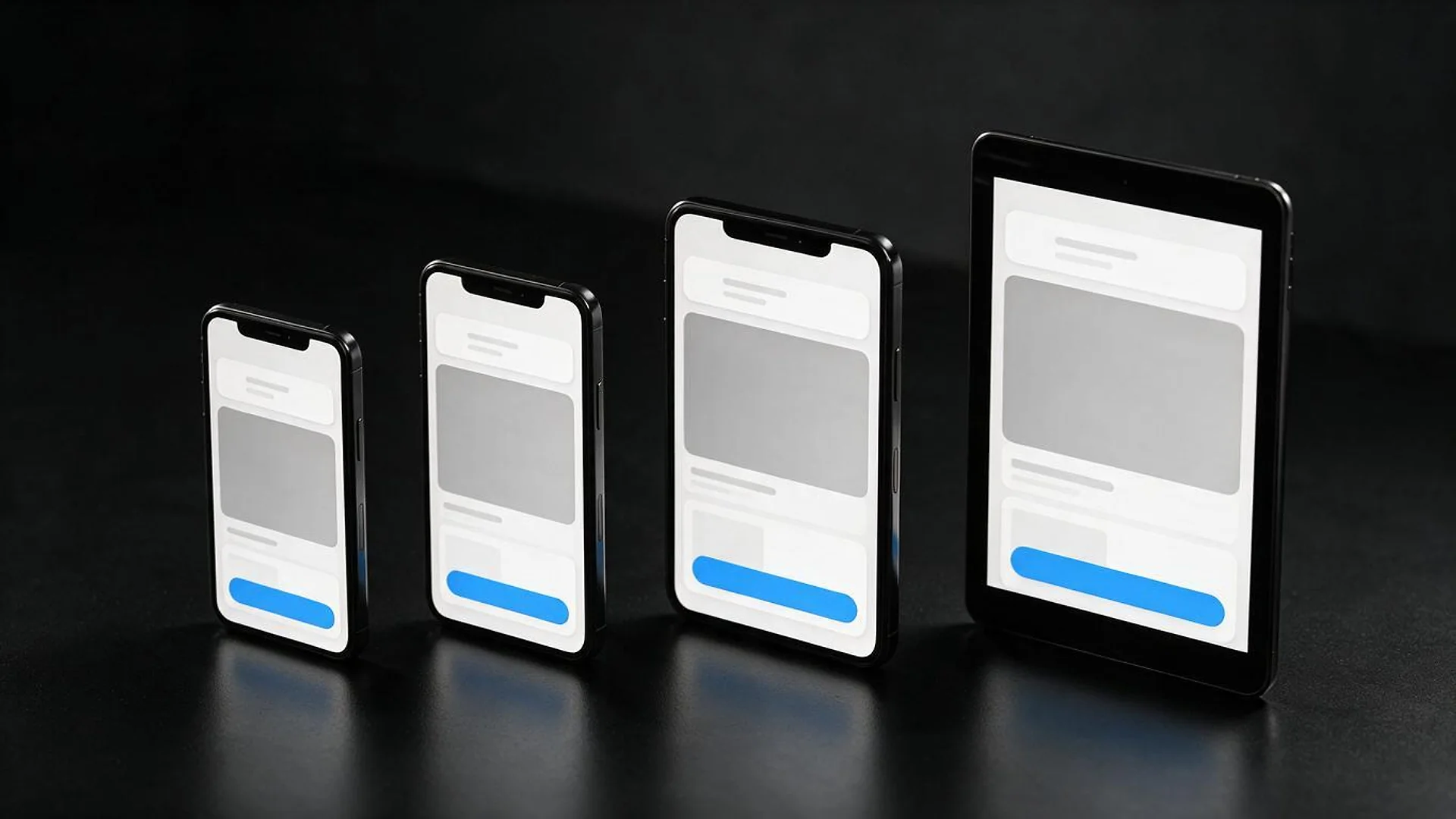
Your app tested against each new iOS and Android release, including betas, with fixes for layouts, permissions, notifications and background work.
FIG 01 · Mobile App Maintenance
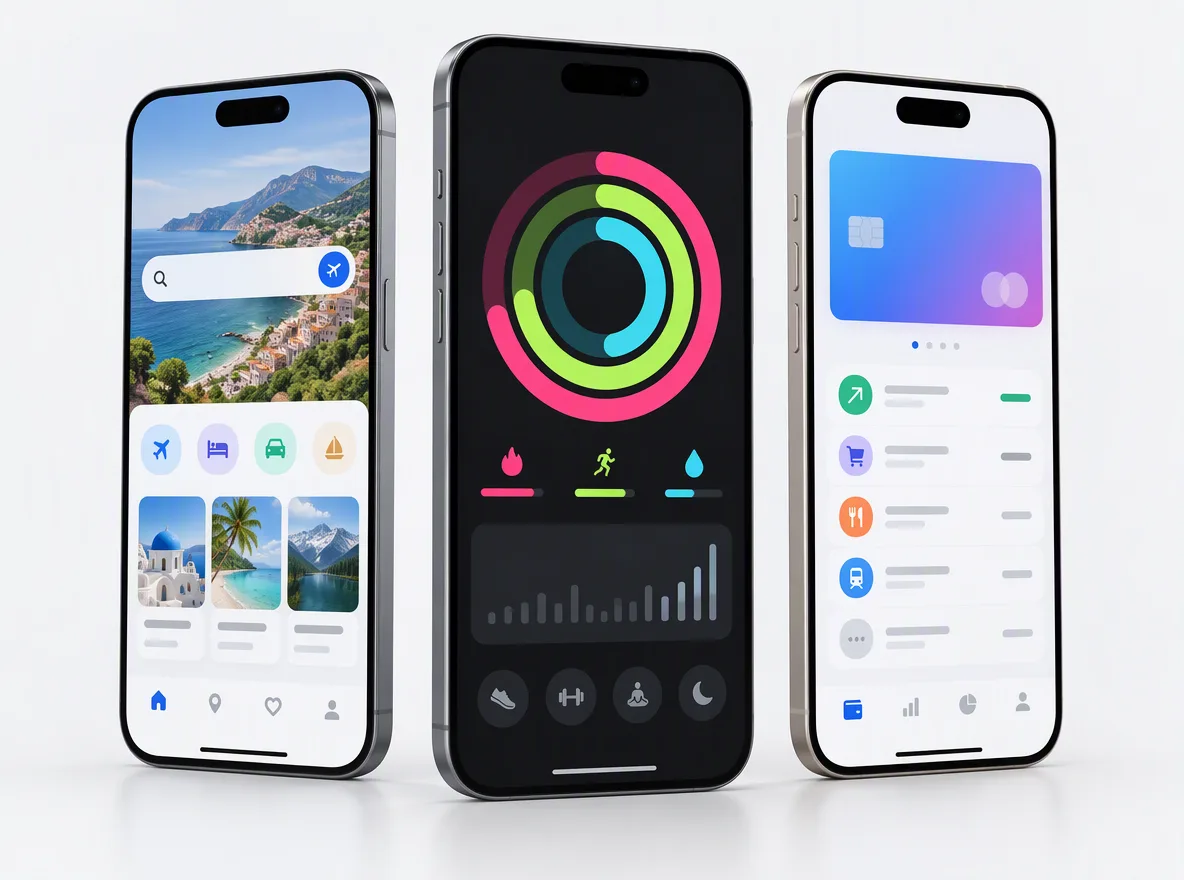
Your live iOS and Android app kept working, secure and accepted by both stores, with every OS release, SDK deadline and crash spike handled before users notice.
See how it works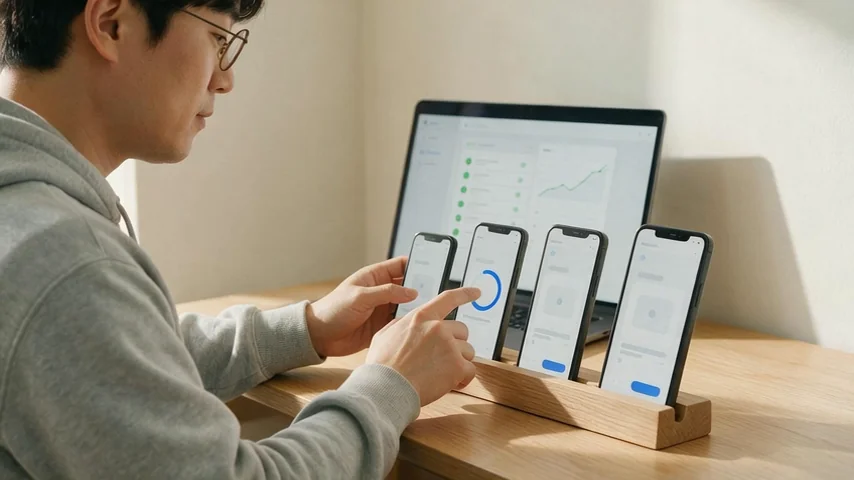
FIG 02 · Quick answer
Mobile app maintenance services keep a live iOS or Android app working, secure and accepted by the App Store and Google Play. Elgrith updates your app for each new OS and SDK requirement, monitors crashes and performance, patches security issues and dependencies, maintains the backend, and ships small improvements, including for apps built elsewhere.
FIG 03 · Why it matters
From Android Developers and Apple Developer, checked October 2026. Miss a deadline and you can’t ship updates, even urgent fixes.
01
API 36
Since 31 Aug 2026, new apps and app updates must target Android 16 (API level 36) or higher to be submitted to Google Play. Existing apps must target Android 15 (API level 35) or higher to stay available to new users.
Source: Android Developers, Google Play target API requirements(opens in a new tab)02
Xcode 26
Since 28 Apr 2026, apps uploaded to App Store Connect must be built with Xcode 26 or later using an SDK for iOS 26.
Source: Apple Developer, Upcoming requirements(opens in a new tab)03
3 years
Apple said in 2022 that apps not updated within the last three years that also fail to meet a minimal download threshold receive a removal notice.
Source: Apple Developer News, 29 Apr 2022(opens in a new tab)FIG 04 · Checklist
Every maintenance plan starts from a written checklist. The cadence below is typical; yours is agreed in your written scope.
| Task | How often | Why it matters |
|---|---|---|
| OS compatibility | Each major iOS and Android release, tested on betas first | New OS versions break layouts, permissions and background tasks |
| Store compliance | Before each App Store and Google Play deadline | Missed target API or SDK deadlines block updates |
| Crash and performance monitoring | Continuous, reviewed on an agreed schedule | Crashes and slow screens drive uninstalls and bad ratings |
| Dependency upgrades | On an agreed schedule, sooner for security advisories | Old libraries stop building and carry known vulnerabilities |
| Security patches | As advisories are published | Keeps user data and accounts safe |
| Backend and API upkeep | On an agreed schedule | Servers, certificates and third-party APIs change under your app |
| Analytics and store vitals | Monthly review | Shows what users actually do and where the app struggles |
| Small features and UX fixes | In each planned release | Keeps the app improving instead of standing still |
Response times and priorities are agreed in your written scope. We don’t publish one-size-fits-all SLAs.
Building a new app? See app developmentFIG 05 · What you get
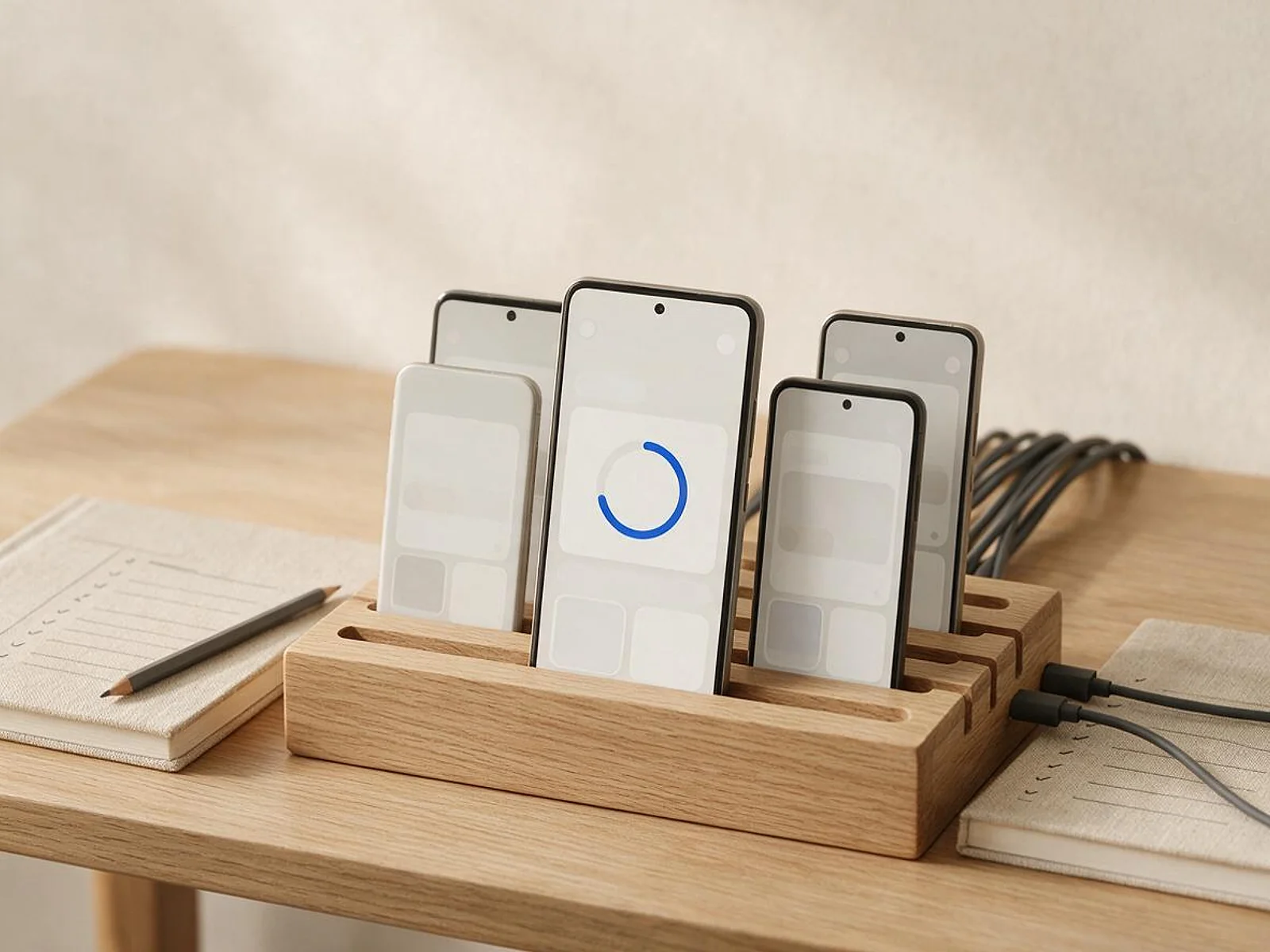
Ongoing care for native iOS and Android apps and cross-platform React Native and Flutter apps, from the same team that builds them.
01
02
03
04
05
06
07
08
Deliverables
12
FIG 06 · What we catch
Most app emergencies are predictable. These are the ones we watch for every month.
FIG 07 · Flagship build
Kenerate AI is a web product, not a mobile app. It’s our flagship build, an app-grade AI product we designed and engineered, and keeping it running, updated and current is the same discipline we bring to your app.
Tools: 23+ studios with guides for every use caseDesigned and engineered by Elgrith
FIG 08 · Takeovers
Original developer gone? We take over iOS, Android, React Native and Flutter apps after an audit, so nothing is a surprise.
05principles
Code quality, build setup, dependencies, crash history, store listings and backend, with a written report of risks.
App Store Connect, Google Play Console, Firebase and server access moved to accounts you own, with us added as users.
Builds that compile again, urgent crashes fixed and store compliance brought up to date first.
A maintenance plan and a list of improvements, prioritised with you and written into your scope.
Build steps, environments and release process written down, so the app never depends on one person again.
FIG 09 · Support
Clear tickets, agreed priorities and planned releases. Response times are agreed in your written scope, not promised in marketing copy.
05principles
One place to raise bugs and requests, with every ticket tracked from report to release.
Critical, high, normal and low priorities defined with you, so urgent issues jump the queue.
Planned releases on an agreed rhythm, plus hotfixes when something critical breaks.
Real devices and TestFlight or internal testing tracks before anything reaches your users.
What we fixed, what we updated, crash and store vitals trends, and what is coming next.
FIG 10 · Go further
Apps rarely live alone. These are the services that most often sit next to maintenance.
06principles
FIG 11 · Measurement
Every month we check the same health signals and share them with you.
| Metric | What it tells you | Where it comes from |
|---|---|---|
| Crash-free users | How many users had no crash | Firebase Crashlytics or Sentry |
| ANR rate | How often Android freezes on users | Google Play Android vitals |
| Startup time | How quickly the app opens | Performance traces and vitals |
| Store compliance | Whether you meet the next deadlines | Store requirement pages and console warnings |
| Dependency currency | How far behind your libraries are | Dependency and vulnerability scans |
| Ratings trend | How users feel about recent releases | App Store and Google Play ratings |
Targets are agreed with you after the first audit. We don’t quote benchmark figures before we have seen your app’s data.
FIG 12 · Process · 6 steps
A fixed written quote and an agreed plan before work starts. You keep ownership of the code and the store accounts.
Code, builds, dependencies, crash history, store listings and backend reviewed, with a written report of risks.
What we maintain, the priorities, release rhythm and response times, agreed in your written scope with a fixed quote.
Urgent crashes, broken builds and overdue store requirements fixed first.
Crashlytics, Sentry and store vitals set up or tuned, with alerts to the right people.
Fixes, updates and small features shipped on the agreed rhythm, tested on real devices first.
A monthly report on health, releases and upcoming store deadlines.
FIG 13 · What you get
Written into your fixed quote, so you know exactly what you are paying for before work starts.
12items
FIG 14 · Tech & tools
Proven, well-supported tools, chosen for your project and set up in accounts your business owns.
FIG 15 · Who it’s for
Whoever built it, whatever it runs on.
3 audiences
Native
Native iOS and Android apps kept current with each OS, SDK and store requirement.
Cross-platform
Framework and package upgrades planned so your app doesn’t fall years behind.
Inherited
A takeover audit, stabilisation and documentation before day-to-day care starts.
FIG 16 · Working with us from the USA and UK
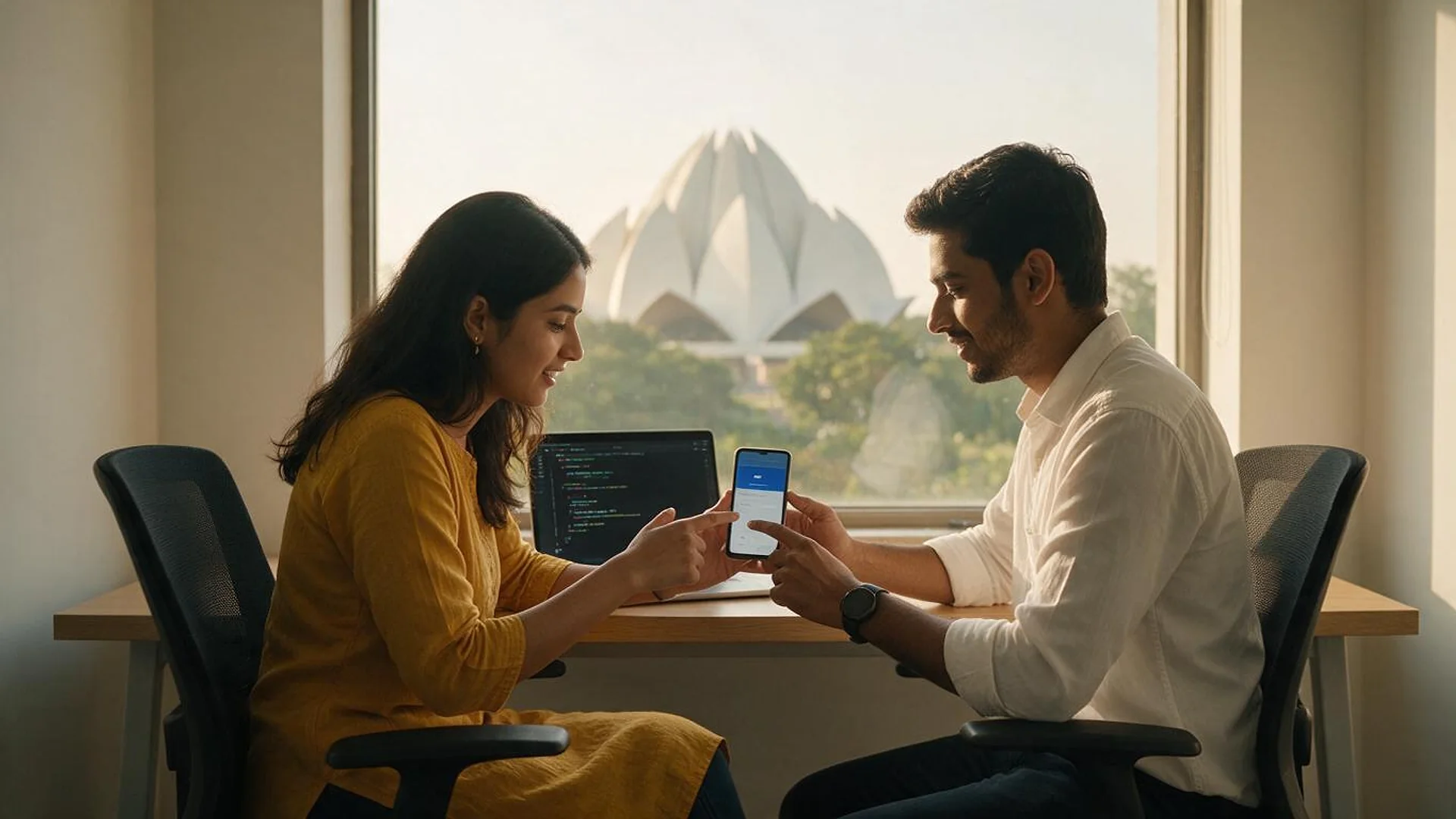
Every project gets a point of contact in New York or London and an engineering team in New Delhi. Here is how today’s working days line up, live.
New York
North America
--:--ET
London
UK & Europe
--:--UK
Fixed-scope project
A written scope, one fixed price and a dated plan. Suits websites, apps and MVPs.
Dedicated team
Designers and engineers on your roadmap every month, billed monthly.
White label
For US and UK agencies: our work, your brand, unbranded deliverables.
Calls on ET or UK hours
FIG 17 · Explained
Software engineers group maintenance into four types. A good plan covers all four, not just bug fixes.
| Type | What it means | Example |
|---|---|---|
| Corrective | Fixing bugs and crashes users hit | A checkout crash on one device model |
| Adaptive | Keeping up with OS, SDK, store and API changes | Raising the target API level for Google Play |
| Perfective | Improving features, speed and usability | A faster start-up or a clearer onboarding screen |
| Preventive | Reducing future risk before it breaks | Upgrading old libraries and adding tests |
FIG 18 · Compare
| Maintenance plan (Elgrith) | Ad-hoc fixes | In-house team | |
|---|---|---|---|
| What it is | Ongoing, planned care with monitoring and releases | Pay someone when something breaks | Your own developers |
| Store deadlines | Tracked and met ahead of time | Often missed until an update is blocked | Depends on workload |
| Monitoring | Set up and reviewed | Usually none | Depends on the team |
| Best for | Live apps that matter to your business | Apps with very few users | Large apps with constant change |
| Who owns the code | You do | You do, if the work is documented | You do |
FAQ
Straight answers about Mobile App Maintenance with Elgrith.
OS and SDK updates, App Store and Google Play compliance, crash and performance monitoring, dependency and security updates, backend and API upkeep, bug fixes and small improvements, released on an agreed rhythm with a monthly report. The exact scope and response times are agreed in writing.
FIG 19 · Related
Free 30-minute call
Tell us about your app and who built it. After a free call and an audit you get a written scope, a maintenance plan and a fixed quote.
Pick a day. You'll choose a time in your own time zone on the next step.