01
REST and GraphQL APIs
Typed REST or GraphQL APIs with validation, auth, rate limits and generated docs, or tRPC when the front end is TypeScript too.
FIG 01 · Node.js Development
TypeScript APIs in NestJS, Express or Fastify, real-time features with WebSockets and MERN builds, run only on Node.js LTS releases, with lockfiles, audits and a patch window written into your scope.
See how it works
FIG 02 · Quick answer
Node.js development services build server-side apps and APIs in JavaScript or TypeScript on the Node.js runtime. Elgrith builds typed APIs with NestJS, Express or Fastify, real-time features with WebSockets, and MERN apps, only on Node.js LTS releases, and migrates older apps off end-of-life versions such as Node 18 and 20.
FIG 03 · Why it matters
From the 2025 Stack Overflow Developer Survey, GitHub Octoverse 2025 and nodejs.org, read on 23 Oct 2026.
01
48.7%
Node.js was the most used web technology in the 2025 Stack Overflow survey, at 48.7% of respondents. Express was used by 19.9%.
Source: Stack Overflow Developer Survey 2025, technology(opens in a new tab)02
#1
Octoverse 2025: “TypeScript overtook both Python and JavaScript in August 2025 to become the most used language on GitHub.” That is why every Node.js app we build is TypeScript by default.
Source: GitHub Octoverse 2025 (28 Oct 2025)(opens in a new tab)03
LTS only
nodejs.org: “Production applications should only use Active LTS or Maintenance LTS releases.” Node 20 “Iron” and Node 18 are now end of life and no longer get security fixes.
Source: Node.js, previous releases(opens in a new tab)FIG 04 · Decide
The framework sets how your back end is organised for years. We choose per project and write the reason into your scope.
| Express | NestJS | Fastify | |
|---|---|---|---|
| Shape | Minimal and unopinionated | Structured: modules, controllers, providers | Minimal, built for speed |
| Best for | Small APIs and teams that want full control | Larger APIs and teams that need a shared structure | High-throughput APIs and services |
| TypeScript | Supported; you add the structure | TypeScript-first | Supported, with typed schemas |
| Validation | Add a library | Built-in pipes and DTOs | JSON Schema built in |
| Watch for | Codebases drift without conventions | More boilerplate for tiny services | Smaller plugin ecosystem than Express |
Express was used by 19.9% of 2025 Stack Overflow survey respondents. NestJS can run on Express or Fastify underneath, so the choice is not all-or-nothing.
FIG 05 · What you get
Node.js web development for SaaS products, mobile apps and businesses that need fast APIs, real-time features or a lot of integrations.

01
02
03
04
05
06
07
08
Deliverables
11
FIG 06 · Flagship build
Kenerate AI is our flagship build, an all-in-one AI studio. It shows the back-end engineering we bring to Node.js work: many providers behind one product, one login and one credit balance, used inside other AI apps through MCP and CLI.
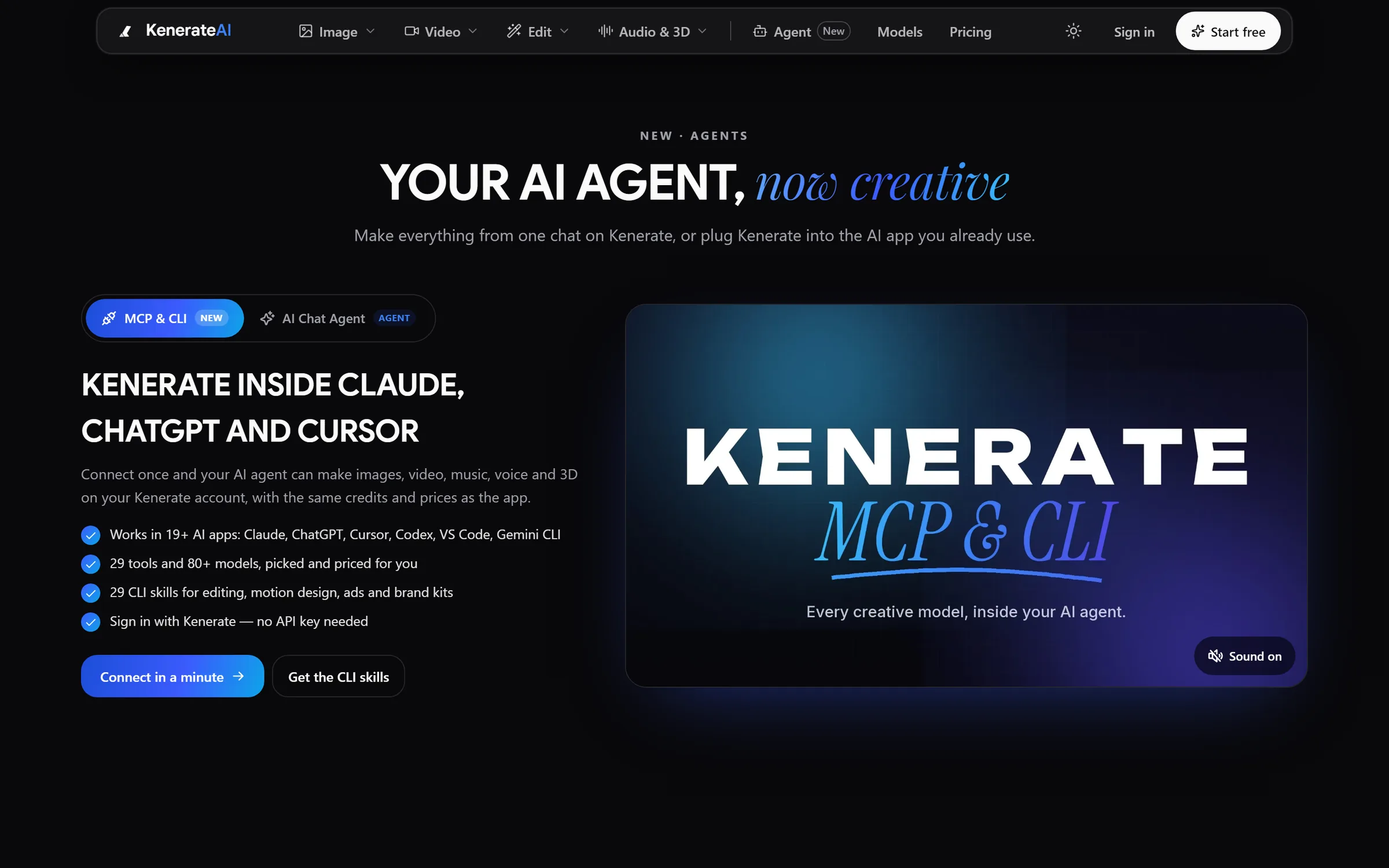
Agent: Kenerate inside Claude, ChatGPT and CursorDesigned and engineered by Elgrith
FIG 07 · Stack
A short, boring list on purpose. Every tool here is widely used, documented and easy for the next team to pick up.
06principles
Strict TypeScript for the API, shared types with the front end and no untyped “any” in core code.
NestJS for larger APIs, Express or Fastify for small, fast services.
Typed database access and migrations on PostgreSQL, or MongoDB when the data really is documents.
Caching, rate limits, sessions and job queues on Redis.
Container images for servers, or AWS Lambda for spiky, event-driven work.
FIG 08 · Full stack
MERN is MongoDB, Express, React and Node.js; MEAN swaps React for Angular. Both put JavaScript or TypeScript on every layer.
06principles
MongoDB, Express, React and Node.js, in TypeScript, for dashboards, marketplaces and SaaS.
The same back end with an Angular front end, often for enterprise teams already on Angular.
We swap MongoDB for PostgreSQL when the data is relational. The “M” is a choice, not a rule.
FIG 09 · Security
Most Node.js risk sits in the dependency tree. We lock it, audit it and patch it on a schedule you can see.
06principles
npm or pnpm lockfiles in the repository, and installs in CI that fail if the lockfile is out of date.
npm audit or pnpm audit in CI, with flagged packages fixed, replaced or documented.
A software bill of materials for each release, so you know exactly what is running.
Node.js and package security releases applied within a window agreed in your written scope.
Secrets out of the code, short-lived tokens and least-privilege access to databases and cloud accounts.
Error tracking, logs and uptime alerts from launch day, shared with your team.
FIG 10 · Hire
Dedicated Node.js developers who work in your repository, your sprint and your code review rules, managed from our New Delhi HQ.
06principles
A full-time TypeScript developer on your API or full-stack product.
Back-end, front-end and QA engineers added for a release or a backlog.
A defined API, app or upgrade for one fixed quote, with weekly demos.
Interviews, onboarding, replacements and hand-over.
Hire dedicated developersStrapi and Payload are Node.js CMSs; we build and extend them.
Headless CMS developmentFIG 11 · Process · 6 steps
A fixed written quote after a free call, sprints with weekly demos, and an LTS upgrade plan so your app never runs on an end-of-life Node.js. You own the code and IP.
Tell us what you are building or what is breaking. We ask about users, data, integrations and deadlines, not just the framework.
For a new build: users, real-time needs, integrations and the right framework. For an existing app: Node.js version, dependencies, test coverage and what breaks under load.
A written scope, a fixed quote and the plan for versions, hosting and hand-over, before any work starts.
Sprints in your repository, with strict TypeScript, tests in CI, readable pull requests and a demo every week.
A planned release to containers or serverless, with health checks, environment config and a rollback ready.
Security releases applied in a patch window agreed in your written scope, plus planned upgrades before your versions lose support.
FIG 12 · What you get
Written into your fixed quote, so you know exactly what you are paying for before work starts.
11items
FIG 13 · Tech & tools
Proven, well-supported tools, chosen for your project and set up in accounts your business owns.
FIG 14 · Who it’s for
A Node.js development agency that writes TypeScript, runs LTS and hands the code over.
3 audiences
SaaS and apps
SaaS products and mobile apps with a NestJS or Fastify API, shared types and a React or React Native front end.
Real time
Chat, live dashboards, tracking and collaboration over WebSockets, scaled across servers with Redis.
UK teams
UK projects run through our London client partner, with engineering at our New Delhi HQ. We write in UK English and design data handling around UK GDPR.
FIG 15 · Working with us from the USA and UK
Every project gets a point of contact in New York or London and an engineering team in New Delhi. Here is how today’s working days line up, live.
New York
North America
--:--ET
London
UK & Europe
--:--UK
Fixed-scope project
A written scope, one fixed price and a dated plan. Suits websites, apps and MVPs.
Dedicated team
Designers and engineers on your roadmap every month, billed monthly.
White label
For US and UK agencies: our work, your brand, unbranded deliverables.
Calls on ET or UK hours
FIG 16 · LTS
“Production applications should only use Active LTS or Maintenance LTS releases.” This is where each line stands today.
| Node.js | Codename | First released | Status, 23 Oct 2026 | What we do |
|---|---|---|---|---|
| 26 | – | 5 May 2026 | Current (not yet LTS) | Test against it; production once it reaches LTS |
| 24 | Krypton | 6 May 2025 | LTS | Default for new builds |
| 22 | Jod | 24 Apr 2024 | LTS | Fine for existing apps; plan the move to 24 |
| 20 | Iron | 17 Apr 2023 | End of life | Migrate now |
| 18 | Hydrogen | 18 Apr 2022 | End of life (2025) | Migrate now |
From nodejs.org’s previous releases page, read 23 Oct 2026. Node.js has announced that from Node.js 27 the release cycle will be annual.
FIG 17 · Compare
| Node.js (TypeScript) | Python (Django, FastAPI) | Laravel (PHP) | |
|---|---|---|---|
| Best for | Real-time apps, APIs and JavaScript-only teams | Data-heavy apps, AI features, automation | Web apps, SaaS and admin-heavy products |
| One language front to back | Yes, with React or React Native | No | No (unless Livewire) |
| Built in | Very little: you pick a framework | Django: ORM, admin, auth | ORM, queues, auth, mail |
| Support window | About 30 months per LTS line | Python: 5 years per version | 2 years of security fixes per major |
| Our page | You are here | Python development | Laravel development |
FAQ
Straight answers about Node.js Development with Elgrith.
Node.js runs JavaScript and TypeScript on the server. Teams use it for APIs, real-time features such as chat and live dashboards, back ends for React and React Native apps, integrations and webhooks, and serverless functions. It was the most used web technology in the 2025 Stack Overflow survey, at 48.7% of respondents.
FIG 18 · Related
Free 30-minute call
Tell us about the API, real-time feature or upgrade you need. After a free call you get a written scope, a framework recommendation and a fixed quote.
Pick a day. You'll choose a time in your own time zone on the next step.