01
Mission and story
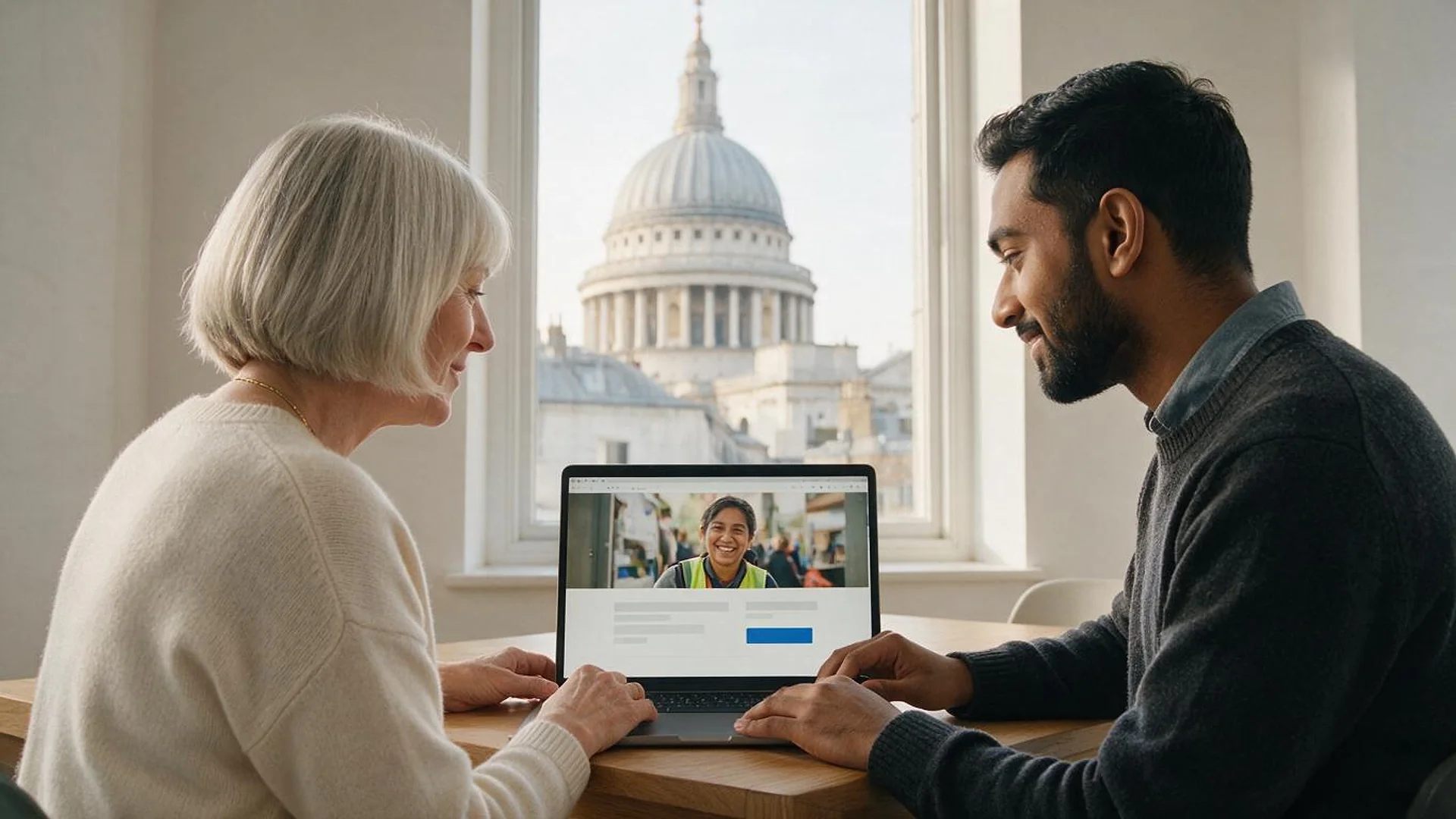
A homepage that says what you do, for whom and why it matters in one screen, with real photos of your work.
FIG 01 · Nonprofit Website Design
Mission-first sites for nonprofits, foundations and churches: built to pass Google Ad Grants website review, designed and tested to WCAG 2.2 AA, with donation flows that cost less to run. You own the domain, the content and the code.
See how it works
FIG 02 · Quick answer
Nonprofit website design is building a site that tells your mission clearly and turns visitors into donors, volunteers and advocates. Elgrith designs nonprofit and church websites to meet WCAG 2.2 AA, pass Google Ad Grants website review and run online donations through low-fee processors. You own the domain, the content and the code.
FIG 03 · Why it matters
From W3C, Stripe and PayPal’s own pages, checked on 23 Oct 2026. Processor terms change; we re-check them before we build your giving flow.
01
9
WCAG 2.2 adds 9 success criteria, including focus visibility, target size and accessible authentication, and removes 4.1.1 Parsing. It is the standard we design and test donation forms against.
Source: W3C, WCAG 2.2 (Recommendation, version dated 12 Dec 2024)(opens in a new tab)02
80%
Stripe’s nonprofit fee discount needs at least 80% of your Stripe payment volume to come from tax-deductible donations. Its help page states no rate, so we confirm yours with Stripe.
Source: Stripe Support, fee discount for nonprofit organizations (read 23 Oct 2026)(opens in a new tab)03
1.99%
PayPal’s US merchant fees list a charity rate of 1.99% + $0.49 per domestic transaction, subject to eligibility (page last updated 1 Oct 2026).
Source: PayPal US, merchant fees (last updated 1 Oct 2026; read 23 Oct 2026)(opens in a new tab)FIG 04 · Ad Grants
Everyone mentions Ad Grants. We design to its website policy. This is the checklist we build against, from Google’s own policy page, checked 23 Oct 2026. Google decides eligibility and approval, not us.
| Requirement | What Google’s policy says | How we build it |
|---|---|---|
| Domain ownership | Your nonprofit must own the domain your ads point to; no redirect to a third-party platform or donation portal | Domain registered in your organization’s name, with you as the account owner |
| HTTPS everywhere | The entire website must be served over HTTPS, with no mixed content | HTTPS on every page, HTTP redirected, mixed-content checks before launch |
| Original content | A significant amount of original content that states your mission and activities | Mission, program and impact pages written with you, not stock filler |
| Navigation and links | Information easy to find; all links should work | Clear menus, a link check on every release and no dead pages |
| Speed and mobile | Pages load quickly and work on phones and tablets | Mobile-first layouts, compressed media and Core Web Vitals checks |
| Commercial activity | Mission first; no excessive third-party ads such as AdSense; disclose how shop proceeds support programs | No ad slots; shop pages, if any, explain where the money goes |
| Donations | Donation links must work and go to a secure page dedicated to donations | A dedicated, HTTPS donation page that is tested end to end |
Source: Google for Nonprofits Help, Ad Grants website policy, read 23 Oct 2026. Google also lists organizational details such as a tax ID or EIN and an annual report. Government entities, hospitals and healthcare organizations, and schools and universities are not eligible for Google for Nonprofits (eligibility page, read 23 Oct 2026).
Want more search traffic beyond Ad Grants? See local SEOFIG 05 · What you get
The pages donors, volunteers, grant makers and journalists actually look for, each with one clear next step.
01
02
03
04
05
06
07
08
Deliverables
11
FIG 06 · Donor journeys
Your website sits between the channels that bring people in and the systems that thank them and keep them giving.
FIG 07 · Accessibility
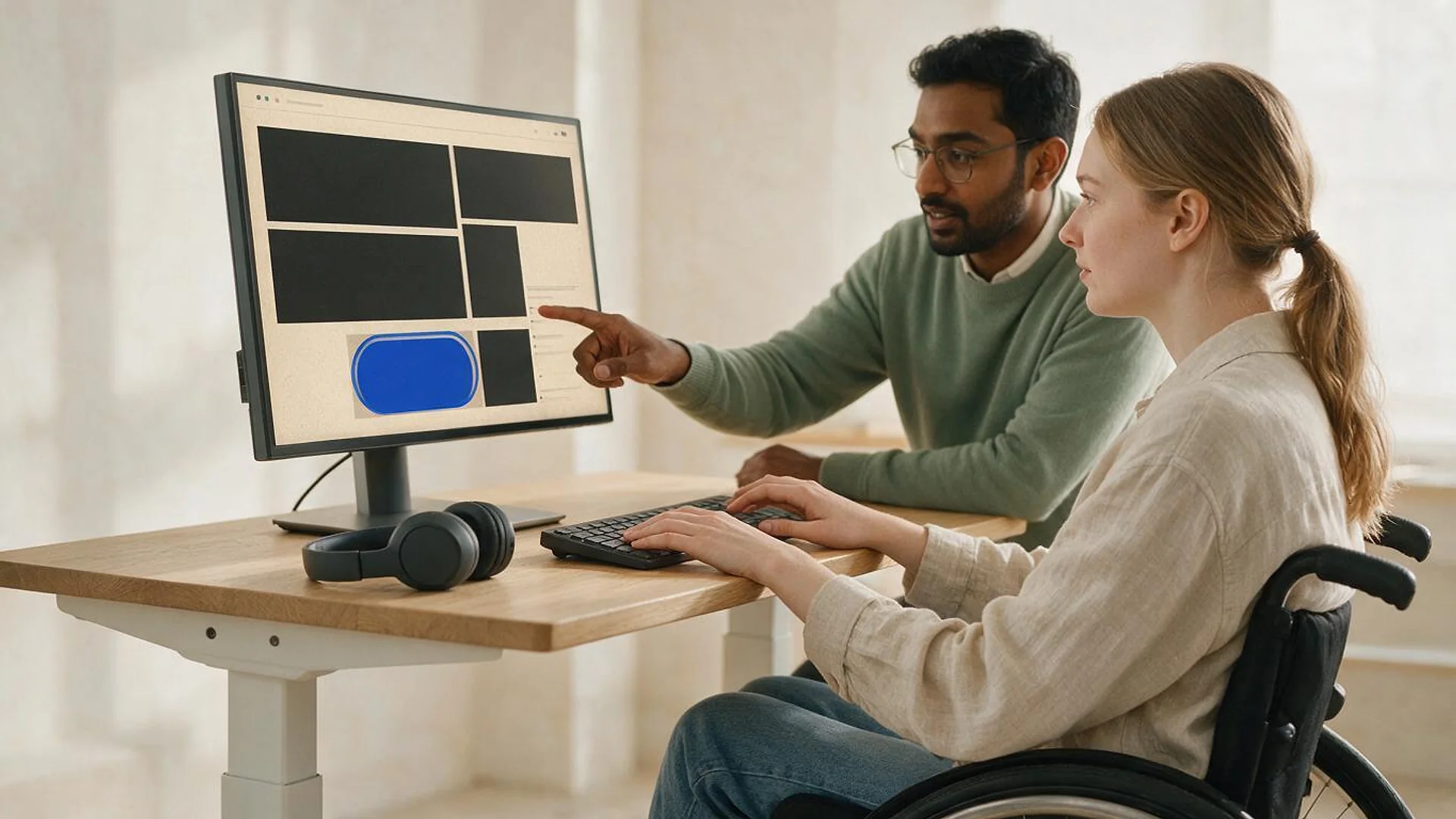
We design and test to WCAG 2.2 AA because your donors and service users include people who use screen readers, keyboards and magnifiers. Here is the legal picture, accurately. General guidance from public sources, not legal advice; your counsel confirms what applies to you.
05principles
WCAG 2.2 adds 9 success criteria to 2.1, including target size and accessible authentication, and removes 4.1.1 Parsing. We test with automated tools, keyboards and screen readers.
Title III covers places of public accommodation, which can include some nonprofits. Whether it reaches your website depends on your facts, so we don’t claim “the ADA requires all nonprofits” to do anything.
The DOJ’s Title II rule sets WCAG 2.1 AA for state and local governments, from 26 Apr 2027 (50,000+ population) and 26 Apr 2028 (smaller entities), after an interim final rule published 20 Apr 2026. It may matter if you deliver programs for a government under contract.
We give you an audit, fixes and a written report of what we tested. No one can honestly promise a site is lawsuit-proof.
Website accessibilityOur 2026 checklist walks through what to test before you call anyone.
ADA website checklistFIG 08 · Giving
Fees come off every gift. We pick the processor with you, using its current published terms, and build the form so more visitors finish it. Dated third-party facts, checked 23 Oct 2026.
05principles
Stripe offers a fee discount when at least 80% of your Stripe payment volume comes from tax-deductible donations. Its help page names no rate, so we confirm yours with Stripe before launch.
PayPal US lists 1.99% + $0.49 per domestic transaction for eligible charities (fees page last updated 1 Oct 2026).
Monthly gifts with self-service updates for donors, so an expired card doesn’t end a relationship.
Stripe, PayPal or your donation platform wired into your site, with receipts and test transactions before launch.
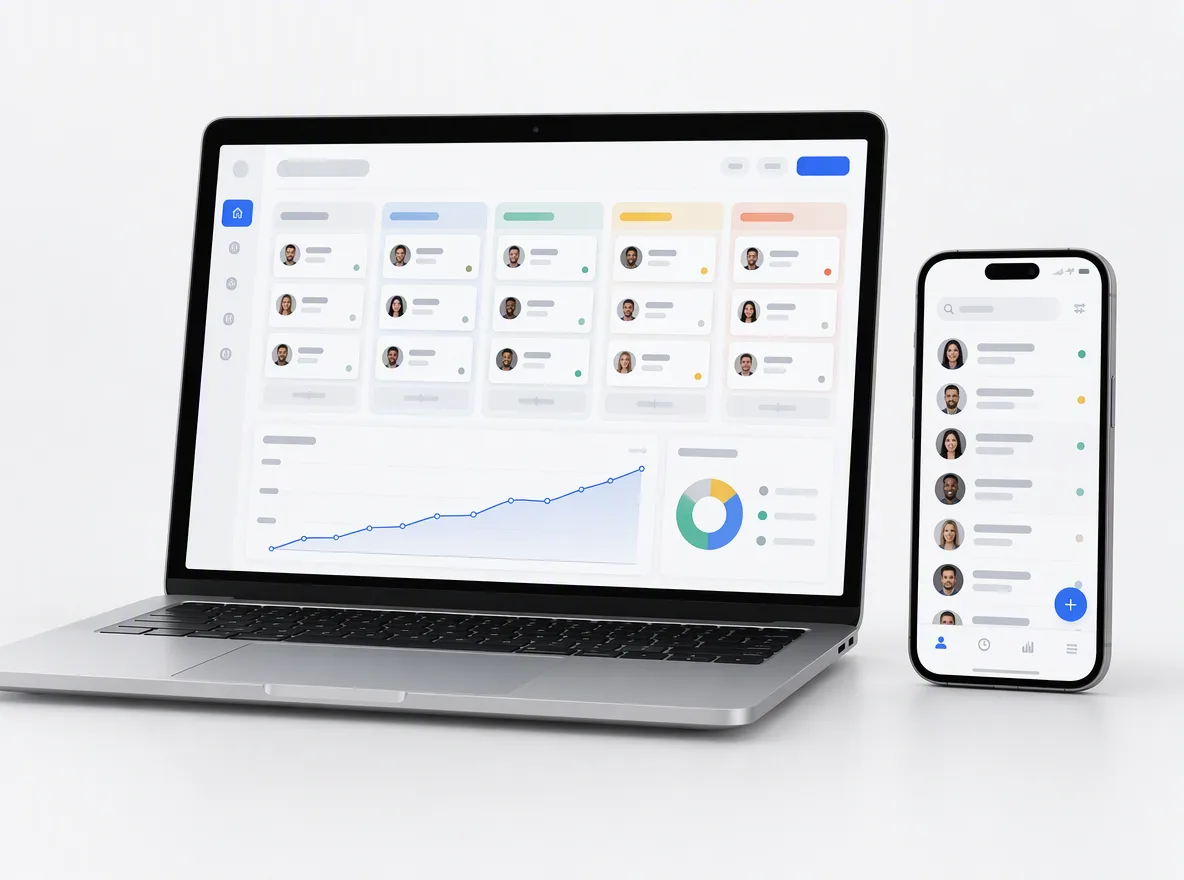
Payment gateway integrationGifts, donors and volunteers synced to your CRM with clear rules on which system owns each field.
CRM developmentFIG 09 · Faith groups
Churches, mosques, temples and synagogues need the same clarity as any nonprofit, plus a few things of their own, run by small teams and volunteers.
05principles
Service and prayer times, parking, accessibility notes and a map, kept in step with your Google Business Profile.
Your YouTube or streaming service embedded on your own site, with a searchable archive of past sermons and talks.
Tithes, offerings and appeals through a low-fee processor or your giving platform, one-time or recurring.
Events, small groups and ministries, with sign-ups that reach the right leader.
An editor simple enough for volunteers, with training and a short written guide at hand-over.
FIG 10 · Platform
We build on the platform your team can run after launch, not the one we prefer. Editor training is part of every hand-over.
04principles
The widest choice of donation, event and CRM plugins, and editors many volunteers already know.
WordPress developmentDesign freedom and hosting handled for you, a good fit for a small team with a strong brand.
Webflow developmentA content API plus a custom front end, for larger organizations with several sites, apps or languages.
Kenerate AI, our flagship build, designed and engineered by Elgrith. It is an AI image and video studio, not a nonprofit site.
See Kenerate AIFIG 11 · Measurement
A nonprofit site earns its keep in gifts, sign-ups and people helped, so that is what we report.
| How we measure it | What we won’t do | |
|---|---|---|
| Donations | Completed gifts, recurring share and form drop-off by step | Count clicks on “Donate” as gifts |
| Volunteers | Completed sign-ups reaching your CRM | Report form views as volunteers |
| Ad Grants traffic | Conversions you define in Google Ads, by campaign | Promise approval or a grant amount |
| Accessibility | Issues found and fixed per release, with a test log | Claim a site is “ADA compliant” |
| Speed | Core Web Vitals from real users where data exists | Quote lab scores as real-world results |
We agree the measures and reporting rhythm in your written scope.
FIG 12 · Process · 6 steps
Discovery, content, design, build: a fixed written quote after a free call, accessibility and Ad Grants checks built in, and a site your team can run.
Tell us what you need to launch or fix and what you have already tried. We ask about your audience, systems, team and deadlines first.
We review your current site, analytics, donation and CRM setup, content and brand, and map the pages, journeys and integrations you need.
A written scope and a fixed quote, with the timeline, platforms, access and hand-over agreed before any work starts.
Content structure and design first, then the build, donation flow and integrations, each shown working in a weekly demo before it goes live.
Ad Grants checklist, accessibility tests, link checks and test donations before go-live, with redirects from your old URLs.
Editor training, a written guide and ongoing care, as agreed in your written scope.
FIG 13 · What you get
Written into your fixed quote, so you know exactly what you are paying for before work starts.
11items
FIG 14 · Tech & tools
Proven, well-supported tools, chosen for your project and set up in accounts your business owns.
FIG 15 · Who it’s for
Same method everywhere: mission first, accessible by design, and giving that is easy to finish.
4 audiences
Nonprofits
From a food bank to a national campaign, we build the pages donors, volunteers and grant makers need, with Ad Grants and accessibility checks built in.
Churches
Service times, livestream, sermons, events and online giving, with an editor simple enough for volunteers.
Foundations
Clear funding priorities, application guidance and grant reporting, plus the transparency pages applicants and partners look for.
UK charities
UK charities have their own rules, from Gift Aid declarations to the charity soft opt-in. UK work runs through our London client-partnership centre, with delivery from our New Delhi HQ. Our London charity web design page covers the detail.
FIG 16 · Working with us from the USA and UK
Every project gets a point of contact in New York or London and an engineering team in New Delhi. Here is how today’s working days line up, live.
New York
North America
--:--ET
London
UK & Europe
--:--UK
Fixed-scope project
A written scope, one fixed price and a dated plan. Suits websites, apps and MVPs.
Dedicated team
Designers and engineers on your roadmap every month, billed monthly.
White label
For US and UK agencies: our work, your brand, unbranded deliverables.
Calls on ET or UK hours
FIG 17 · How to choose
Five questions to ask any nonprofit web design agency, including us. The answers matter more than the badge wall.
| Ask | A good answer | A red flag |
|---|---|---|
| Who owns the domain and accounts? | You do, in your organization’s name | The agency registers them for you |
| How do you test accessibility? | WCAG 2.2 AA, with automated, keyboard and screen-reader tests and a written report | “Our overlay makes you compliant” |
| What will donations cost us to run? | Processor fees from current published terms, compared for your mix of gifts | No answer, or a platform they resell |
| Will the site pass Ad Grants review? | A checklist built from Google’s current website policy | “Guaranteed approval” |
| Who maintains it after launch? | A clear care plan, or training so you can do it | Silence until something breaks |
FIG 18 · Compare
| WordPress | Webflow | Headless | |
|---|---|---|---|
| Best for | Most nonprofits and churches | Small teams with a strong brand | Large organizations with several sites or apps |
| Donations and CRM | Wide plugin and integration choice | Embeds and integrations | Any processor or CRM, via APIs |
| Who edits | Staff and volunteers, after training | Staff, in a visual editor | Staff, in the content system you choose |
| Upkeep | Updates and security care needed | Hosting and updates handled by Webflow | More engineering to run |
FAQ
Straight answers about Nonprofit Website Design with Elgrith.
We don’t publish prices or nonprofit discounts. The cost depends on the number of pages and templates, donation and CRM integrations, accessibility work, content writing and migration, and any events or peer-to-peer fundraising. After a free call you get a written scope and a fixed quote.
FIG 19 · Related
Free 30-minute call
Share your current site, donation setup and goals. After a free call you get a written scope and a fixed quote, with Ad Grants and accessibility checks built in.
Pick a day. You'll choose a time in your own time zone on the next step.