01
New PWA builds
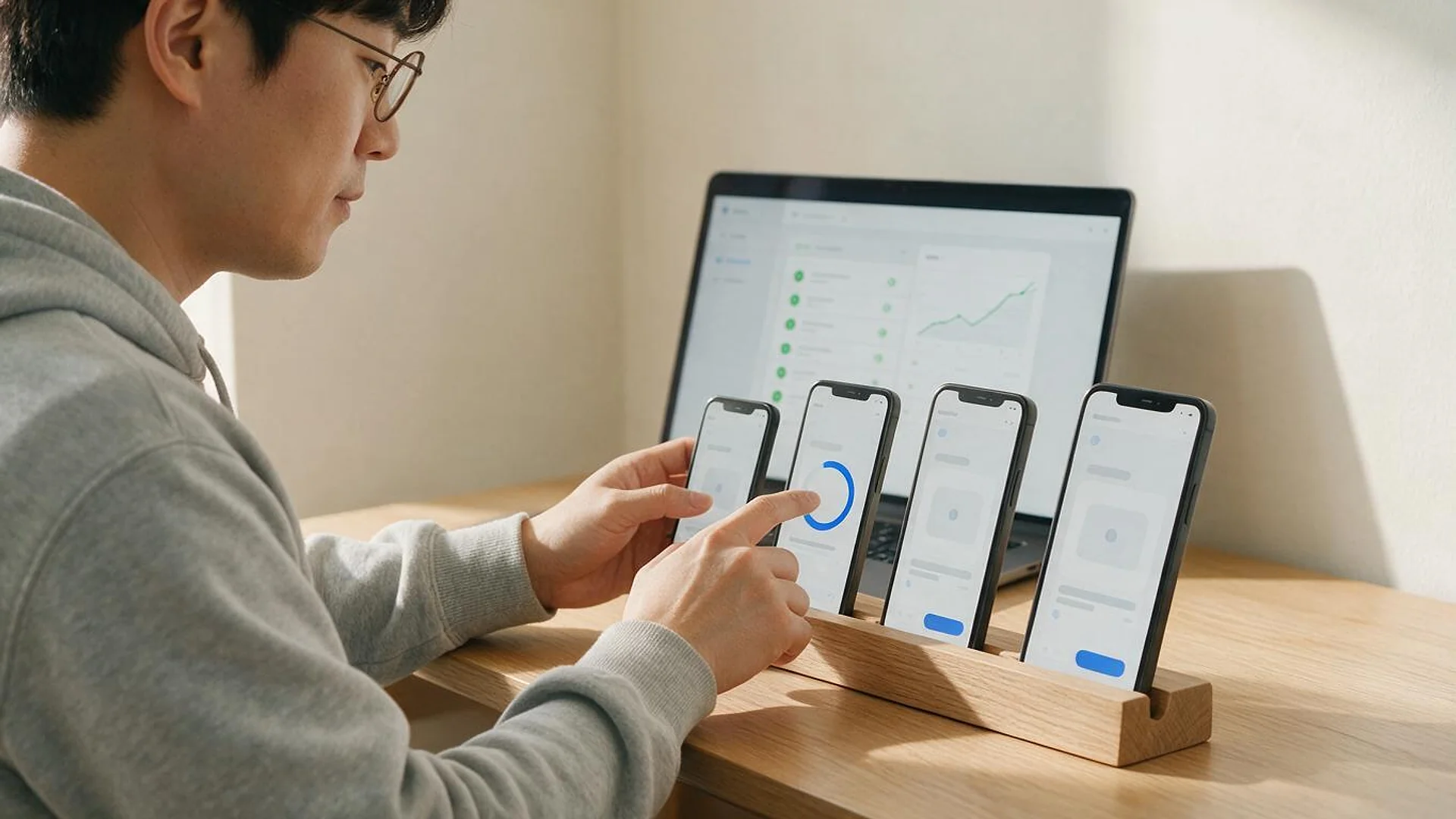
Progressive web apps in React and Next.js, with a web app manifest, service worker, offline caching and an install experience that feels native.
FIG 01 · PWA Development
PWAs in React and Next.js that install from the browser, work offline and send notifications where devices allow, from one codebase, with an honest answer on what iPhones support.
See how it works
FIG 02 · Quick answer
A progressive web app (PWA) is a website that installs like an app, works offline and can send notifications, from one codebase. Elgrith builds PWAs in React and Next.js with service workers, a web app manifest and caching, tells you plainly what iPhones support, and packages for Google Play when you need it.
FIG 03 · Why it matters
From MDN, the WebKit team and Chrome for Developers. PWAs are powerful, and the rules for iPhone and installability have changed in the last few years.
01
1
MDN notes that with a PWA, “a website can run on different operating systems and device classes from a single codebase.”
Source: MDN, What is a progressive web app?(opens in a new tab)02
iOS 16.4
WebKit added Web Push for Home Screen web apps in iOS and iPadOS 16.4. A PWA must be added to the Home Screen before it can send notifications on iPhone.
Source: WebKit blog, Web Push for Web Apps on iOS and iPadOS(opens in a new tab)03
No SW
Since Lighthouse 11, Chrome says “a service worker is no longer required for a page to be installable as a PWA”. We still add one, because offline support depends on it.
Source: Chrome for Developers, Lighthouse 11(opens in a new tab)FIG 04 · Decide
A progressive web app is a website built with service workers and a web app manifest so it can be installed, work offline and re-engage users. It is not always the right answer. Here is how a PWA compares with native and cross-platform apps.
| Progressive web app | Native app (Swift, Kotlin) | Cross-platform (React Native, Flutter) | |
|---|---|---|---|
| Codebase | One, for web, Android, iPhone and desktop | One per platform | One for iOS and Android, plus a separate website |
| Distribution | The web, plus Google Play via Trusted Web Activity | App Store and Google Play | App Store and Google Play |
| Updates | Instant, on the next visit | Through store review | Through store review, with some over-the-air options |
| Device features | Good and growing; limited on iPhone | Full access | Near-full access |
| Best for | Reach, speed and a single budget | Deep device features and top performance | App-store apps on both platforms with one team |
Many products start as a PWA and add a native or React Native app later. We build all three, so the backend and APIs carry over.
Read React Native vs native (2026)FIG 05 · What you get
New builds, conversions, e-commerce PWAs and app-store packaging, from a team that also builds the backend, the APIs and native apps when you need them.
01
02
03
04
05
06
Deliverables
12
FIG 06 · Use cases
PWAs shine when reach, speed and one budget matter more than deep device access.
FIG 07 · Flagship build
Kenerate AI is our flagship build, an AI image and video studio on the web that we designed and engineered. We don’t present it as a PWA; it shows the front-end and platform engineering we bring to every web app.
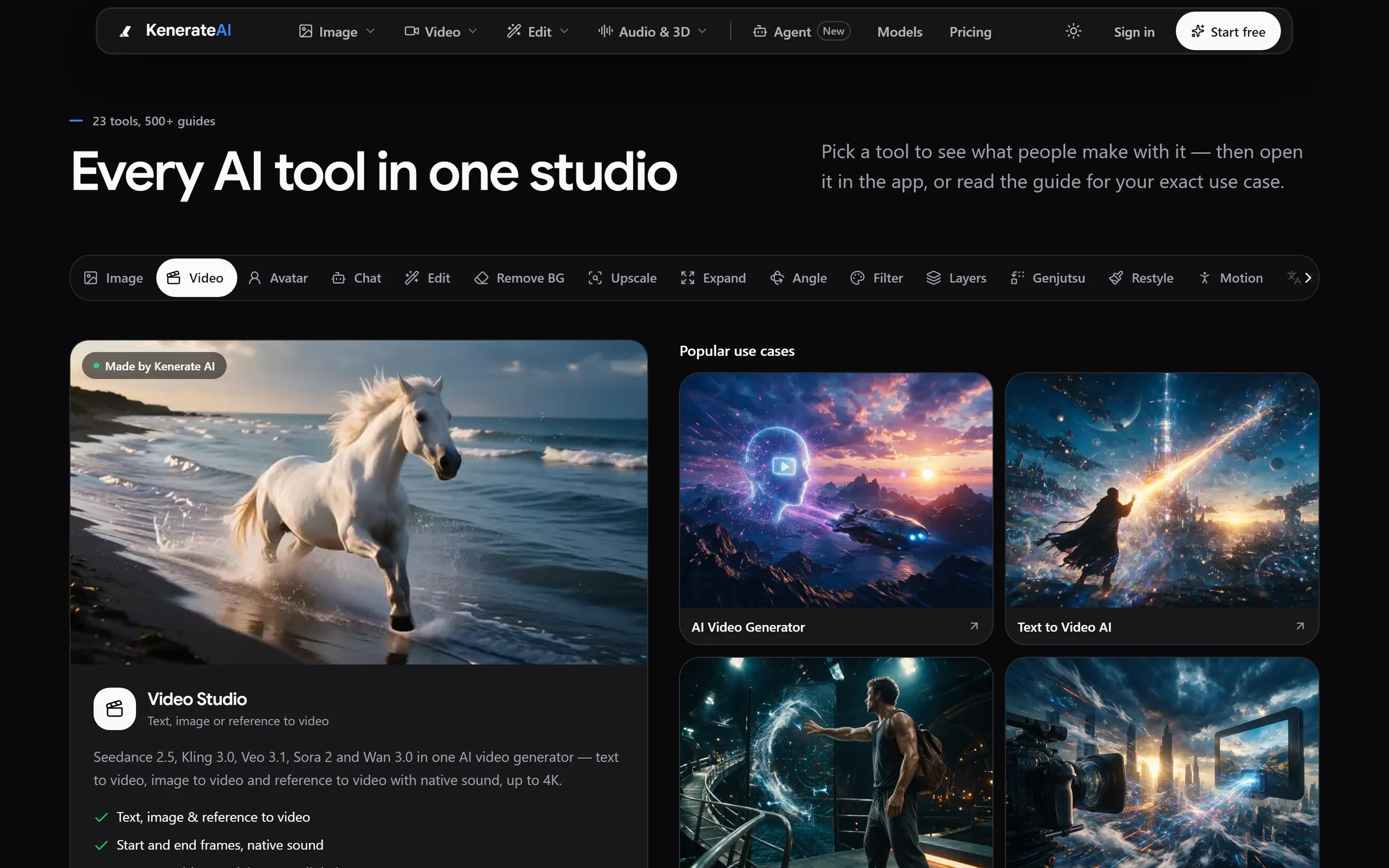
Tools: 23+ studios with guides for every use caseDesigned and engineered by Elgrith
FIG 08 · iPhone
iPhone support has improved, but it still differs from Android. WebKit added Web Push for Home Screen web apps in iOS and iPadOS 16.4. We tell you plainly what works before you commit.
06principles
Users add the PWA to the Home Screen from Safari’s Share menu. We design an install guide into the app.
Service workers and caching work in Safari, so pages and data you choose stay available offline.
Web Push works on iOS and iPadOS 16.4 or later, only once the PWA has been added to the Home Screen and the user opts in.
Background sync is limited on iPhone, so we sync when the app is opened instead of relying on it.
Apple’s review is strict for wrapped websites. If you need the App Store, we usually recommend a native or React Native app.
React Native appsChrome on Android offers install prompts, push and Google Play distribution through a Trusted Web Activity.
FIG 09 · Measurement
Lighthouse no longer gives a PWA score, and installability rules have changed. These are the checks that matter to your users.
| Check | Why it matters | How we check it |
|---|---|---|
| Core Web Vitals | Speed and responsiveness on real phones | Field data where available, plus lab tests on mid-range devices |
| Installability | Users can add it to their device | Manifest checked; install tested on Android, iPhone and desktop |
| Offline behaviour | The app doesn’t break without signal | Airplane-mode tests of key journeys |
| Push opt-in | Notifications only for people who want them | Opt-in flows tested on Android and iOS 16.4+ |
| Update flow | Users get new versions safely | Service worker update and cache-clearing tests |
| Accessibility | Usable for everyone | Screen reader, contrast and keyboard checks |
FIG 10 · Process · 4 steps
A free call, a fixed written quote, sprints with weekly demos, then launch and support. You own the code and IP.
Your users, devices and goals, and an honest answer on whether a PWA, a native app or both fits.
Features, offline scope, push, packaging and devices to test, written into a fixed quote.
Built in React or Next.js, with a demo on real phones every week.
Release on the web and Google Play if needed, then updates and support if agreed in scope.
FIG 11 · What you get
Written into your fixed quote, so you know exactly what you are paying for before work starts.
12items
FIG 12 · Tech & tools
Proven, well-supported tools, chosen for your project and set up in accounts your business owns.
FIG 13 · Who it’s for
One codebase, tuned to who uses it and where.
3 audiences
Retail and e-commerce
Fast repeat visits, cached catalogues and a mobile checkout that keeps working on a weak signal.
Startups
One codebase reaches Android, iPhone and desktop, so your first budget goes on the product, not three apps.
UK teams
UK projects run through our London client partner, with engineering in New Delhi. We test on the devices and browsers your UK users actually have.
FIG 14 · Working with us from the USA and UK
Every project gets a point of contact in New York or London and an engineering team in New Delhi. Here is how today’s working days line up, live.
New York
North America
--:--ET
London
UK & Europe
--:--UK
Fixed-scope project
A written scope, one fixed price and a dated plan. Suits websites, apps and MVPs.
Dedicated team
Designers and engineers on your roadmap every month, billed monthly.
White label
For US and UK agencies: our work, your brand, unbranded deliverables.
Calls on ET or UK hours
FIG 15 · Capabilities
What a PWA can do in 2026, by platform. Support keeps changing, so we re-check it for your project.
| Feature | Android (Chrome) | iPhone and iPad (Safari) | Desktop (Chrome, Edge) |
|---|---|---|---|
| Install | Yes, with an install prompt | Yes, from the Share menu | Yes, from the address bar |
| Offline | Yes | Yes | Yes |
| Web Push | Yes | Home Screen apps on iOS and iPadOS 16.4+ | Yes |
| Background sync | Yes | Limited | Yes |
| Store listing | Google Play via Trusted Web Activity | App Store is restrictive | Microsoft Store options |
FIG 16 · Compare
| PWA development company | In-house team | |
|---|---|---|
| Service worker and caching experience | From many builds | Often learnt on your project |
| Device testing | Android, iPhone and desktop matrix | Usually the team’s own phones |
| Backend and APIs | Same team | Separate hires |
| Path to native apps | Same team builds them | New hires |
| Best for | A launch on a fixed budget | Long-term, continuous product work |
FAQ
Straight answers about PWA Development with Elgrith.
It depends on the number of screens and features, how much must work offline, whether you need push notifications, payments or integrations, and whether you want a Google Play listing. After a free call you get a written scope and a fixed quote.
FIG 17 · Related
Free 30-minute call
Tell us who your users are and what they need. After a free call you get an honest PWA-or-native recommendation, a written scope and a fixed quote.
Pick a day. You'll choose a time in your own time zone on the next step.