01
Customer app
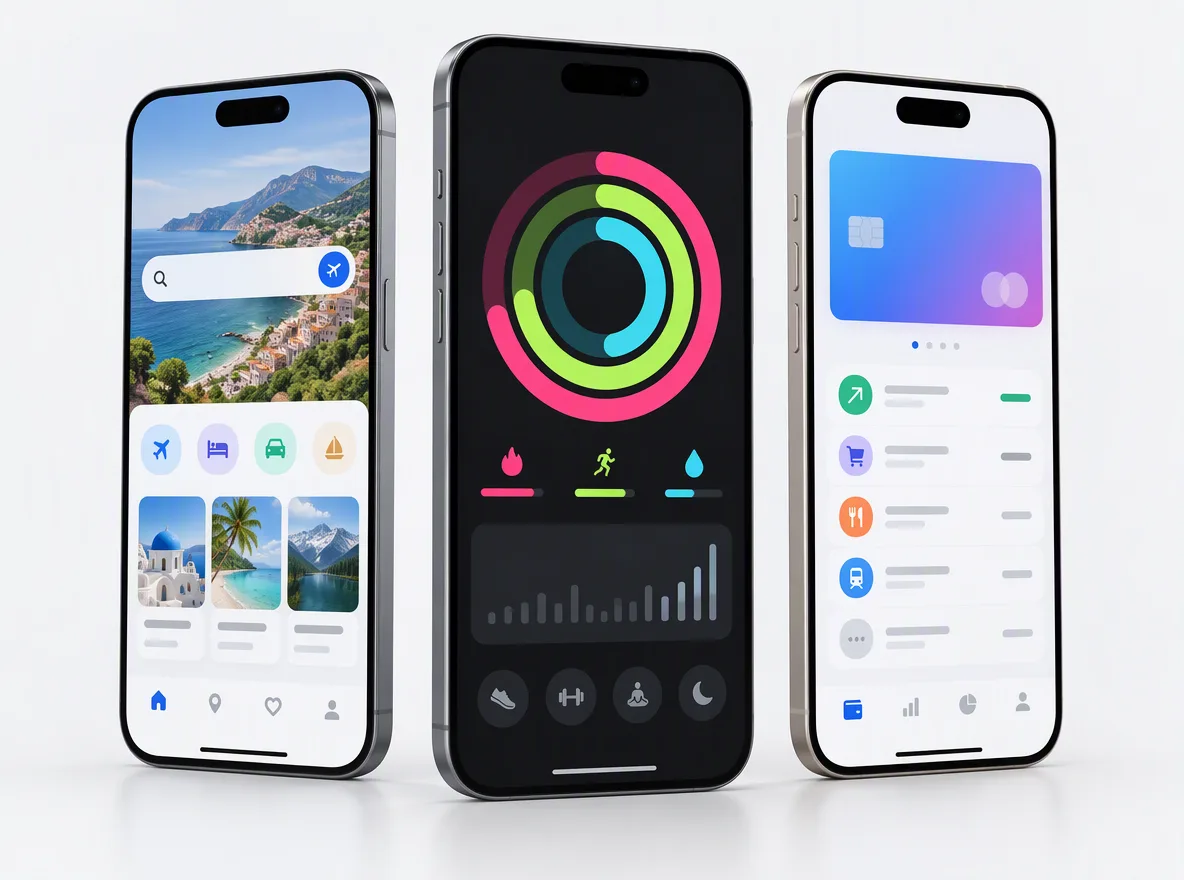
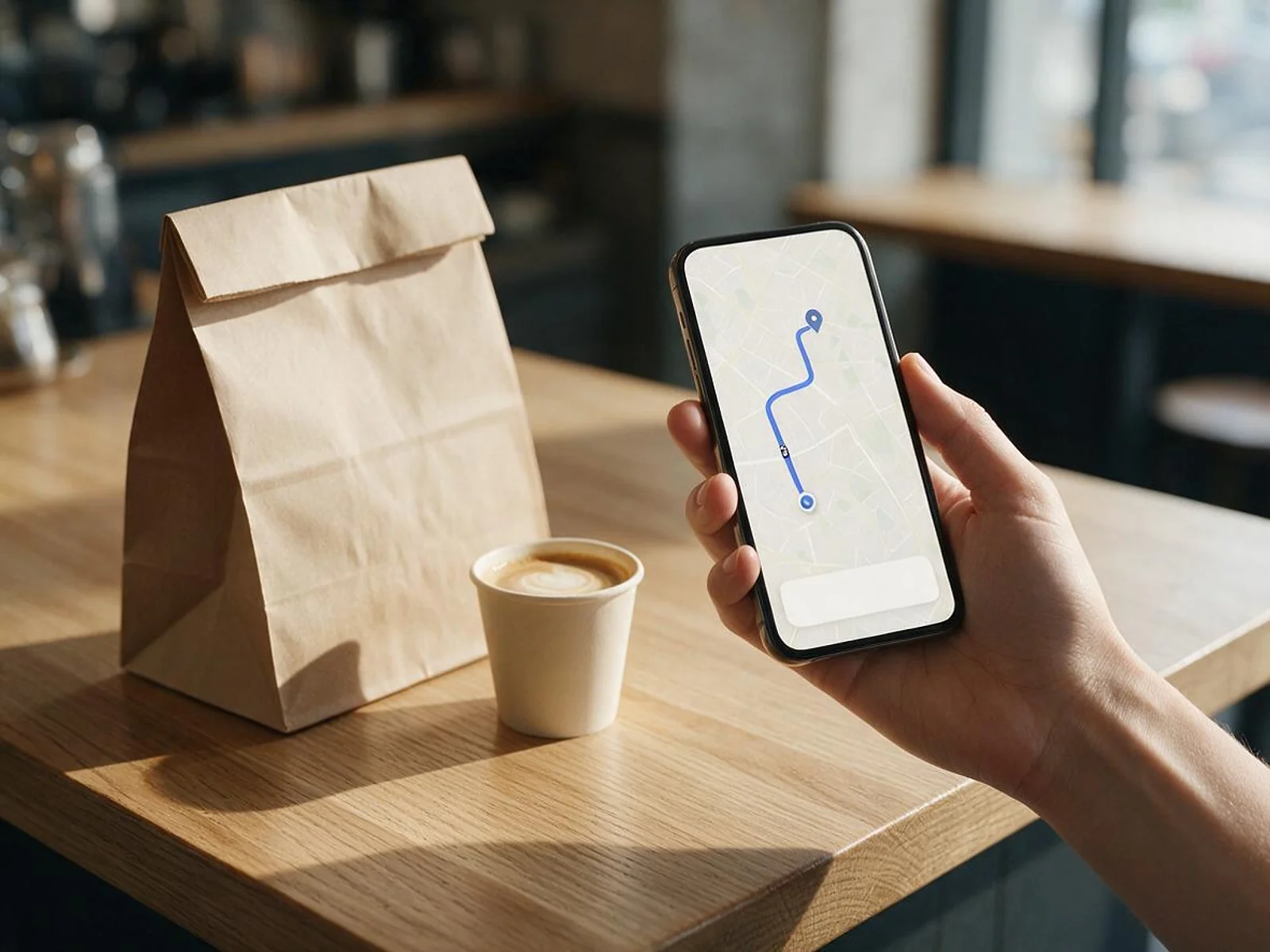
Browse, search, cart, checkout with Apple Pay, Google Pay or card, live order tracking, reorders, ratings and support.
FIG 01 · On-Demand App Development
Customer, store, courier and admin apps for food, grocery and on-demand services, engineered for the money flow and the maps bill, not just the screens.
See how it works
FIG 02 · Quick answer
Food delivery app development means building the customer app, store or restaurant app, courier app and admin panel that run an on-demand service. Elgrith builds these on iOS, Android and web, with live tracking, Stripe Connect split payouts, Apple-compliant checkout and Google Maps costs planned from the start, for single-store or multi-vendor models.
FIG 03 · Why it matters
From Apple’s App Review Guidelines, Stripe’s Connect docs and Google Maps Platform’s pricing pages, read on 23 Oct 2026.
01
3.1.3(e)
Apple: for physical goods or services consumed outside the app, you “must use purchase methods other than in-app purchase”, such as Apple Pay or card entry.
Source: Apple, App Review Guidelines 3.1.3(e) (read 23 Oct 2026)(opens in a new tab)02
Split payouts
Stripe Connect lets a marketplace collect payments and “automatically pay out a portion to sellers or service providers”, after each connected account is onboarded and verified.
Source: Stripe docs, Connect (read 23 Oct 2026)(opens in a new tab)03
1 Mar 2025
Google “replaced the USD $200 monthly recurring credit with a free monthly usage threshold” for each core SKU, so every map load and route above the cap is billed.
Source: Google Maps Platform, March 2025 changes (page updated 21 Oct 2026)(opens in a new tab)FIG 04 · Decide
The first decision shapes everything after it: the payments set-up, the admin panel, onboarding and support. Here is how the three common models compare.
| Single-store or chain app | Multi-vendor marketplace | White-label script | |
|---|---|---|---|
| Who sells | You: one restaurant group, grocer or service brand | Many independent stores or providers | Whoever buys the licence |
| Payments | Payments into your own account | Split payouts to stores and couriers (Stripe Connect or similar) | Whatever the script supports |
| Hardest part | Integrating your POS, stock and kitchen | Vendor onboarding, verification, payouts and disputes | Changing anything the script didn’t plan for |
| Code ownership | Yours | Yours | Usually a licence, not ownership |
| Best for | Brands moving orders off aggregator apps | Founders building a local delivery platform | A quick demo, rarely a business |
Many platforms start single-store or single-city and add vendors later. We design the data model so that move doesn’t need a rewrite.
Starting small? MVP developmentFIG 05 · What you get
Every on-demand service runs on four apps that share one back end. These are the parts we design and build, on iOS, Android and web.
01
02
03
04
05
06
07
08
Deliverables
11
FIG 06 · Other verticals
The same four-app pattern runs most on-demand services. What changes is the booking, the rules and the hand-off.
FIG 07 · Food
Food is the hardest on-demand vertical: orders are small, time-critical and full of options. These are the features a food delivery app development company has to get right.
06principles
Sizes, add-ons, combos, dietary tags and allergens, with prices and availability per store and time of day.
ASAP or scheduled orders, prep-time estimates, busy-mode throttling and opening hours per store.
Promo codes, first-order offers, free delivery thresholds and loyalty, with the rules testable before launch.
Ratings for the food and the delivery, kept separate so stores aren’t blamed for late couriers.
A tablet or screen view of incoming orders with timers, in place of a printer and a ringing phone.
Orders sent into the restaurant’s POS and menus synced back, through the POS vendor’s API.
API integrationFIG 08 · Grocery
Grocery orders are big baskets from live stock. The app has to cope with what is actually on the shelf.
04principles
Products, prices and stock synced from your inventory or POS system, with search that copes with thousands of items.
Customers set substitution preferences; pickers propose swaps and customers approve them in the app.
Slots with capacity per zone and time, released and closed automatically.
A picker view ordered by aisle, with barcode scanning and weight-priced items adjusted at the shelf.
FIG 09 · Payments
In a delivery app, every order pays three parties: the platform, the store and the courier. We design that money flow first.
05principles
Food and grocery orders are physical goods, so iOS apps use Apple Pay or card payments, not in-app purchase.
Customer payments split between the platform fee, the store and the courier, with each store and courier onboarded and verified as a connected account.
Tips passed to couriers in full, plus partial refunds and missing-item credits that adjust each party’s share correctly.
For launches in India, UPI and cards through Razorpay or a similar gateway, with split settlements to vendors where the gateway supports them.
Stripe, PayPal, Razorpay and others, set up and tested.
Payment gateway integrationFIG 10 · Maps
Maps are a running cost, not a one-off. Since 1 Mar 2025, Google Maps Platform gives each core SKU a free monthly cap (on most SKUs 10,000 events for Essentials, 5,000 for Pro and 1,000 for Enterprise) and bills every event above it. Checked 23 Oct 2026 on Google’s pricing page (USD): Dynamic Maps then costs $7.00 per 1,000 loads and Compute Routes Essentials $5.00 per 1,000 requests, at the first volume tier.
04principles
Every customer opening the tracking screen can be a billable map load. We load maps only where they help and cache what we can.
Route and ETA requests for dispatch and tracking, batched and cached rather than recalculated every few seconds.
Courier location sent at sensible intervals, which saves battery as well as server and map costs.
Google Maps Platform or Mapbox, chosen on your coverage, volume and features, with costs modelled per order before launch.
FIG 11 · Take-over
Another team started your delivery app and it stopped short of launch? We begin with a code audit: what works, what is missing, what must be rebuilt, and whether the payments and maps set-up will survive real order volumes.
04principles
Apps, back end, database and hosting reviewed, with findings ranked by risk in a written report.
Payment flows, card data handling, auth and admin permissions checked before anything goes live.
The missing features and fixes, scoped and quoted, then built in sprints with weekly demos.
OS updates, store review changes and fixes, under a maintenance plan.
Mobile app maintenanceFIG 12 · Plan
Guides and pages that help you budget, choose a back end and pick where the work happens.
04principles
App development for Gurugram, served from our New Delhi HQ.
App development, GurugramPOS, stock, CRM and courier-fleet APIs, integrated and tested.
API integrationFIG 13 · Process · 6 steps
A fixed written quote after a free call, then a staged build: discovery, an MVP for one city or one store, a pilot with real orders, and scale. Weekly demos throughout. You own the code and IP.
Tell us the model, the city and the vendors you have in mind. We ask about payments, couriers, maps and margins, not just the screens.
Single-store or multi-vendor, the money flow, the integrations (POS, stock, payments, maps) and a running-cost model per order.
A written scope and a fixed quote for the MVP, with the phases and what each one delivers, before any work starts.
Customer, store, courier and admin apps for the core order flow, built in sprints with a demo every week.
Real orders with a small group of stores and couriers, with payouts, tracking and support checked under real conditions, then App Store and Google Play release.
More vendors, zones and features, with OS updates, store review changes and fixes covered under terms agreed in your written scope.
FIG 14 · What you get
Written into your fixed quote, so you know exactly what you are paying for before work starts.
11items
FIG 15 · Tech & tools
Proven, well-supported tools, chosen for your project and set up in accounts your business owns.
FIG 16 · Who it’s for
A platform you own, built around your model, with payments and running costs planned before launch.
3 audiences
Founders
Multi-vendor food, grocery or service marketplaces, starting with one city and a small group of stores, built so more vendors and zones don’t need a rewrite.
Restaurant and grocery groups
A branded ordering app for your restaurants or stores, with your POS and stock systems integrated, delivery by your couriers or a third-party fleet, and customer data you keep.
India
Apps built at our New Delhi HQ for India, with UPI and Razorpay payments, regional languages where you need them, and maps costs modelled for your cities.
FIG 17 · Working with us from the USA and UK
Every project gets a point of contact in New York or London and an engineering team in New Delhi. Here is how today’s working days line up, live.
New York
North America
--:--ET
London
UK & Europe
--:--UK
Fixed-scope project
A written scope, one fixed price and a dated plan. Suits websites, apps and MVPs.
Dedicated team
Designers and engineers on your roadmap every month, billed monthly.
White label
For US and UK agencies: our work, your brand, unbranded deliverables.
Calls on ET or UK hours
FIG 18 · Running costs
We don’t publish build prices. These are the costs that keep running after launch, so you can model them per order before you choose a design.
| Cost | What drives it | How we keep it down |
|---|---|---|
| Maps and routing | Map loads, route and ETA requests, geocoding, above each SKU’s free monthly cap | Load maps only where needed, cache routes, sensible location intervals |
| Payment processing | Your provider’s fees on every order, plus payout and Connect fees | Choose the provider and payout model in discovery, not after launch |
| SMS and sign-in codes | Every one-time code and SMS order update | Push notifications first, SMS only where it matters |
| Hosting and database | Orders, live location updates and real-time connections | Right-sized infrastructure that scales with order volume |
| App stores | Apple and Google developer accounts and review changes | Releases planned around store review |
Check each provider’s own pricing page before you commit; prices change. The Google Maps Platform figures on this page come from Google’s Maps Platform pricing page (USD, page updated 21 Oct 2026), checked on 23 Oct 2026.
Budgeting the build? Our MVP development cost guide for 2026FIG 19 · Compare
| Flutter | React Native | Native (Swift and Kotlin) | |
|---|---|---|---|
| Codebases | One for iOS and Android | One for iOS and Android | One per platform |
| Maps and background location | Mature plugins | Mature libraries | Full platform control |
| Best for | Four apps from one team, fast | Teams that already write React | Courier apps with heavy background work |
| Our page | Flutter app development | React Native app development | App development |
FAQ
Straight answers about On-Demand App Development with Elgrith.
We don’t publish prices, because cost depends on scope: how many of the four apps you need, single-store or multi-vendor, the integrations (POS, stock, payments, maps) and how many cities you launch in. Budget for running costs too: maps and routing, payment fees, SMS and hosting all grow with orders. After a free call you get a written scope and a fixed quote.
FIG 20 · Related
Free 30-minute call
Tell us the model, the city and the vendors you have in mind, or the app another team left unfinished. After a free call you get a written scope and a fixed quote.
Pick a day. You'll choose a time in your own time zone on the next step.