01
UX research
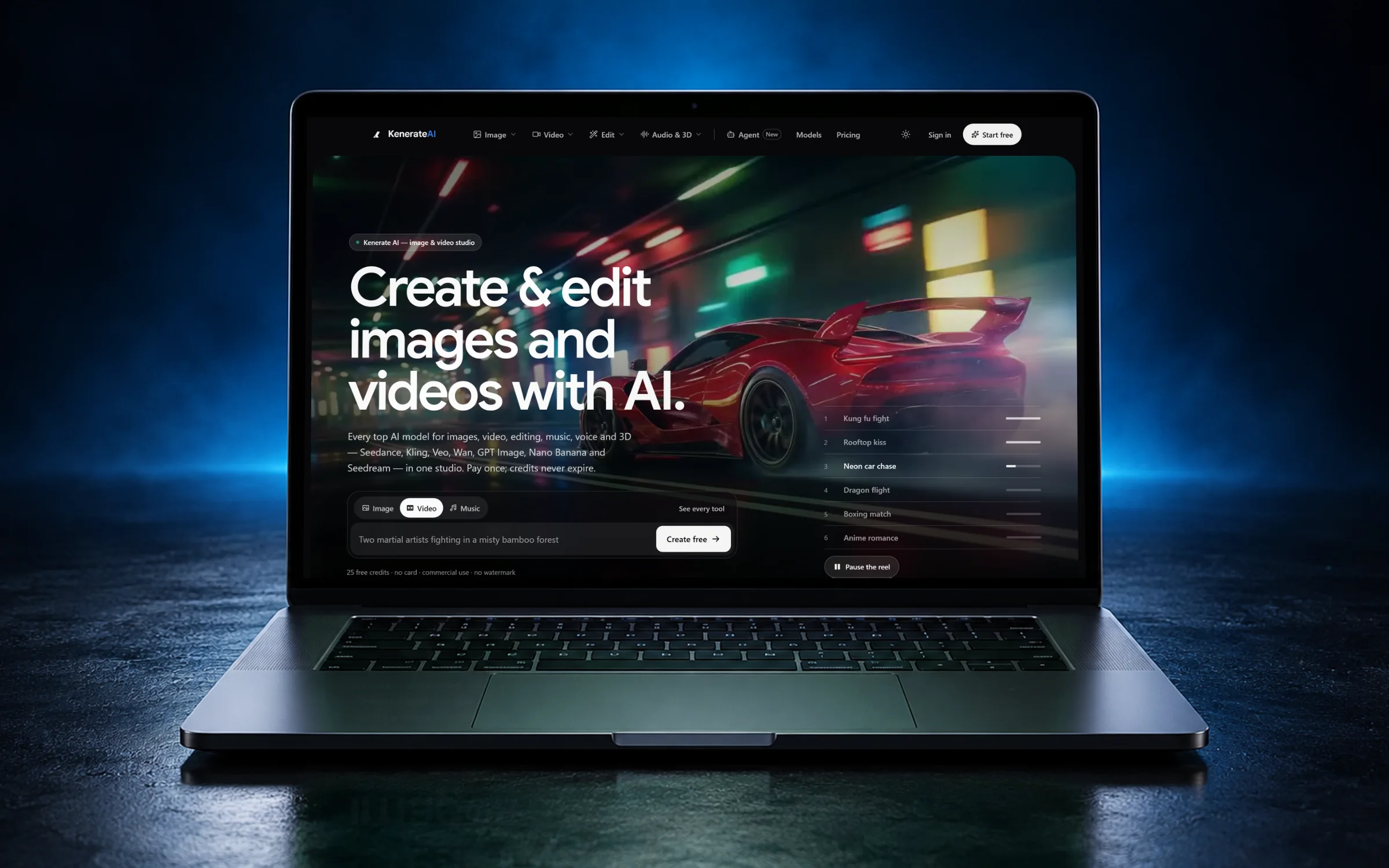
Interviews, competitor teardowns and analytics review, so the design starts from what users need, not a guess.
FIG 01 · Mobile App Design
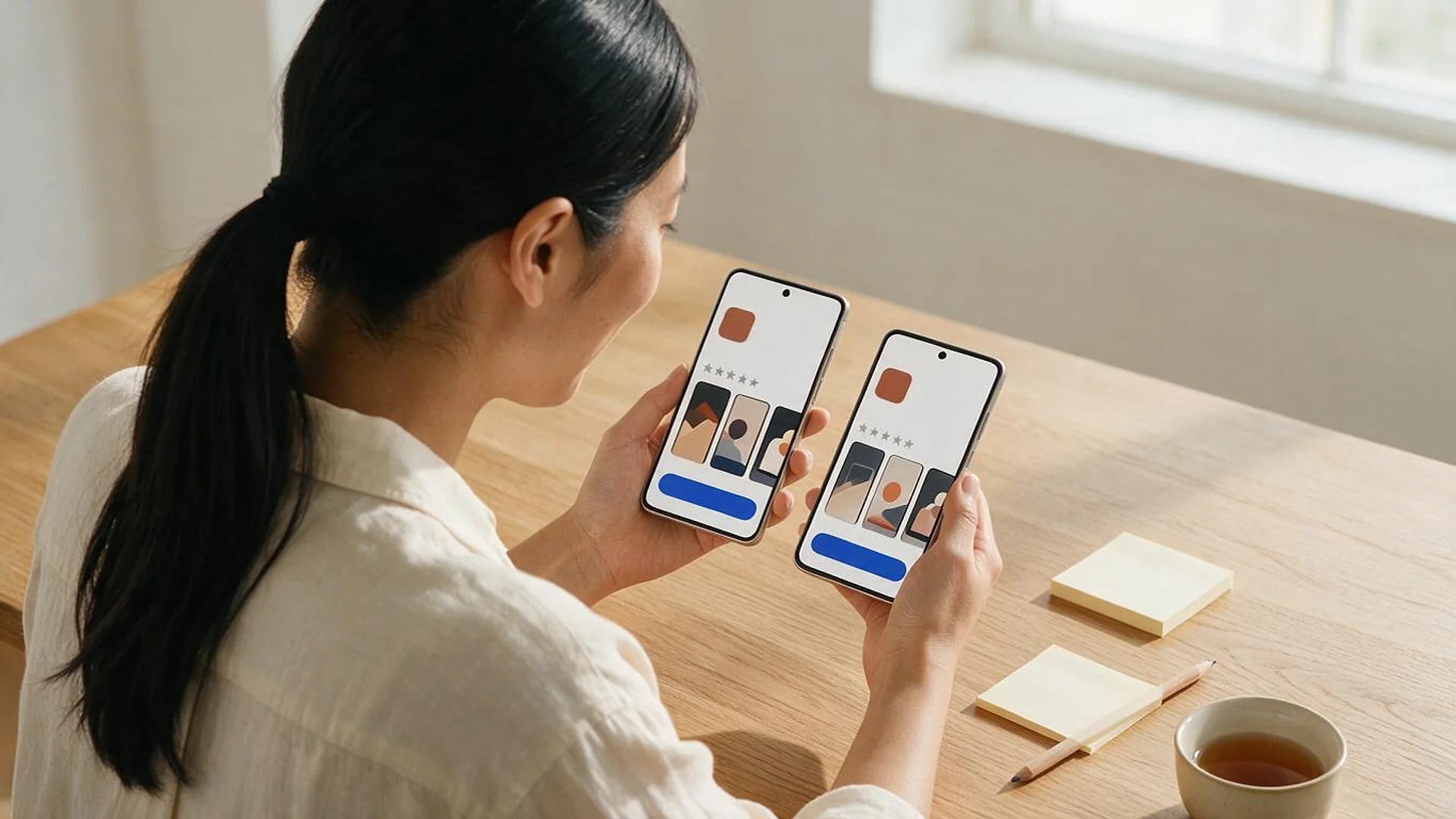
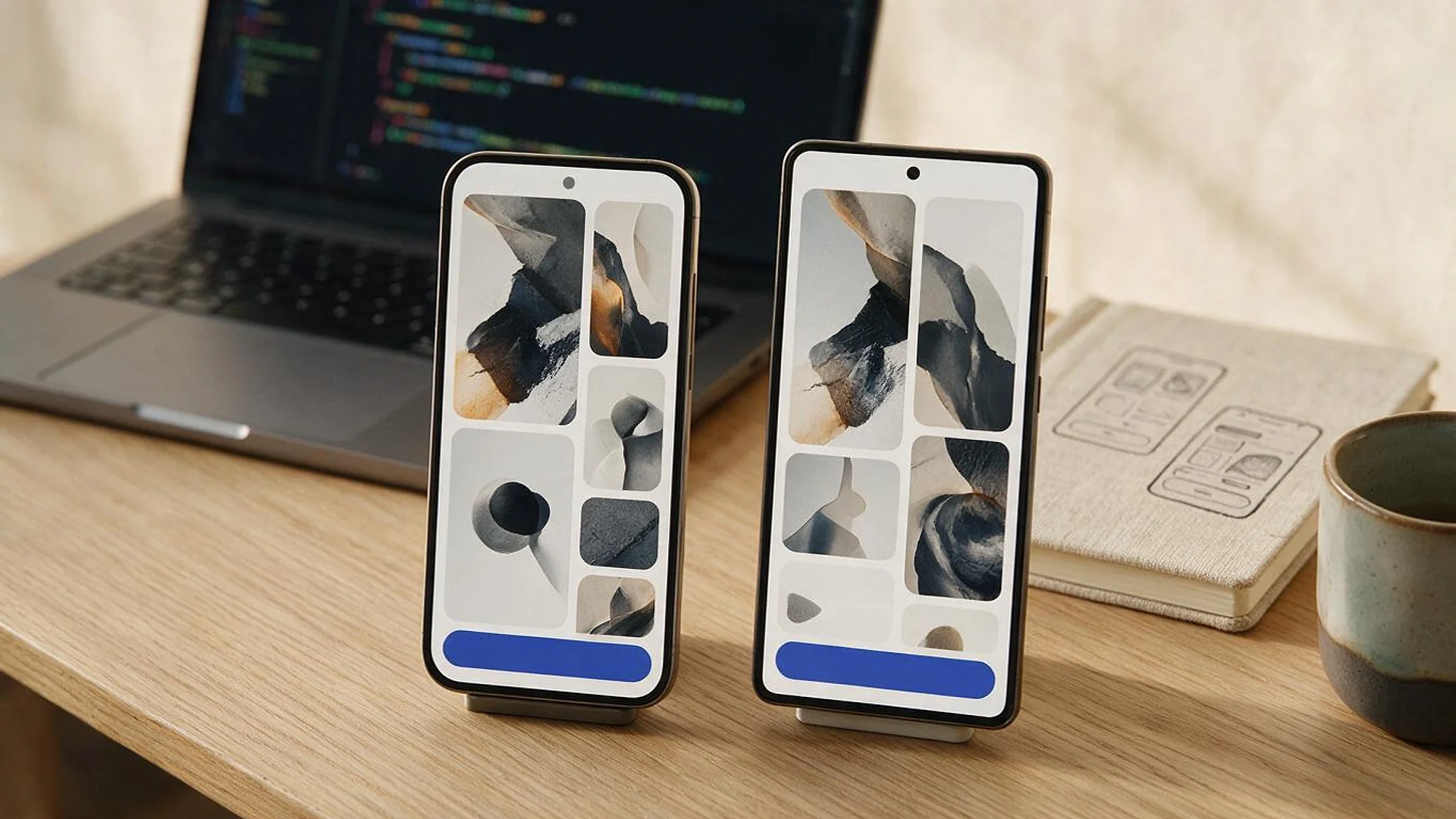
UX research, user flows, UI design, prototypes and design systems for iOS and Android apps, designed to Apple’s and Android’s published rules and WCAG 2.2, then built by the same team if you want.
See how it works
FIG 02 · Quick answer
Mobile app design services turn an app idea into tested user flows, screens and a prototype that developers can build. Elgrith designs iOS and Android apps to Apple’s Human Interface Guidelines, Material Design and WCAG 2.2, hands over a structured Figma file with tokens and component states, and can build the app too.
FIG 03 · Why it matters
From Apple’s Human Interface Guidelines, Android Developers and Apple’s App Review Guidelines, read on 23 Oct 2026.
01
44×44 pt
Apple’s HIG lists 44×44 pt as the default control size on iOS and iPadOS, with 28×28 pt as the minimum, and asks designers to “strive to meet the recommended minimum control size for each platform”.
Source: Apple Human Interface Guidelines, Accessibility(opens in a new tab)02
48×48 dp
Android: “we recommend that each interactive UI element have a focusable area, or touch target size, of at least 48dp×48dp.”
Source: Android Developers, make apps more accessible (updated 19 Oct 2026)(opens in a new tab)03
4.2
Apple’s guideline 4.2: “Your app should include features, content, and UI that elevate it beyond a repackaged website.” Design decides much of that before a line of code.
Source: Apple App Review Guidelines (updated 16 Oct 2026)(opens in a new tab)FIG 04 · Rules
Three sources, three units. We design every tappable element to the largest one that applies to your platforms.
| Source | Size | What it says | How we apply it |
|---|---|---|---|
| Apple HIG (iOS, iPadOS) | 44×44 pt default; 28×28 pt minimum | Default and minimum control sizes | 44×44 pt for primary controls |
| Android Developers | 48×48 dp | Recommended touch target size | 48×48 dp for every interactive element |
| WCAG 2.2, SC 2.5.8 (AA) | 24×24 CSS px | Minimum target size for pointer inputs | The floor for web views and tight toolbars |
Apple HIG Accessibility (latest change 9 Jun 2025), Android Developers accessibility guide (updated 19 Oct 2026) and W3C Understanding SC 2.5.8 (updated 11 May 2026), all read 23 Oct 2026.
Accessibility audits for your web and app: website accessibilityFIG 05 · What you get
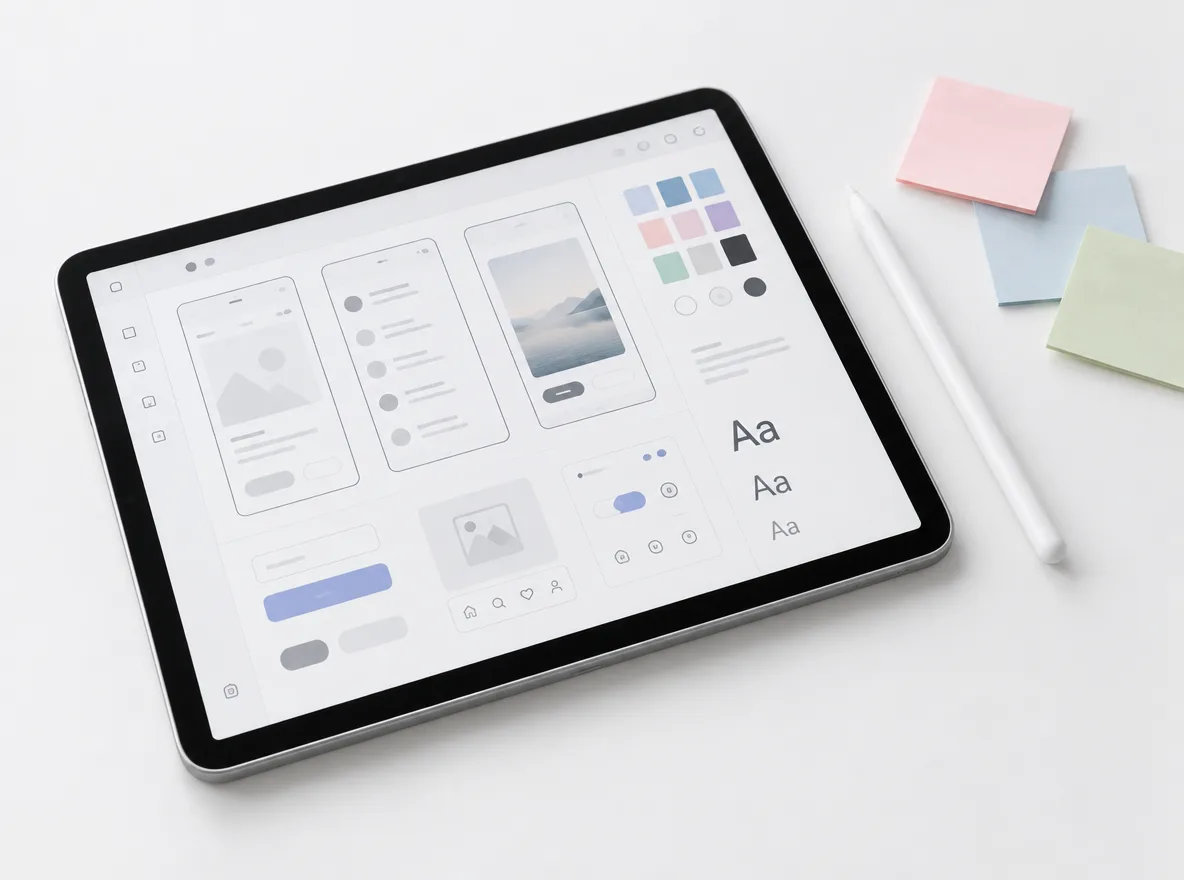
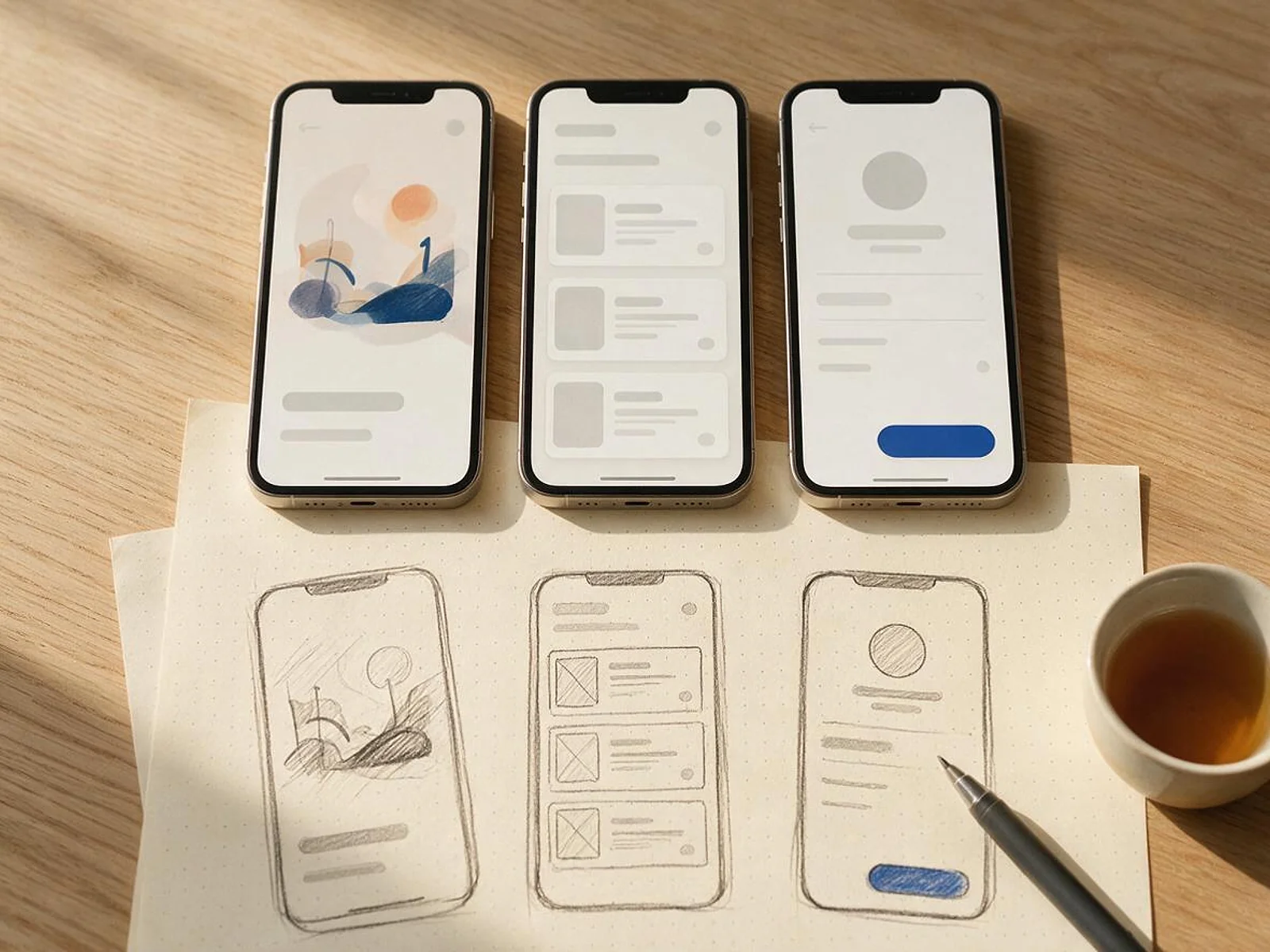
From the first interview to the file your developers build from: research, flows, screens, a prototype people have tested, and a design system that keeps the app consistent as it grows.
01
02
03
04
05
06
07
08
Deliverables
11
FIG 06 · Hand-off
Most design studios hand over screens. We hand over a file developers can build from without guessing.
FIG 07 · Flagship build
Kenerate AI is our flagship build, an all-in-one AI studio we designed and engineered. Dozens of tools share one interface, one login and one credit balance, so the design work was keeping a very large product simple to use.
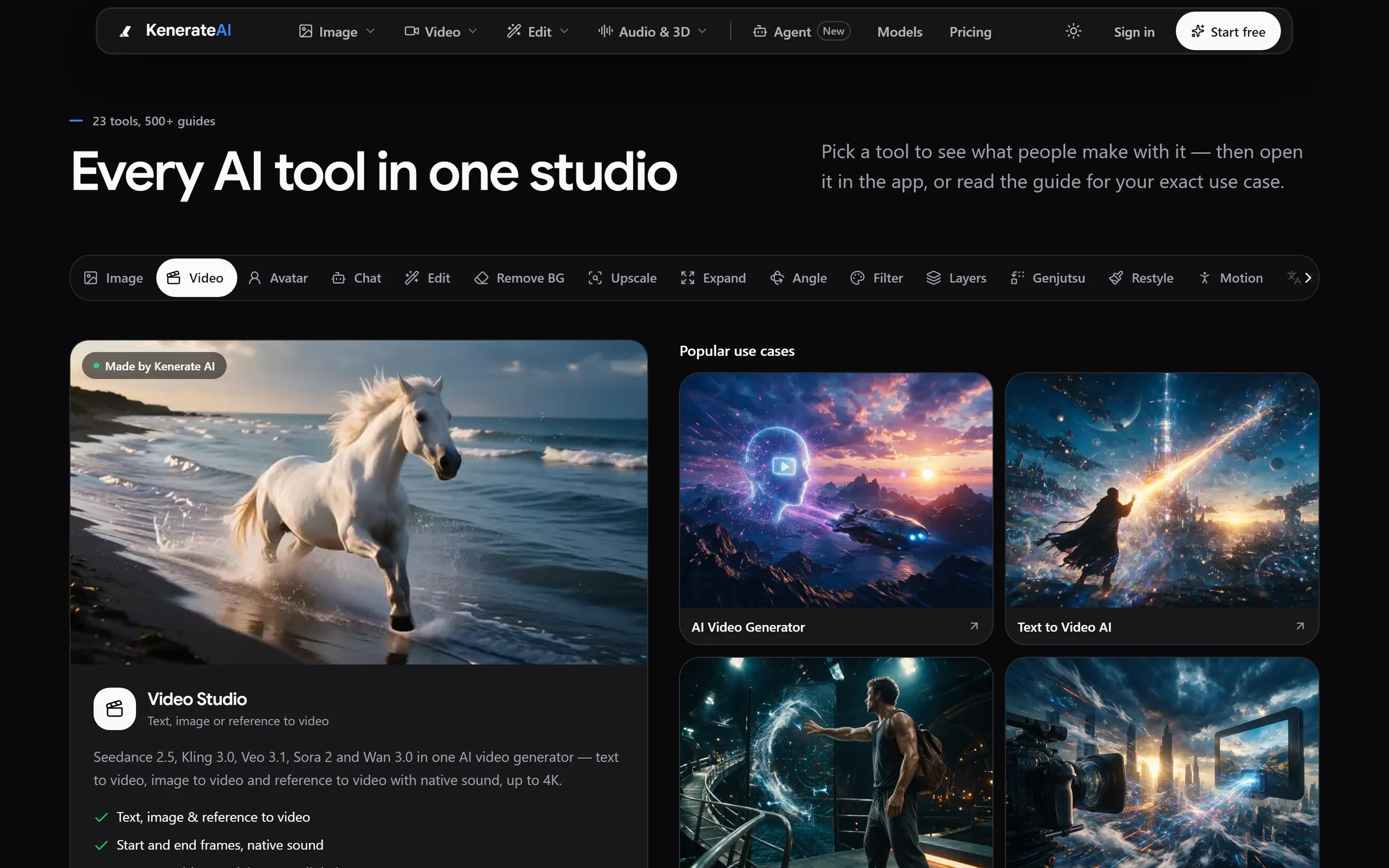
Tools: 23+ studios with guides for every use caseDesigned and engineered by Elgrith
FIG 08 · UI/UX
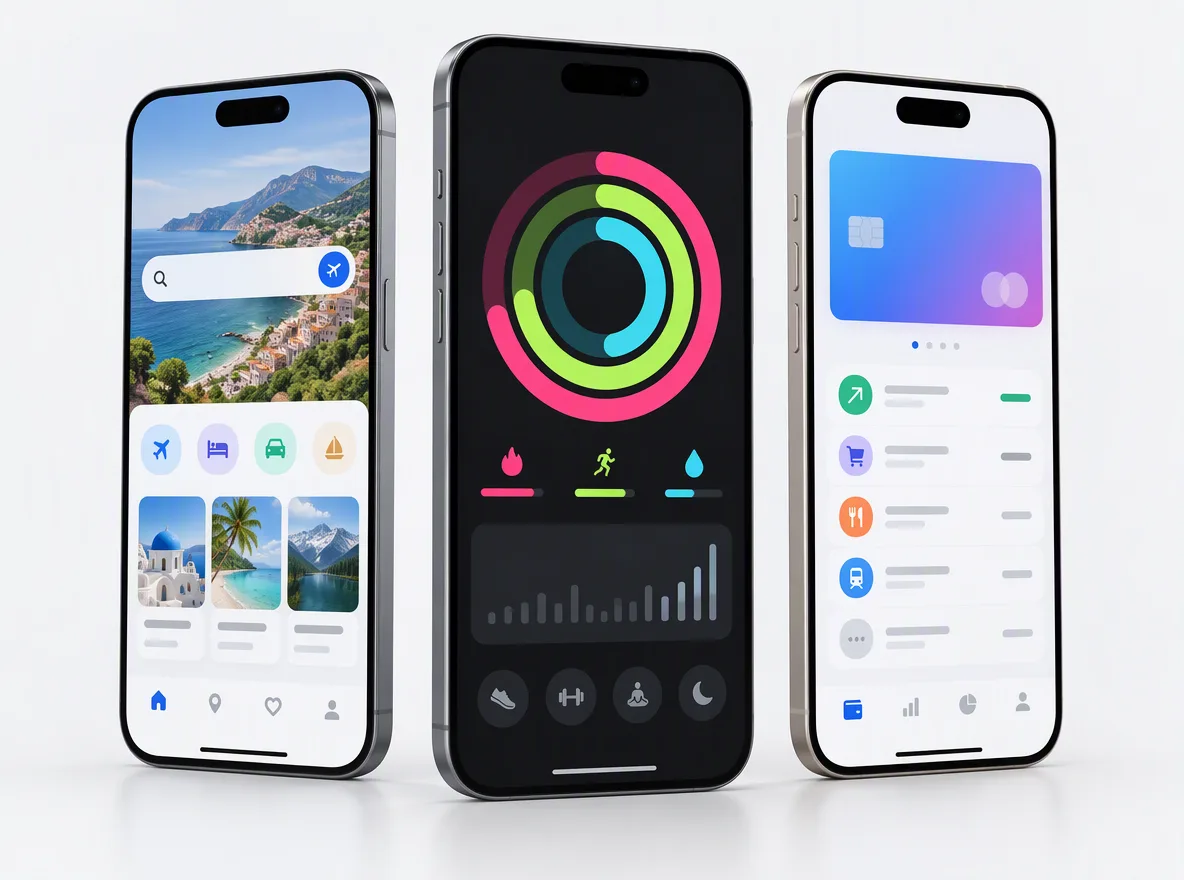
UX decides what the app does and in what order. UI decides how each screen looks and feels. We do both, and we design each platform to its own conventions.
06principles
Research, information architecture, user flows and wireframes: the decisions that make an app easy before it is pretty.
Visual design, components, motion and dark mode, built on design tokens.
Designed to Apple’s Human Interface Guidelines, with SF Symbols, Dynamic Type and native navigation patterns.
Material Design 3 components, Material You colour and adaptive layouts for phones, foldables and tablets.
Contrast, text scaling, screen reader labels and target sizes checked in the design file.
Website accessibilityChat, generation and AI search screens that set honest expectations.
Generative AI developmentFIG 09 · Build
Many design studios hand the file to someone else to build. We can build it ourselves, so nothing is lost between design and code.
06principles
FIG 10 · Choose
Ask every app design agency on your list the same six questions, including us.
06principles
Expect named sources and numbers: Apple HIG, Android guidance and WCAG 2.2, not “best practices”.
Ask what was tested, with whom, and what changed because of it.
A hand-off list: Figma structure, tokens, states, annotations and assets.
If development is outsourced, ask who answers when the design and code disagree.
The Figma files and IP should be yours, in your organisation.
Ask how they handle guideline 4.2 and incomplete or placeholder screens.
FIG 11 · Measurement
Measured in usability sessions and design reviews, against goals agreed with you. No invented benchmark numbers.
| Check | What it tells you | How we check it |
|---|---|---|
| Task success | Whether people can finish the main jobs | Usability sessions on the prototype |
| Touch targets | Whether controls fit real thumbs | Checked against 44 pt, 48 dp and 24 CSS px |
| Contrast | Whether text is readable in light and dark mode | Contrast checks on every token pair |
| Text scaling | Whether layouts survive large text sizes | Screens checked at large Dynamic Type and font scale |
| State coverage | Whether developers have every state they need | Component review: empty, loading, error, disabled |
| Review risk | Whether the app does more than a repackaged website | Checked against App Review guideline 4.2 |
Targets are set with you after research and reviewed in the weekly demos.
FIG 12 · Process · 6 steps
A fixed written quote after a free call, design sprints with weekly reviews, and a prototype tested with real users before development starts. You own the files and IP.
Tell us what you want to build or fix. We ask about users, data, integrations and deadlines before we talk about tools.
Your idea, users, competitors and any existing app or brand. For a redesign: analytics, store reviews and support tickets, so we fix what users actually struggle with.
A written scope, a fixed quote and the plan for hand-over, before any work starts.
Design sprints in your Figma organisation: flows and wireframes first, then UI, with a review every week.
A tested prototype and a hand-off session with your developers, or with ours if we build the app.
Design support during the build, and new screens added to the design system as the app grows.
FIG 13 · What you get
Written into your fixed quote, so you know exactly what you are paying for before work starts.
11items
FIG 14 · Tech & tools
Proven, well-supported tools, chosen for your project and set up in accounts your business owns.
FIG 15 · Who it’s for
New apps, redesigns and design systems, with the same rules: tested with users, built to platform guidance, files yours.
3 audiences
Founders
Research, flows and a tested prototype you can show investors, then a build plan for the smallest version worth launching.
Product teams
We start from your analytics, store reviews and support tickets, fix the flows that lose people and leave you a design system.
UK teams
Looking for an app design agency in London or the UK? UK projects run through our London client partner, with design and engineering at our New Delhi HQ. We write in UK English and design data handling around UK GDPR.
FIG 16 · Working with us from the USA and UK
Every project gets a point of contact in New York or London and an engineering team in New Delhi. Here is how today’s working days line up, live.
New York
North America
--:--ET
London
UK & Europe
--:--UK
Fixed-scope project
A written scope, one fixed price and a dated plan. Suits websites, apps and MVPs.
Dedicated team
Designers and engineers on your roadmap every month, billed monthly.
White label
For US and UK agencies: our work, your brand, unbranded deliverables.
Calls on ET or UK hours
FIG 17 · Cost and timeline
We don’t publish rates. These are the things that change how much app design costs and how long it takes.
| Driver | Takes longer and costs more | Faster and leaner |
|---|---|---|
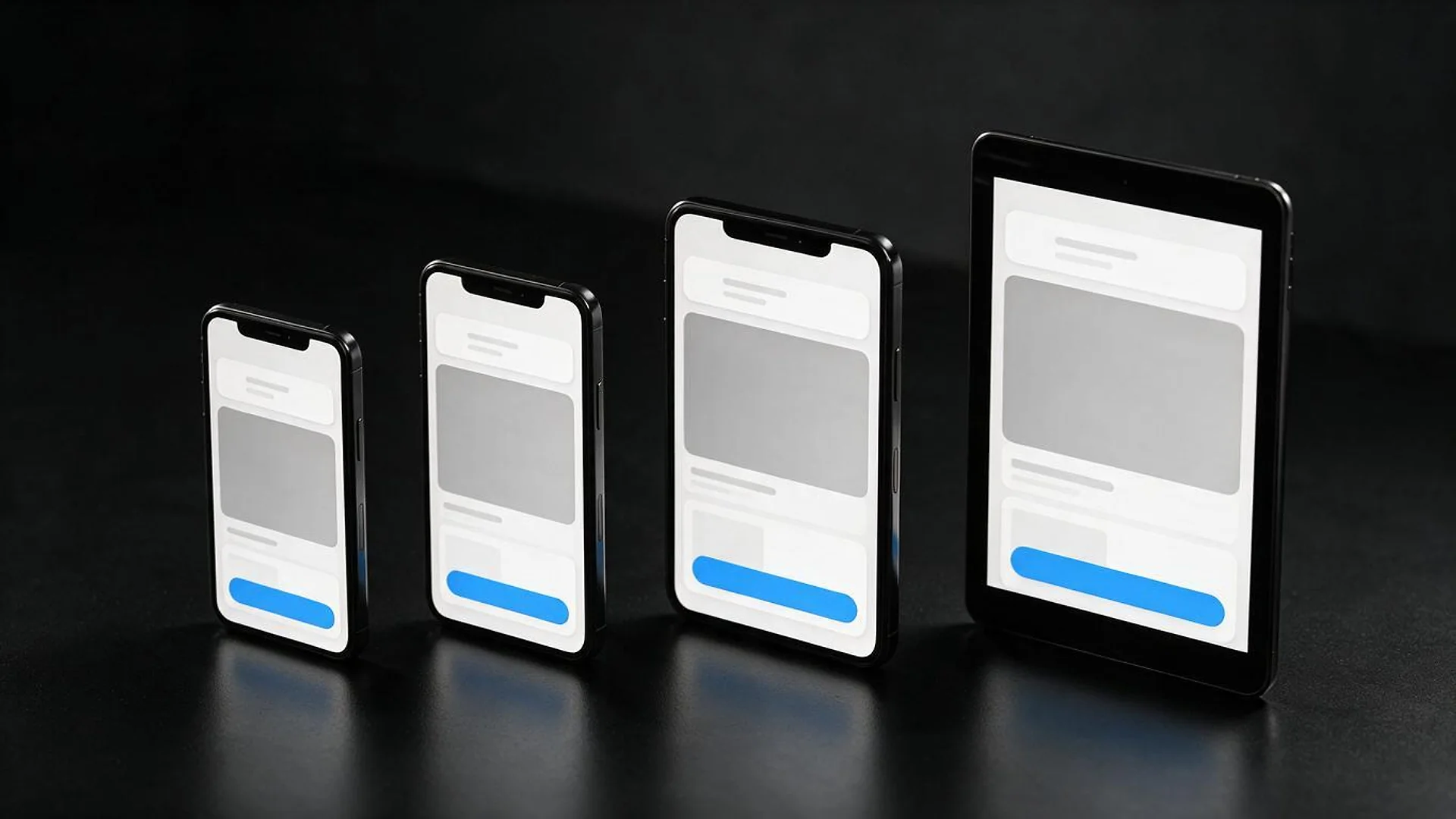
| Platforms | Separate iOS and Android designs | One design system adapted per platform |
| Screens and flows | Many roles, flows and edge cases | One core flow for an MVP |
| Research | Interviews and several test rounds | One round of prototype testing |
| Design system | Full component library with tokens | Core components only |
| Starting point | Brand and product from scratch | An existing brand or app to improve |
FIG 18 · Compare
| One design system, adapted per platform | Fully separate iOS and Android designs | Identical design on both | |
|---|---|---|---|
| Best for | Most apps, especially cross-platform builds | Apps where native feel is the product | Internal tools with a fixed audience |
| Navigation and controls | Platform patterns where users expect them | Fully native on each | The same everywhere |
| Design effort | Moderate | Highest | Lowest |
| Risk | Low, if the differences are documented | Two systems drifting apart | Feels foreign on one platform |
| Fits | Flutter, React Native or native | Native iOS and Android | Any |
FAQ
Straight answers about Mobile App Design with Elgrith.
It depends on the platforms, the number of screens and flows, how much research and testing you need, and how complete the design system should be. We don’t publish rates; after a free call you get a written scope and a fixed quote. Our 2026 guide to app design cost explains the drivers.
FIG 19 · Related
Free 30-minute call
Tell us about your app idea, or the app your users complain about. After a free call you get a written scope, a design plan and a fixed quote.
Pick a day. You'll choose a time in your own time zone on the next step.